
Piloot3 - Minecraft Skins & Skin History
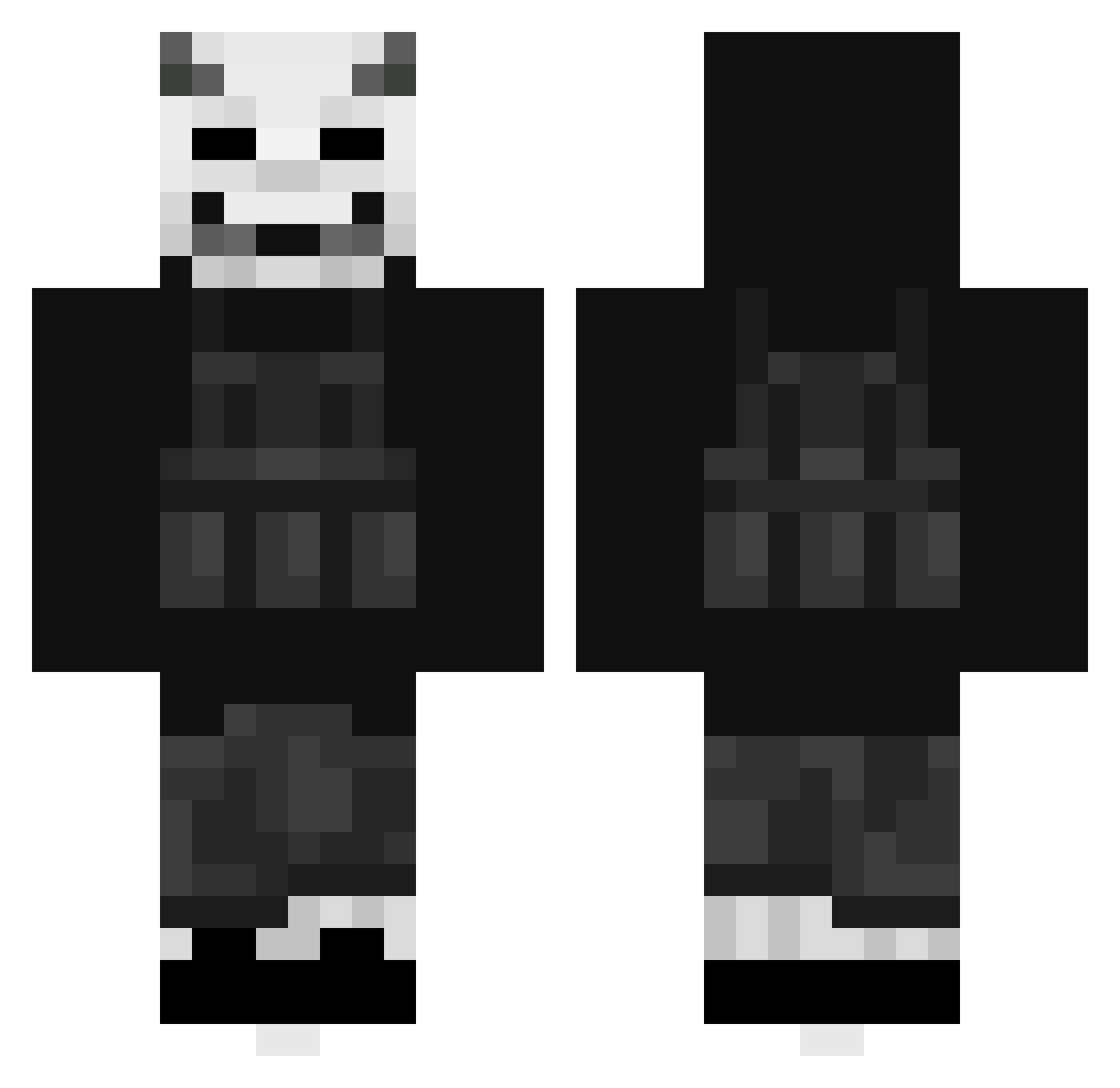
Current Minecraft skin of the player Piloot3, loaded from the official Mojang API. Rotate the 3D model with your mouse or finger, then download the skin as a PNG file and use it in Minecraft: Bedrock Edition or Java Edition for free. When Piloot3 changes their skin, this page updates automatically and the old skin stays in the history below.
Other players with this skin (404)
Piloot3 was the 317th player we have seen with this skin, first spotted on 07.10.2026. The same skin was seen on these players. Open a nickname to see their current skin and skin history.
 AngelDemonic zArthurKillerBR Txmpz98 Tsito21 Aoudad AkaSterben xHugooo OmgItsSpeedy SassyCascade968 lRacki PlumGuzzler LyxRoy Boereworslover s1ngl Lord_Hardy Sized_Merbs Adgoro tricksard iBrazeyy Arthurgamesx19 xQuerz Cderik EmpanadaQuantica Hilzuyerw My__Name__Chef XTV1 theLwiza M1rra_ Kuglof29 Salviiits CountHarder DHSGOD CachedHam olkkuplaysYT remarks22 FallenBeast2001 Gabimarudesu Car_King HornyLad SnowLovesYou Kanjo5977 karuku111 whippedfart J__S SOM1GD ESA_Warrior zGhostVN_ KittlyTikklmyas3 _Melvin24x Nat1027 Besedinoff marcuspow Nisijun2837 Zombotik kurki25 Boofusss luke2631 KamikaziSpud Gamer_choice Zelek_
More Demon Mask Minecraft skins
How to install the Piloot3 skin
- Press the Download button above to save the skin as a PNG file.
- Minecraft: Bedrock Edition (PE): open the Dressing Room from the main menu (or tap your character → Edit Character), go to Classic Skins → Owned, press the + (new skin) button, choose the downloaded PNG and pick the Classic (Steve) model. Works on PC and mobile; consoles cannot import custom skins.
- Minecraft: Java Edition: open the Minecraft Launcher, go to the Skins tab, click New Skin, load the PNG, pick the Classic (Steve) model and press Save & Use. You can also upload it at minecraft.net → Profile → Change Skin.
The skin does not show up after import - what should I do?
Restart Minecraft and open the Dressing Room again - imported skins sometimes appear only after a restart. Also make sure you selected the imported skin and picked the Classic (Steve) model.
Which model should I choose, Classic or Slim?
This skin is designed for the Classic (Steve) model. If you pick the wrong model, the arms of the skin will look stretched or squeezed.
Is the skin of Piloot3 free to download?
Yes. Press Download, save the PNG file and use it in Minecraft: Bedrock Edition or Java Edition - no payment or registration needed. The skin also works on multiplayer servers and Realms.
More skins
Looking for more? Go back to all Minecraft skins and check the top skins of the week, month and all time, or find any player's skin by nickname.