
Pikachu_ZZZ - Minecraft Skins & Skin History
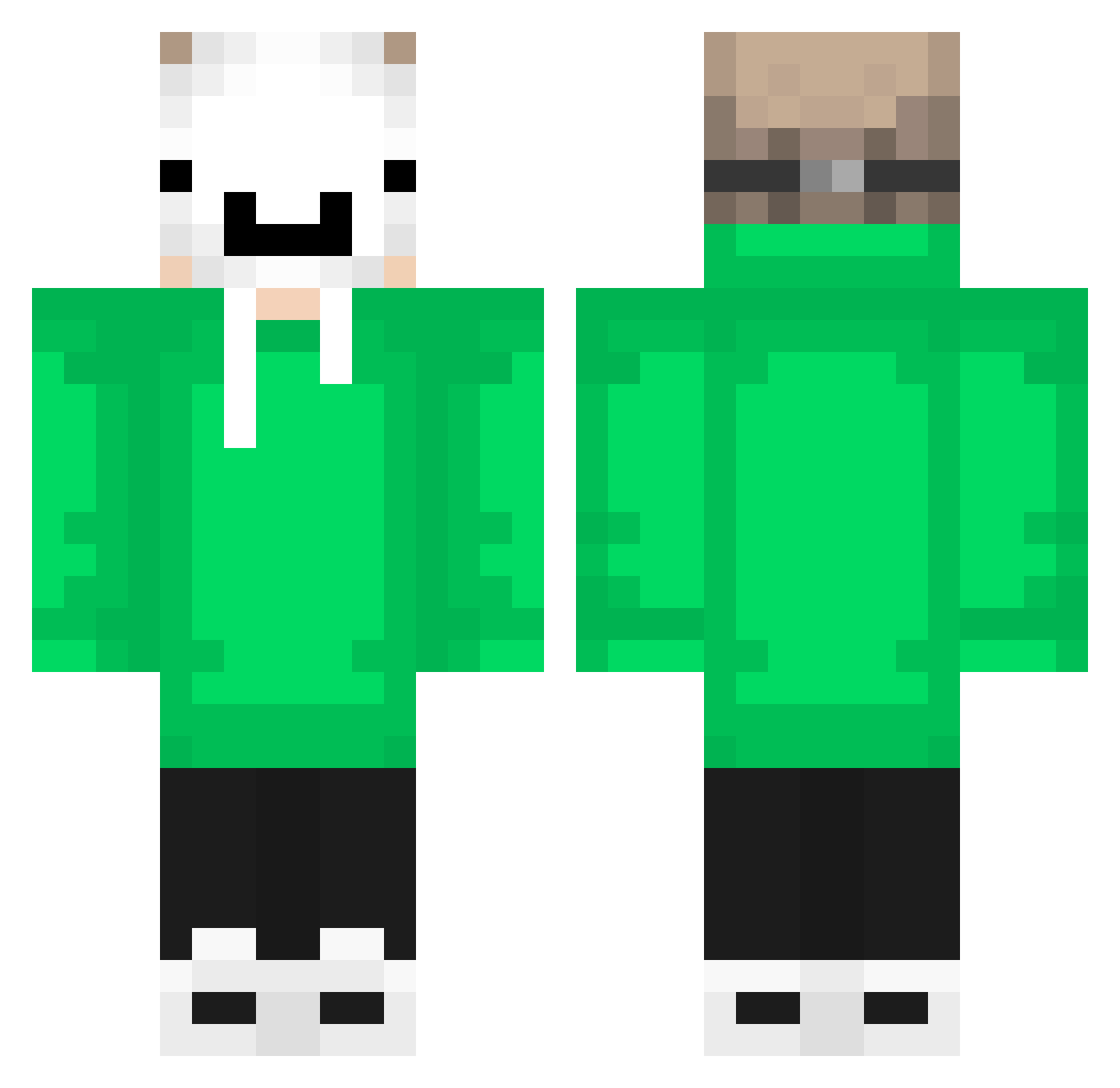
Current Minecraft skin of the player Pikachu_ZZZ, loaded from the official Mojang API. Rotate the 3D model with your mouse or finger, then download the skin as a PNG file and use it in Minecraft: Bedrock Edition or Java Edition for free. When Pikachu_ZZZ changes their skin, this page updates automatically and the old skin stays in the history below.
Other players with this skin (548)
Pikachu_ZZZ was the 486th player we have seen with this skin, first spotted on 13.10.2026. The same skin was seen on these players. Open a nickname to see their current skin and skin history.
 Alexoubis10 PhoenixGamer234 luixalanx123 MangJay CSNegrao6 poetiknight206 ShadowNjj Burzui_Official OGnj hasangamer123 Calebkern15 takomlii HawiW ByDream18 ArtemShestopal GATITO_PRO64 Papycool720 tsubas_0328 kousan1111 Ananasek656 willusa0327 UnTizioACaso DyeMaster1444 AlienHumanOP HerrWinkler09 RODRIGOpro HECKERTHEBRO2112 Suffixxx gtajsg xBluee07 GavioS ghano16 sumi2910 VaniaVerin Eduardo221 itzpouya123 chosenbin ALPHA0404 leon_113 joaquimde AsadAliJanGoO Ran_twil1 Samux764 istref14 larrroi Rievan YourkindabadB chewyplz2 Love_A keitoch Howard956 greysosaurus PayerX TeoKing2014 VinzlzD shoun1003 WTFYEAR Ali0182 nwr_Heckir_1nx M1ll14w
More Dream Minecraft skins
How to install the Pikachu_ZZZ skin
- Press the Download button above to save the skin as a PNG file.
- Minecraft: Bedrock Edition (PE): open the Dressing Room from the main menu (or tap your character → Edit Character), go to Classic Skins → Owned, press the + (new skin) button, choose the downloaded PNG and pick the Classic (Steve) model. Works on PC and mobile; consoles cannot import custom skins.
- Minecraft: Java Edition: open the Minecraft Launcher, go to the Skins tab, click New Skin, load the PNG, pick the Classic (Steve) model and press Save & Use. You can also upload it at minecraft.net → Profile → Change Skin.
The skin does not show up after import - what should I do?
Restart Minecraft and open the Dressing Room again - imported skins sometimes appear only after a restart. Also make sure you selected the imported skin and picked the Classic (Steve) model.
Which model should I choose, Classic or Slim?
This skin is designed for the Classic (Steve) model. If you pick the wrong model, the arms of the skin will look stretched or squeezed.
Is the skin of Pikachu_ZZZ free to download?
Yes. Press Download, save the PNG file and use it in Minecraft: Bedrock Edition or Java Edition - no payment or registration needed. The skin also works on multiplayer servers and Realms.
More skins
Looking for more? Go back to all Minecraft skins and check the top skins of the week, month and all time, or find any player's skin by nickname.