
Piesek32 - Minecraft Skins & Skin History
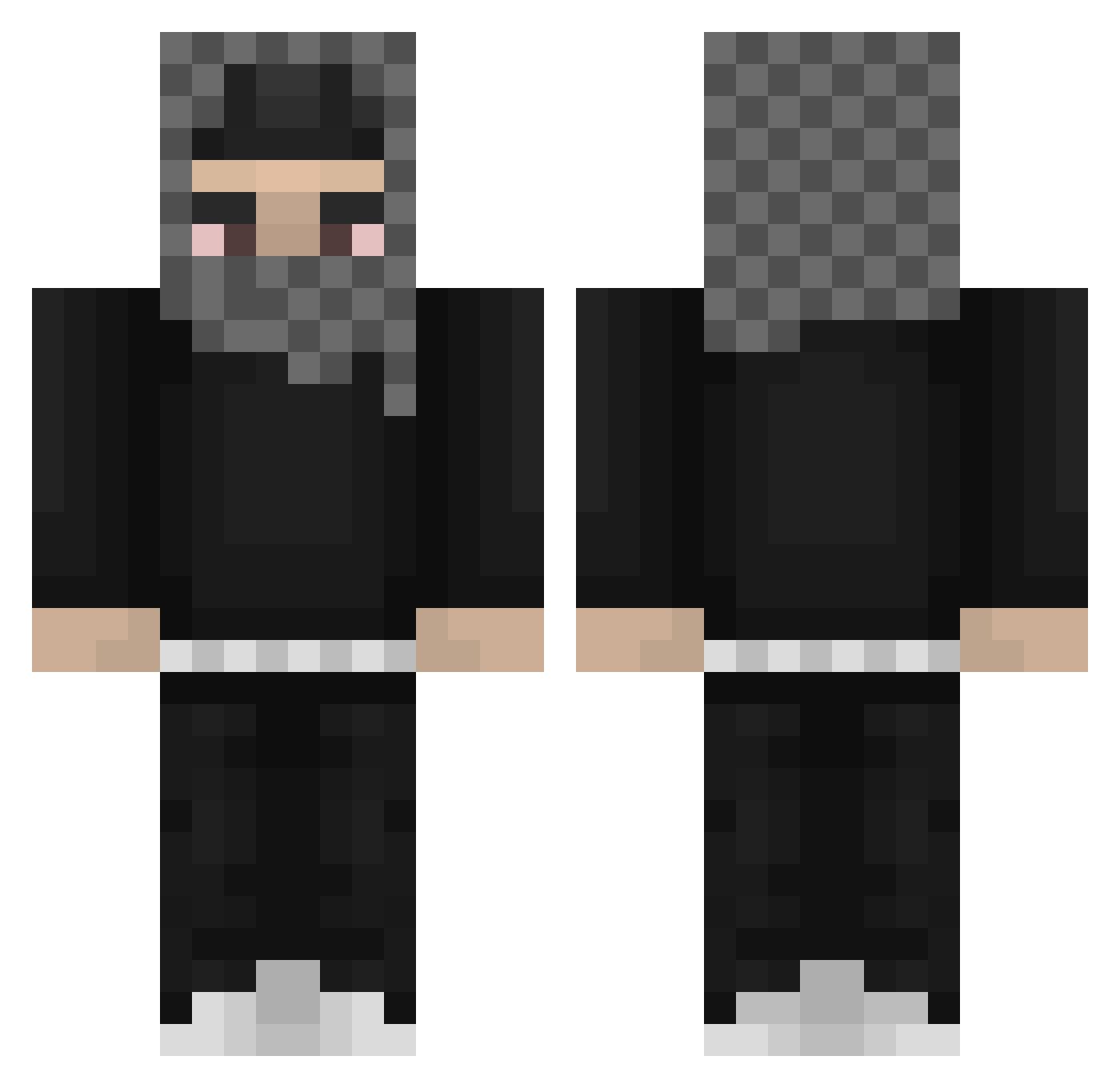
Current Minecraft skin of the player Piesek32, loaded from the official Mojang API. Rotate the 3D model with your mouse or finger, then download the skin as a PNG file and use it in Minecraft: Bedrock Edition or Java Edition for free. When Piesek32 changes their skin, this page updates automatically and the old skin stays in the history below.
Other players with this skin (812)
Piesek32 was the 203rd player we have seen with this skin, first spotted on 22.08.2026. The same skin was seen on these players. Open a nickname to see their current skin and skin history.
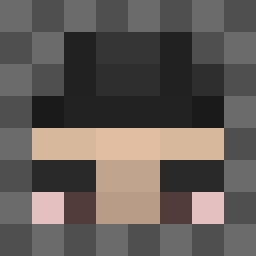 yeatgetbusy F33l_Lik3_Dyin xnoqu Subuj_Quqila botman90000 soulskully cactus1312 roguecorso Santuuxx_4L
 YMJCA Grzib420 Alibidog Inventando MightyShip 113iqgaming Flipflops5 KugelSantino321 amp42 PhilippoF11 iTyp ForgottenSins mi0sz69 KTK_Masters TempestKILLS saltyWake_ awsomepeople elev_enq Extryb12 Real03 Divayush RUSSIANBILLY338 _J_o_n_i_ k1kdels turekburek zazes CoNNoRv132 Tezcul SimplyJunk_ ReetRat LMDN usmelllikepoop XxTacoBoixX Twizzy_Richhh 808weezii Mikeawake Sirch99x BreezyGarrett eymens
 Niklas2202 Brodkins xxeertz yorganci Covert_Drip MNGorr reazyyyq notRNGbased Guerro_5K 63undpenglord StayUpSix borrow5racks
More Streetwear Minecraft skins
How to install the Piesek32 skin
- Press the Download button above to save the skin as a PNG file.
- Minecraft: Bedrock Edition (PE): open the Dressing Room from the main menu (or tap your character → Edit Character), go to Classic Skins → Owned, press the + (new skin) button, choose the downloaded PNG and pick the Classic (Steve) model. Works on PC and mobile; consoles cannot import custom skins.
- Minecraft: Java Edition: open the Minecraft Launcher, go to the Skins tab, click New Skin, load the PNG, pick the Classic (Steve) model and press Save & Use. You can also upload it at minecraft.net → Profile → Change Skin.
The skin does not show up after import - what should I do?
Restart Minecraft and open the Dressing Room again - imported skins sometimes appear only after a restart. Also make sure you selected the imported skin and picked the Classic (Steve) model.
Which model should I choose, Classic or Slim?
This skin is designed for the Classic (Steve) model. If you pick the wrong model, the arms of the skin will look stretched or squeezed.
Is the skin of Piesek32 free to download?
Yes. Press Download, save the PNG file and use it in Minecraft: Bedrock Edition or Java Edition - no payment or registration needed. The skin also works on multiplayer servers and Realms.
More skins
Looking for more? Go back to all Minecraft skins and check the top skins of the week, month and all time, or find any player's skin by nickname.