
Oskar2101 - Minecraft Skins & Skin History
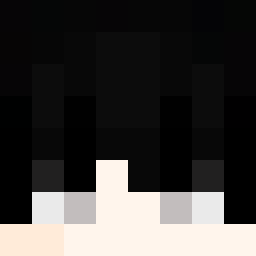
Current Minecraft skin of the player Oskar2101, loaded from the official Mojang API. Rotate the 3D model with your mouse or finger, then download the skin as a PNG file and use it in Minecraft: Bedrock Edition or Java Edition for free. When Oskar2101 changes their skin, this page updates automatically and the old skin stays in the history below.
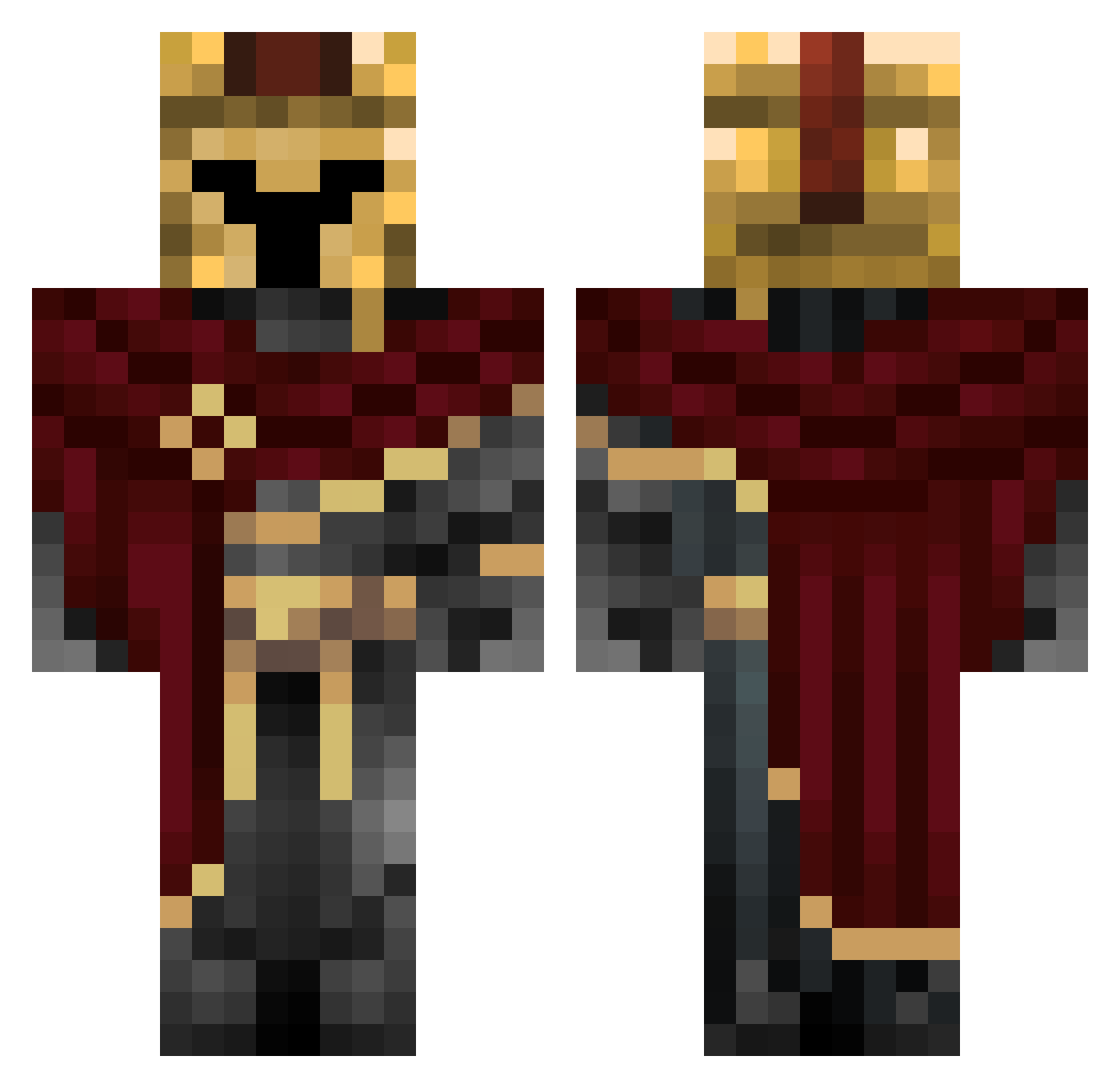
Other players with this skin (284)
Oskar2101 was the 26th player we have seen with this skin, first spotted on 04.08.2026. The same skin was seen on these players. Open a nickname to see their current skin and skin history.
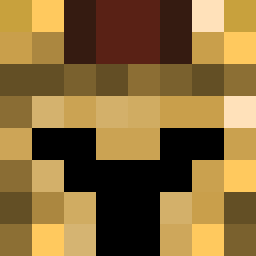 Ceekatz Aquabrit3 diatomicboy 0xytocin theMrCore Da_Bone04 Der_Marxinator CashOutBraden king2_949 TheCybberDeffect Shiliaciel
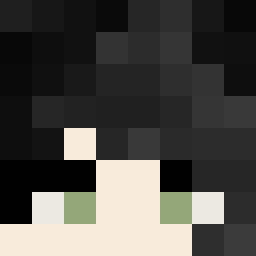 MozaicRole BaranDeniz16 ZELLLOWS Bfeoe Tyr424 Jamie904 AshishP Zylker_ iphssi kimging1 Kentarin kw4nus_ vesikko _d3rl0rd3_ R0X45_XIII TheUnsucker DuskB1ade
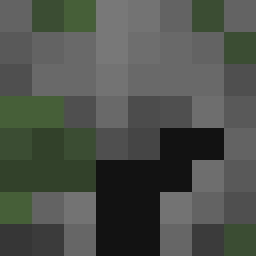 _Thv7 FlameMyth
 SKIBIDIMATT
 ScrapsInTheBin
 IDKHaoo 000bob AIJUNG
 1Papitoo HashTab Emir701 Angeldevil12 NifGekRO XXXccqp unterkauf s3rhatt Zombiespace gabbyy1310 The_Feldmann wolfgang602 majkasupermenka Lunatic_Ready Br0kEnx DavidSalazar3 Asternflitzer SrTyto docterjoter czjjjjjjjjjjj Jawad_Hejles_23 CitifiedBat9551 oRyuko
 MosheFr PugzlyAvacado
More Spartan Minecraft skins
How to install the Oskar2101 skin
- Press the Download button above to save the skin as a PNG file.
- Minecraft: Bedrock Edition (PE): open the Dressing Room from the main menu (or tap your character → Edit Character), go to Classic Skins → Owned, press the + (new skin) button, choose the downloaded PNG and pick the Classic (Steve) model. Works on PC and mobile; consoles cannot import custom skins.
- Minecraft: Java Edition: open the Minecraft Launcher, go to the Skins tab, click New Skin, load the PNG, pick the Classic (Steve) model and press Save & Use. You can also upload it at minecraft.net → Profile → Change Skin.
The skin does not show up after import - what should I do?
Restart Minecraft and open the Dressing Room again - imported skins sometimes appear only after a restart. Also make sure you selected the imported skin and picked the Classic (Steve) model.
Which model should I choose, Classic or Slim?
This skin is designed for the Classic (Steve) model. If you pick the wrong model, the arms of the skin will look stretched or squeezed.
Is the skin of Oskar2101 free to download?
Yes. Press Download, save the PNG file and use it in Minecraft: Bedrock Edition or Java Edition - no payment or registration needed. The skin also works on multiplayer servers and Realms.
More skins
Looking for more? Go back to all Minecraft skins and check the top skins of the week, month and all time, or find any player's skin by nickname.