
OompaGoomba - Minecraft Skins & Skin History
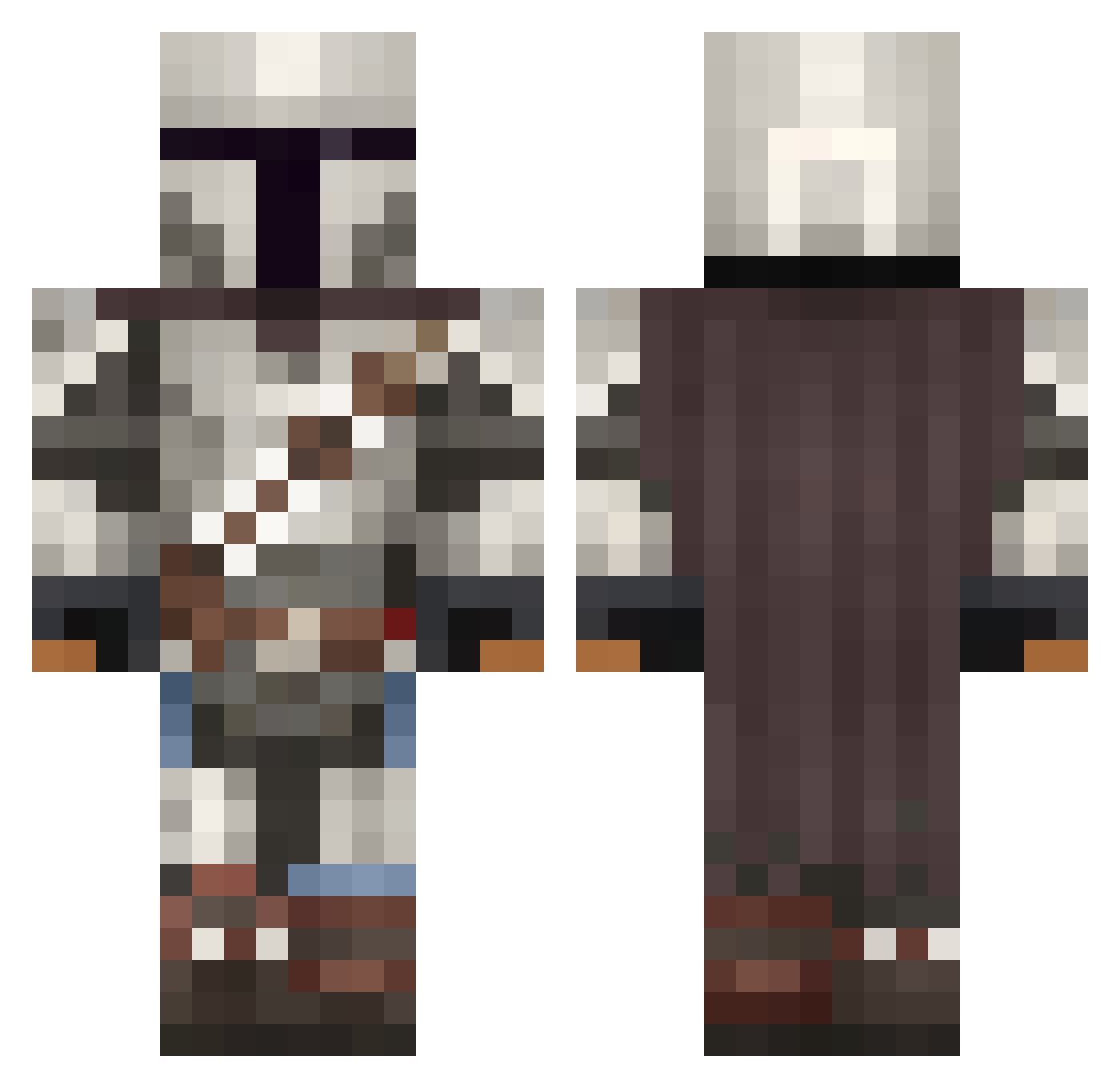
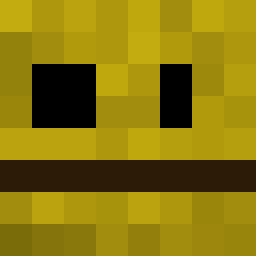
Current Minecraft skin of the player OompaGoomba, loaded from the official Mojang API. Rotate the 3D model with your mouse or finger, then download the skin as a PNG file and use it in Minecraft: Bedrock Edition or Java Edition for free. When OompaGoomba changes their skin, this page updates automatically and the old skin stays in the history below.
Other players with this skin (1092)
OompaGoomba was the 55th player we have seen with this skin, first spotted on 30.07.2026. The same skin was seen on these players. Open a nickname to see their current skin and skin history.
 SurrealElma Nimbus5896 Dillaboss DatSerpe leenz_ PradeepBigbash alicearr Doinkster111 DeathFM arikssian PapaBearGonzales SgtEdek GatesTheDon jderub_3 SebasBeast3 tank1510 JayJay1998 Tyrann007 Batman131008 asapek ExpectDeath78 nemesis666fred
 Potatoinc_
 ShadyTerror DaGingerNut BhufFinG Astro_Jacque rawrson Yashio1234 Skywalker_08 FuriaDoDigao m7xd05 Rauldelolmo123 KevinNAtlassian
 TheKondor_ ParkerBecknell Kellenar The_Big_Papi gamingMaxwell Brandalorians Quality_Scrub icjss92 protroysmith chikenEat SuperCrad ReverseShad0ws Ronny2Trappy Egghino LordPixelNut BumbyGumby TWade236 LucasQI ThornGold7 ANTHONYY_Y mjmdc Dygard Reach987654321 iMpAcT_KiLLs avasam123 laser_ux
More The Mandalorian Minecraft skins
See all 618 The Mandalorian skins
How to install the OompaGoomba skin
- Press the Download button above to save the skin as a PNG file.
- Minecraft: Bedrock Edition (PE): open the Dressing Room from the main menu (or tap your character → Edit Character), go to Classic Skins → Owned, press the + (new skin) button, choose the downloaded PNG and pick the Classic (Steve) model. Works on PC and mobile; consoles cannot import custom skins.
- Minecraft: Java Edition: open the Minecraft Launcher, go to the Skins tab, click New Skin, load the PNG, pick the Classic (Steve) model and press Save & Use. You can also upload it at minecraft.net → Profile → Change Skin.
The skin does not show up after import - what should I do?
Restart Minecraft and open the Dressing Room again - imported skins sometimes appear only after a restart. Also make sure you selected the imported skin and picked the Classic (Steve) model.
Which model should I choose, Classic or Slim?
This skin is designed for the Classic (Steve) model. If you pick the wrong model, the arms of the skin will look stretched or squeezed.
Is the skin of OompaGoomba free to download?
Yes. Press Download, save the PNG file and use it in Minecraft: Bedrock Edition or Java Edition - no payment or registration needed. The skin also works on multiplayer servers and Realms.
More skins
Looking for more? Go back to all Minecraft skins and check the top skins of the week, month and all time, or find any player's skin by nickname.