
Octo_o - Minecraft Skins & Skin History
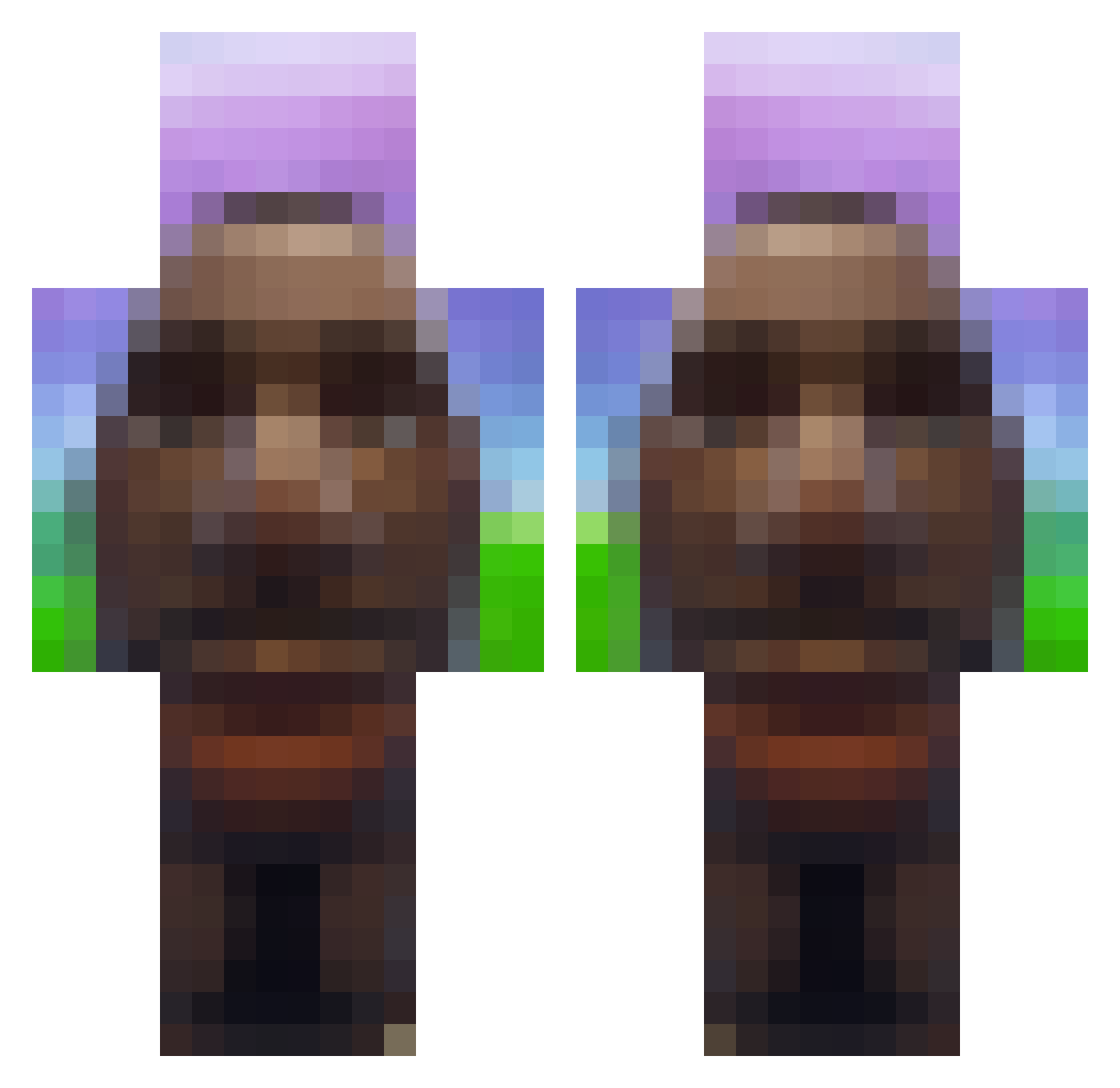
Current Minecraft skin of the player Octo_o, loaded from the official Mojang API. Rotate the 3D model with your mouse or finger, then download the skin as a PNG file and use it in Minecraft: Bedrock Edition or Java Edition for free. When Octo_o changes their skin, this page updates automatically and the old skin stays in the history below.
Other players with this skin (719)
Octo_o was the 306th player we have seen with this skin, first spotted on 11.09.2026. The same skin was seen on these players. Open a nickname to see their current skin and skin history.
 S4er1ing BugAbusing Tomnnng MTSXL333 Krzy_kuk iIIiamwe kleothegod swollenballs99 bred4269 NolanGameFlame5 MRich51 thebestpotato27 PaulSeejCJ kmundo6 Khochasa_a_Chluy Sawjiggly Langdong_ SludgeSniffer67 HappyPanda1201 quaji JustRandomizedE aldas01234 HiImDok AxelMinecraft6 DuifAlt5 _1n0nly alexxx_29 Kjens1003 lmaggiee caiqu GH187 Trav0340 PhazeShifter LilFartStain alfieh061 Nesc0s_ luvroktopus Mopisse driesteric Devmin46 guilherme280 jmpllu Yoshi0909 clouxly FartniteGenieter sasayaka0629 CheeseChomper200 DelusionalCube Chika_k troutdaddy MiauXD Mercexary google_earth_ Spaceman_51 Jonny_Gamer06 IkBenNietTeunc bbctakerfromeazy jmwet BillNoGates Star_Dust60
More Moai Minecraft skins
How to install the Octo_o skin
- Press the Download button above to save the skin as a PNG file.
- Minecraft: Bedrock Edition (PE): open the Dressing Room from the main menu (or tap your character → Edit Character), go to Classic Skins → Owned, press the + (new skin) button, choose the downloaded PNG and pick the Classic (Steve) model. Works on PC and mobile; consoles cannot import custom skins.
- Minecraft: Java Edition: open the Minecraft Launcher, go to the Skins tab, click New Skin, load the PNG, pick the Classic (Steve) model and press Save & Use. You can also upload it at minecraft.net → Profile → Change Skin.
The skin does not show up after import - what should I do?
Restart Minecraft and open the Dressing Room again - imported skins sometimes appear only after a restart. Also make sure you selected the imported skin and picked the Classic (Steve) model.
Which model should I choose, Classic or Slim?
This skin is designed for the Classic (Steve) model. If you pick the wrong model, the arms of the skin will look stretched or squeezed.
Is the skin of Octo_o free to download?
Yes. Press Download, save the PNG file and use it in Minecraft: Bedrock Edition or Java Edition - no payment or registration needed. The skin also works on multiplayer servers and Realms.
More skins
Looking for more? Go back to all Minecraft skins and check the top skins of the week, month and all time, or find any player's skin by nickname.