
NothingButBelly - Minecraft Skins & Skin History
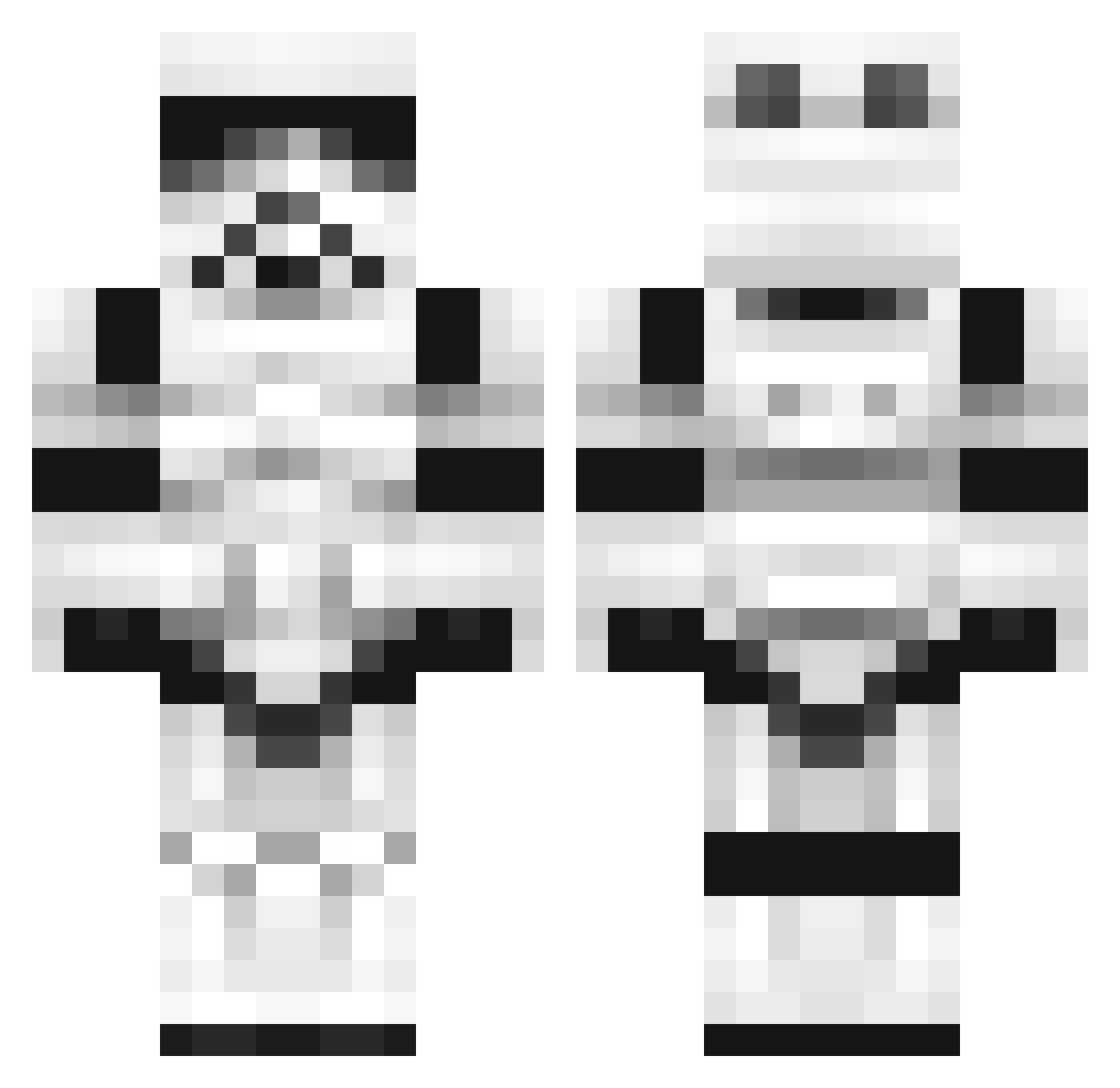
Current Minecraft skin of the player NothingButBelly, loaded from the official Mojang API. Rotate the 3D model with your mouse or finger, then download the skin as a PNG file and use it in Minecraft: Bedrock Edition or Java Edition for free. When NothingButBelly changes their skin, this page updates automatically and the old skin stays in the history below.
Other players with this skin (1098)
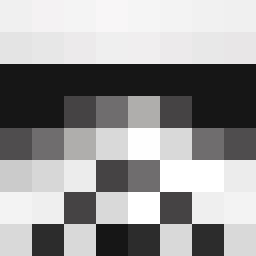
NothingButBelly was the 1043rd player we have seen with this skin, first spotted on 27.10.2026. The same skin was seen on these players. Open a nickname to see their current skin and skin history.
 QuantumRaccoon Ovalsquare Draganov THE_SoftisFFS Kirmes18 DrMedWurst Rokanos RollingStones74 LORD_PROGMENTUS MorbidDelusion poingg tupacde6 Mflaan1999 Milupita13 moG_dOs UncleNasser thedeathteam Salleytk421 Xzentar CallePhinix Dino783 Darth_Finley LandLord14 sigbearluf occulair Wittedtrash72 Storm_troopergot YourDaddySanta NZ_Ace Iradale steve9773 malekbigum Cyndakipz keylord1 0sondre1 MedicalDistress BertMart TaylorGang64 Ericlol11 CrazyAce13 fr0stbite24 Rob127 Carathas LuckyFly5 Rubesqubes Holyphoenix9192 creeper_Kill3r95 MoreThanAFeeling joeybear1 kevin_patat Smursta ____________Evan Limpy joker4evr Baljeet_BTW waggz011 Gongalaa nico1HD1 starwarsfan2007 mukjack123
More Trooper Minecraft skins
How to install the NothingButBelly skin
- Press the Download button above to save the skin as a PNG file.
- Minecraft: Bedrock Edition (PE): open the Dressing Room from the main menu (or tap your character → Edit Character), go to Classic Skins → Owned, press the + (new skin) button, choose the downloaded PNG and pick the Classic (Steve) model. Works on PC and mobile; consoles cannot import custom skins.
- Minecraft: Java Edition: open the Minecraft Launcher, go to the Skins tab, click New Skin, load the PNG, pick the Classic (Steve) model and press Save & Use. You can also upload it at minecraft.net → Profile → Change Skin.
The skin does not show up after import - what should I do?
Restart Minecraft and open the Dressing Room again - imported skins sometimes appear only after a restart. Also make sure you selected the imported skin and picked the Classic (Steve) model.
Which model should I choose, Classic or Slim?
This skin is designed for the Classic (Steve) model. If you pick the wrong model, the arms of the skin will look stretched or squeezed.
Is the skin of NothingButBelly free to download?
Yes. Press Download, save the PNG file and use it in Minecraft: Bedrock Edition or Java Edition - no payment or registration needed. The skin also works on multiplayer servers and Realms.
More skins
Looking for more? Go back to all Minecraft skins and check the top skins of the week, month and all time, or find any player's skin by nickname.