
Not_Bizarre - Minecraft Skins & Skin History
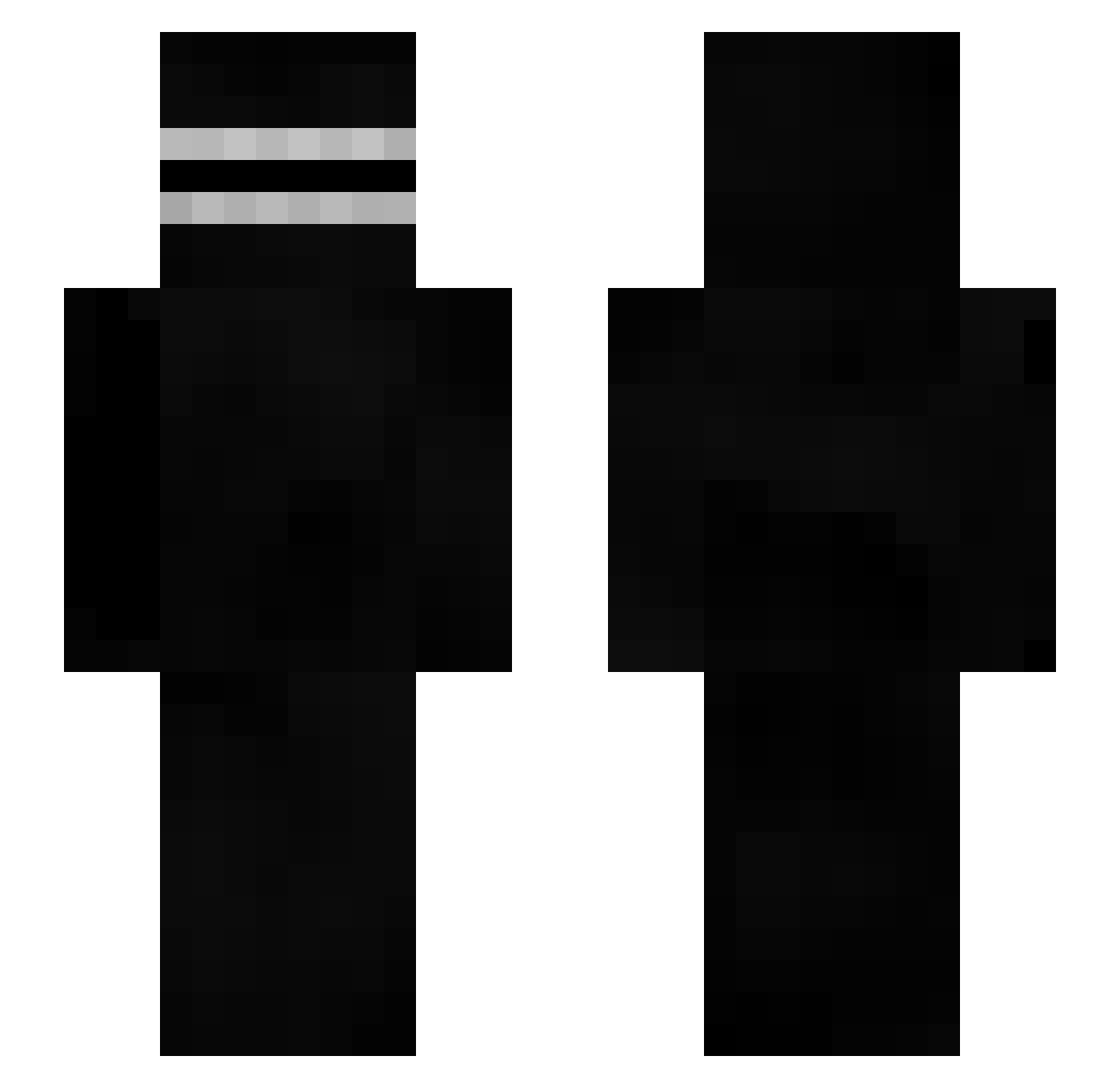
Current Minecraft skin of the player Not_Bizarre, loaded from the official Mojang API. Rotate the 3D model with your mouse or finger, then download the skin as a PNG file and use it in Minecraft: Bedrock Edition or Java Edition for free. When Not_Bizarre changes their skin, this page updates automatically and the old skin stays in the history below.
Other players with this skin (414)
Not_Bizarre was the 290th player we have seen with this skin, first spotted on 08.10.2026. The same skin was seen on these players. Open a nickname to see their current skin and skin history.
 matheoaissa GustavoFring14 songsong0801 3rd_Style s0l0mega Starred_fighter iamadogo1211 Aveman553 FDC01 otttaner Cmdr_Jalapeno oVaMin Waxoner3000 PixelPeet abovemycity q4ar WoozyOstrich92 Xperiafurious_77 Iorcos Froggy130 Ifromspace viv5 Unknownlizard1 ShimpPizza winidepute Feddt specialnut 53696d6f6e65 seroi Adaamzz_ lilhurricaneong community___ Kurohitsugi72 CPTN_DNNY Thib97x FaridBangsSohn MilkGuy1227 toastyboi093 __V1perZ__ _rocked HT3ninorc15 CaterFZ NBA2K22 ACabuto88 Dampexample FarsiardLas StukGWC 022zakuu Sereously321X MarshMqllow SabotageXVI PPANDOZY Ra1sk1yy 0r00 qfasutq GreenArchonJr Mateblock JteRush166 GOZgg siwoo0404
More Creepypasta Minecraft skins
How to install the Not_Bizarre skin
- Press the Download button above to save the skin as a PNG file.
- Minecraft: Bedrock Edition (PE): open the Dressing Room from the main menu (or tap your character → Edit Character), go to Classic Skins → Owned, press the + (new skin) button, choose the downloaded PNG and pick the Slim (Alex) model. Works on PC and mobile; consoles cannot import custom skins.
- Minecraft: Java Edition: open the Minecraft Launcher, go to the Skins tab, click New Skin, load the PNG, pick the Slim (Alex) model and press Save & Use. You can also upload it at minecraft.net → Profile → Change Skin.
The skin does not show up after import - what should I do?
Restart Minecraft and open the Dressing Room again - imported skins sometimes appear only after a restart. Also make sure you selected the imported skin and picked the Slim (Alex) model.
Which model should I choose, Classic or Slim?
This skin is designed for the Slim (Alex) model. If you pick the wrong model, the arms of the skin will look stretched or squeezed.
Is the skin of Not_Bizarre free to download?
Yes. Press Download, save the PNG file and use it in Minecraft: Bedrock Edition or Java Edition - no payment or registration needed. The skin also works on multiplayer servers and Realms.
More skins
Looking for more? Go back to all Minecraft skins and check the top skins of the week, month and all time, or find any player's skin by nickname.