
NickEhGirthy - Minecraft Skins & Skin History
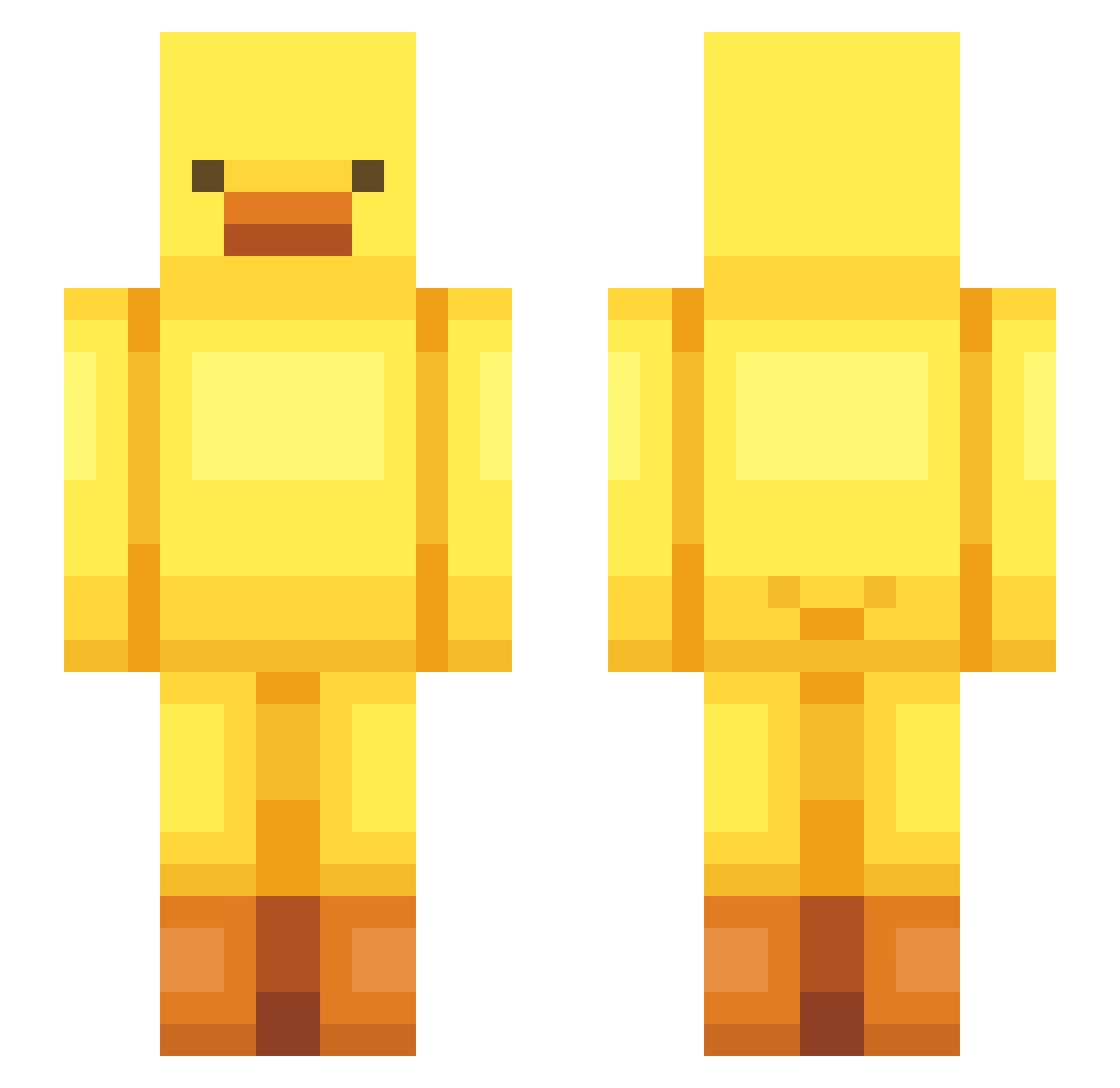
Current Minecraft skin of the player NickEhGirthy, loaded from the official Mojang API. Rotate the 3D model with your mouse or finger, then download the skin as a PNG file and use it in Minecraft: Bedrock Edition or Java Edition for free. When NickEhGirthy changes their skin, this page updates automatically and the old skin stays in the history below.
Other players with this skin (443)
NickEhGirthy was the 348th player we have seen with this skin, first spotted on 01.10.2026. The same skin was seen on these players. Open a nickname to see their current skin and skin history.
 TheTechTim H4ZZ4B801 Imsamsung KilliBilly Kristiinchy WHRHAL Zeusklk34 m3dooo yank3sik FrostBite101 NikoN777 Oojoo1125 Kxhayu NoahGonzales Quakemier DoDooDo_ richardinhobr NoHydrogenCow S1lva13 Caradp06 space0109 lishi__ Kadenater900 Emkaaaay Hanea1 yoonsoong yeeun4567 tyureok youwoo lesenc Anxiedin66 Sashaerin PatrixURU dlwngud0515 GooGoo_24 lanyanlove jabumdoyun piyonon felpinheiro A02DA appelsnek AgentSpecjalny0 rayryuk ErbyPlays Bryoge ywuya xheavens_ Korea_bary orig4mie innnyoung kally0805 Potatodim PinguinMetCurry buchixihongshi annachochoi Pintulino YunHo0504 kimchomoo ksjqwerty Sarina_Ktotz
More Bird Minecraft skins
How to install the NickEhGirthy skin
- Press the Download button above to save the skin as a PNG file.
- Minecraft: Bedrock Edition (PE): open the Dressing Room from the main menu (or tap your character → Edit Character), go to Classic Skins → Owned, press the + (new skin) button, choose the downloaded PNG and pick the Slim (Alex) model. Works on PC and mobile; consoles cannot import custom skins.
- Minecraft: Java Edition: open the Minecraft Launcher, go to the Skins tab, click New Skin, load the PNG, pick the Slim (Alex) model and press Save & Use. You can also upload it at minecraft.net → Profile → Change Skin.
The skin does not show up after import - what should I do?
Restart Minecraft and open the Dressing Room again - imported skins sometimes appear only after a restart. Also make sure you selected the imported skin and picked the Slim (Alex) model.
Which model should I choose, Classic or Slim?
This skin is designed for the Slim (Alex) model. If you pick the wrong model, the arms of the skin will look stretched or squeezed.
Is the skin of NickEhGirthy free to download?
Yes. Press Download, save the PNG file and use it in Minecraft: Bedrock Edition or Java Edition - no payment or registration needed. The skin also works on multiplayer servers and Realms.
More skins
Looking for more? Go back to all Minecraft skins and check the top skins of the week, month and all time, or find any player's skin by nickname.