
NasimYT - Minecraft Skins & Skin History
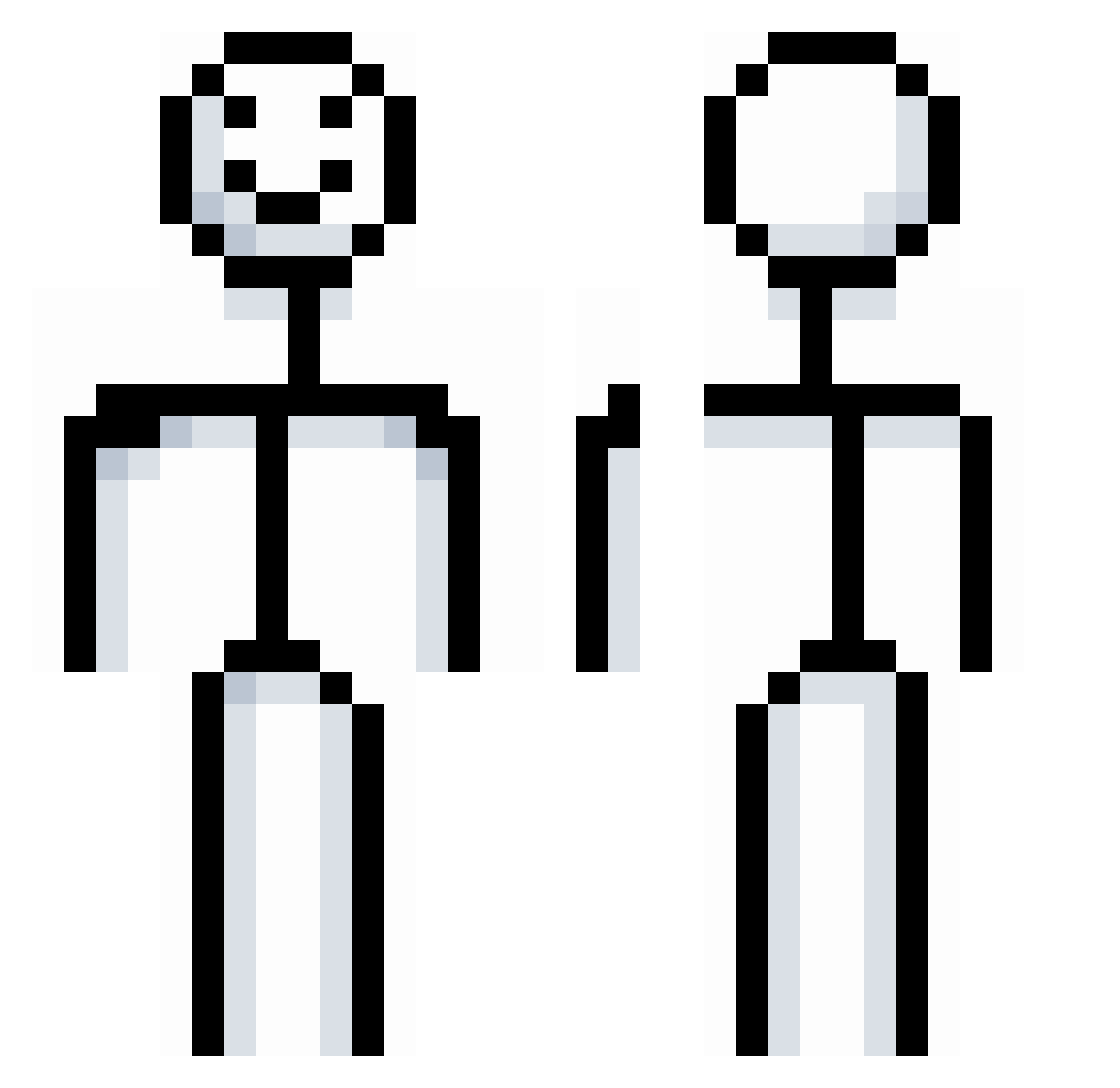
Current Minecraft skin of the player NasimYT, loaded from the official Mojang API. Rotate the 3D model with your mouse or finger, then download the skin as a PNG file and use it in Minecraft: Bedrock Edition or Java Edition for free. When NasimYT changes their skin, this page updates automatically and the old skin stays in the history below.
Other players with this skin (65)
NasimYT was the 17th player we have seen with this skin, first spotted on 21.08.2026. The same skin was seen on these players. Open a nickname to see their current skin and skin history.
 0800HELL DieByYourSide Rub1kLT JamesPond232 Casualzzz JamnikGaming123 cookedcaldin Ch1ckenThunder AmirKeceh Jack4519 Lznxbot EvieFresh _FrostyXD_ seanpiedra RhythmicKnob784 Piryt0 Hypers87 PeterSinger JegKnullardinmam Teodor699 Nelinka011 KekoAlpha yondiss imogensmith2013 66lukky66 whitefox9383 420bigbird freddytmx edu_y JuiceBox6925 M4ximx trishlol Deco0908 H1ghs Aapo1001 Lauri1000 AlonSuus TX_Anyx BalooJr lavispi krabbe4ife TEA45 VentingCobra842 Luis2010GG TANNER1031 Zekrux Homjaki KierenS pulguita24 masterAEJ TheSurrealRat porterman2223 elCarata NoahtheKing2K CatGaming6576 AlexPapirrin Wigster555 Flip3n Zan3__ Mellyl
More Stick Figure Minecraft skins
See all 101 Stick Figure skins
How to install the NasimYT skin
- Press the Download button above to save the skin as a PNG file.
- Minecraft: Bedrock Edition (PE): open the Dressing Room from the main menu (or tap your character → Edit Character), go to Classic Skins → Owned, press the + (new skin) button, choose the downloaded PNG and pick the Classic (Steve) model. Works on PC and mobile; consoles cannot import custom skins.
- Minecraft: Java Edition: open the Minecraft Launcher, go to the Skins tab, click New Skin, load the PNG, pick the Classic (Steve) model and press Save & Use. You can also upload it at minecraft.net → Profile → Change Skin.
The skin does not show up after import - what should I do?
Restart Minecraft and open the Dressing Room again - imported skins sometimes appear only after a restart. Also make sure you selected the imported skin and picked the Classic (Steve) model.
Which model should I choose, Classic or Slim?
This skin is designed for the Classic (Steve) model. If you pick the wrong model, the arms of the skin will look stretched or squeezed.
Is the skin of NasimYT free to download?
Yes. Press Download, save the PNG file and use it in Minecraft: Bedrock Edition or Java Edition - no payment or registration needed. The skin also works on multiplayer servers and Realms.
More skins
Looking for more? Go back to all Minecraft skins and check the top skins of the week, month and all time, or find any player's skin by nickname.