
Nal00w - Minecraft Skins & Skin History
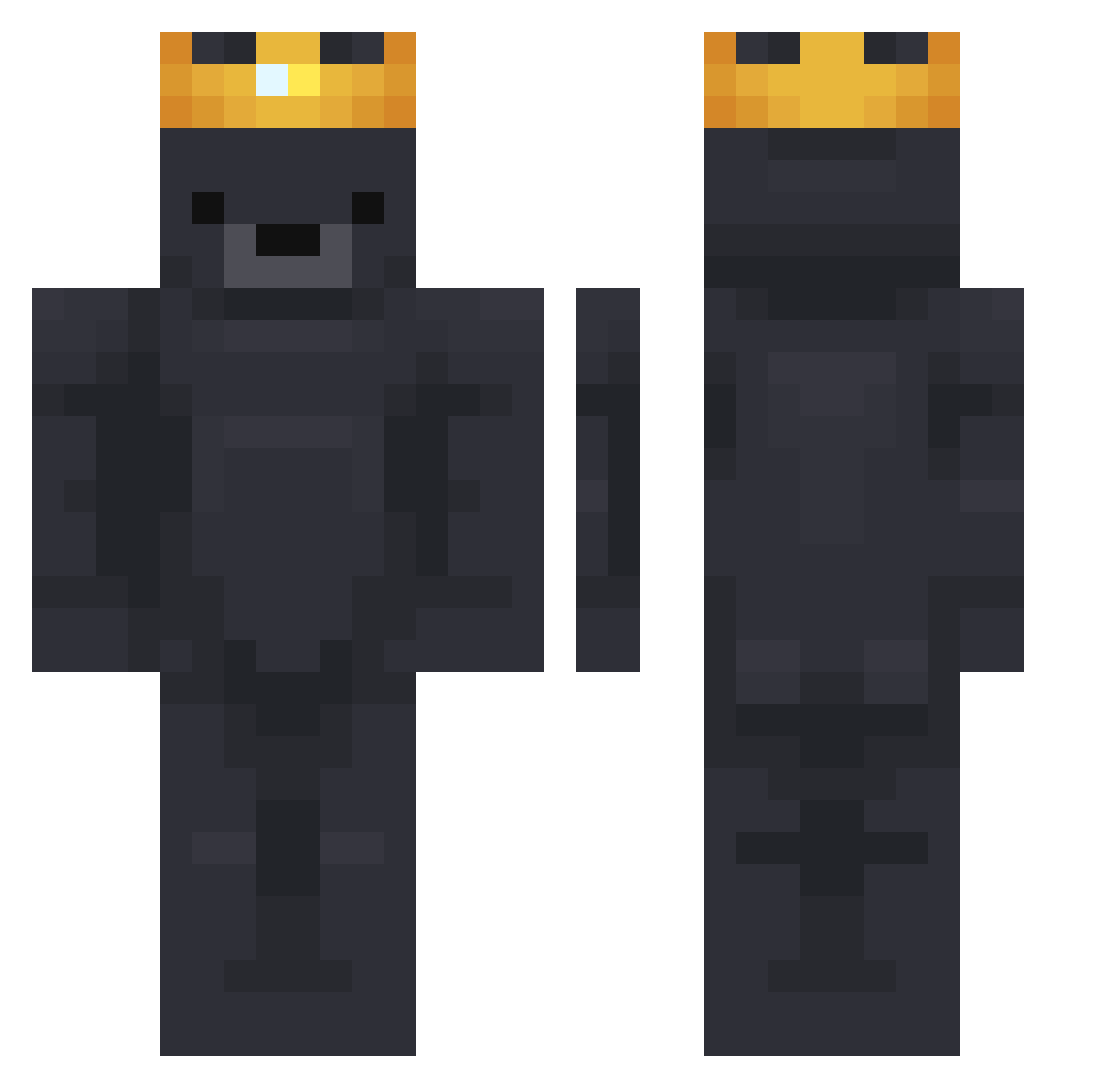
Current Minecraft skin of the player Nal00w, loaded from the official Mojang API. Rotate the 3D model with your mouse or finger, then download the skin as a PNG file and use it in Minecraft: Bedrock Edition or Java Edition for free. When Nal00w changes their skin, this page updates automatically and the old skin stays in the history below.
Other players with this skin (784)
Nal00w was the 401st player we have seen with this skin, first spotted on 24.09.2026. The same skin was seen on these players. Open a nickname to see their current skin and skin history.
 Tutass hitbynoah king40146 Seindfu QuackQuackBird complex1tive MasterYao Do62_ sSpeed7 HSasso Ilovehotmoms06 bjornisblue vlamynck kugaj1 PearJuicee BobicusTheFirst CIvatt YunSR Xeloinc TR5492 ScreaM517 SeaTurtle4575 KingBear54 ZysnxAth rat_death IceBreh ChubbsWasTaken ForkDealer AngelEyezzz ajpy Benr10078 Ghost2724 Latwo_z_toba rachaelcheeze iakssaisa jerryhlavinka Mircaprod beruu1725 RayZ0921 IamTheLegend900 meep_the_GOD SshAay kpd12 OverEcho ISO_X Kiingta_ yanders_ fToppE OIora uMx31 GAb1nx Prowess_1 addieyy _dragon_fruit Amalia36 Dokhavulon Terriac04 yarmouthrat SkinerzH youngho
More Crown Minecraft skins
How to install the Nal00w skin
- Press the Download button above to save the skin as a PNG file.
- Minecraft: Bedrock Edition (PE): open the Dressing Room from the main menu (or tap your character → Edit Character), go to Classic Skins → Owned, press the + (new skin) button, choose the downloaded PNG and pick the Classic (Steve) model. Works on PC and mobile; consoles cannot import custom skins.
- Minecraft: Java Edition: open the Minecraft Launcher, go to the Skins tab, click New Skin, load the PNG, pick the Classic (Steve) model and press Save & Use. You can also upload it at minecraft.net → Profile → Change Skin.
The skin does not show up after import - what should I do?
Restart Minecraft and open the Dressing Room again - imported skins sometimes appear only after a restart. Also make sure you selected the imported skin and picked the Classic (Steve) model.
Which model should I choose, Classic or Slim?
This skin is designed for the Classic (Steve) model. If you pick the wrong model, the arms of the skin will look stretched or squeezed.
Is the skin of Nal00w free to download?
Yes. Press Download, save the PNG file and use it in Minecraft: Bedrock Edition or Java Edition - no payment or registration needed. The skin also works on multiplayer servers and Realms.
More skins
Looking for more? Go back to all Minecraft skins and check the top skins of the week, month and all time, or find any player's skin by nickname.