
Muchvalue - Minecraft Skins & Skin History
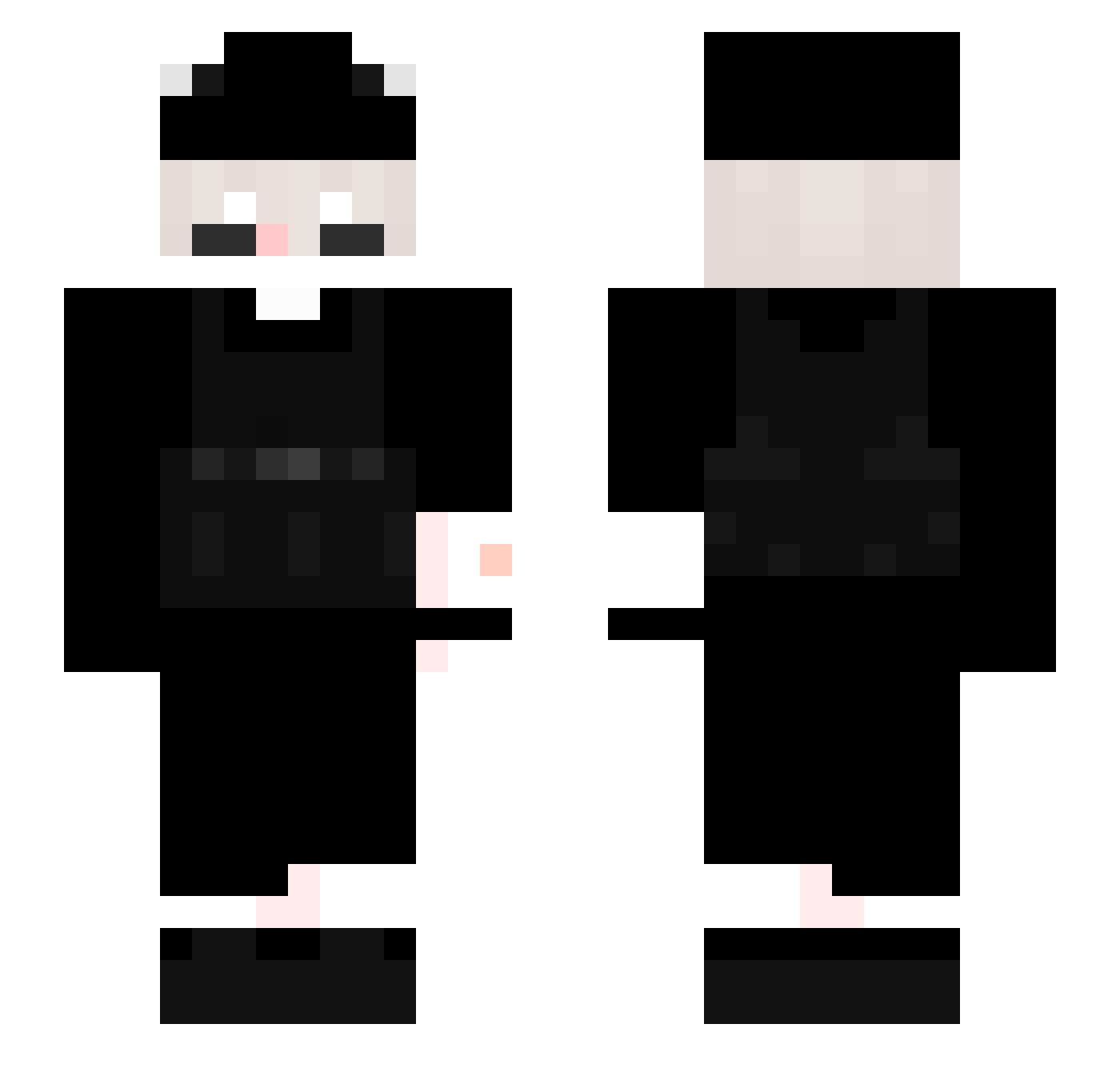
Current Minecraft skin of the player Muchvalue, loaded from the official Mojang API. Rotate the 3D model with your mouse or finger, then download the skin as a PNG file and use it in Minecraft: Bedrock Edition or Java Edition for free. When Muchvalue changes their skin, this page updates automatically and the old skin stays in the history below.
Other players with this skin (337)
Muchvalue was the 228th player we have seen with this skin, first spotted on 09.10.2026. The same skin was seen on these players. Open a nickname to see their current skin and skin history.
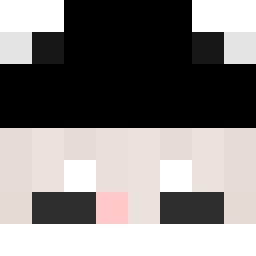 Rorro535 Le4vu agentnone _Slux_ Raquel_X kitsukisuki StilllerBoss imSayy PoloxyC1uther AceySpades asparrow22 Pinklez Daddy_6x9 yLuizfgm 1Shadow_ oofyboi_ LeBrunsss JasherGooD Kaochye thebrossk Unwanted_Soul forg_fm P3kS CRZN_JAMIE ChrizsTTV mana_aim lxHumblexl Katvz Spagonia Normagedon19 Surkir Thanderr Jijinou parsly2121 Crescentmoon2 IchLiebeBagels Dziadzio2137 ChinoL_Pyszne_PL MitchBarto 2Prime5 Smmiley KaKa_Zoghali chanwook0831 1Uber_ VadeZone DtYouTai Shikamito Heykoga Deetoe Plasmah TR_III Lezhh zqmpiz vinyie NotExiled FLESS___ Thoma0127 KaNa_qp jose_oi_tudo_bem KasHssss
How to install the Muchvalue skin
- Press the Download button above to save the skin as a PNG file.
- Minecraft: Bedrock Edition (PE): open the Dressing Room from the main menu (or tap your character → Edit Character), go to Classic Skins → Owned, press the + (new skin) button, choose the downloaded PNG and pick the Slim (Alex) model. Works on PC and mobile; consoles cannot import custom skins.
- Minecraft: Java Edition: open the Minecraft Launcher, go to the Skins tab, click New Skin, load the PNG, pick the Slim (Alex) model and press Save & Use. You can also upload it at minecraft.net → Profile → Change Skin.
The skin does not show up after import - what should I do?
Restart Minecraft and open the Dressing Room again - imported skins sometimes appear only after a restart. Also make sure you selected the imported skin and picked the Slim (Alex) model.
Which model should I choose, Classic or Slim?
This skin is designed for the Slim (Alex) model. If you pick the wrong model, the arms of the skin will look stretched or squeezed.
Is the skin of Muchvalue free to download?
Yes. Press Download, save the PNG file and use it in Minecraft: Bedrock Edition or Java Edition - no payment or registration needed. The skin also works on multiplayer servers and Realms.
More skins
Looking for more? Go back to all Minecraft skins and check the top skins of the week, month and all time, or find any player's skin by nickname.