
 ManKumaL CuteKatBoy Wrxmlight zjrtt Metabodiru weeniewarrior38 RedockGamer Ethyldan Blacky2579 Rocke_V chaaaaac Dzejmroz epi1y YYDTX Awyan_ guoying3 Seolhwa___ KaPiX3307 S4INT534 JacobBlue Dimon_Game123 Ez_Darkii Warden1804 Kickass_Sebas Goliatt_ Suzuki8186 Sparky2737 rotterk Gowod 214nch IchSnuseJetzt Rayquasa4 slimykid327 cyrlc AlME3 UnknownPiza Yassratcha dreamguyman142 jezenek_ Prxtty_Gxxd Brisk1115 hhdxmx uselessenby Mark_Ro jelena1200 Melochupan Kjjob zombiland89 n0tna_ DeathFate KennieZx Its_Moxxie Victornk1 Lorcanmic Vasper030 walrus702 Tommybob1015 TLQS Chabcioo S0MB3R_
Minecraft skin of RcTZ. Rotate the 3D model with your mouse or finger to view the skin from every angle, then download it as a PNG file and use it in Minecraft: Bedrock Edition or Java Edition for free. Rate the skin with stars to help other players find the best skins in our collection.
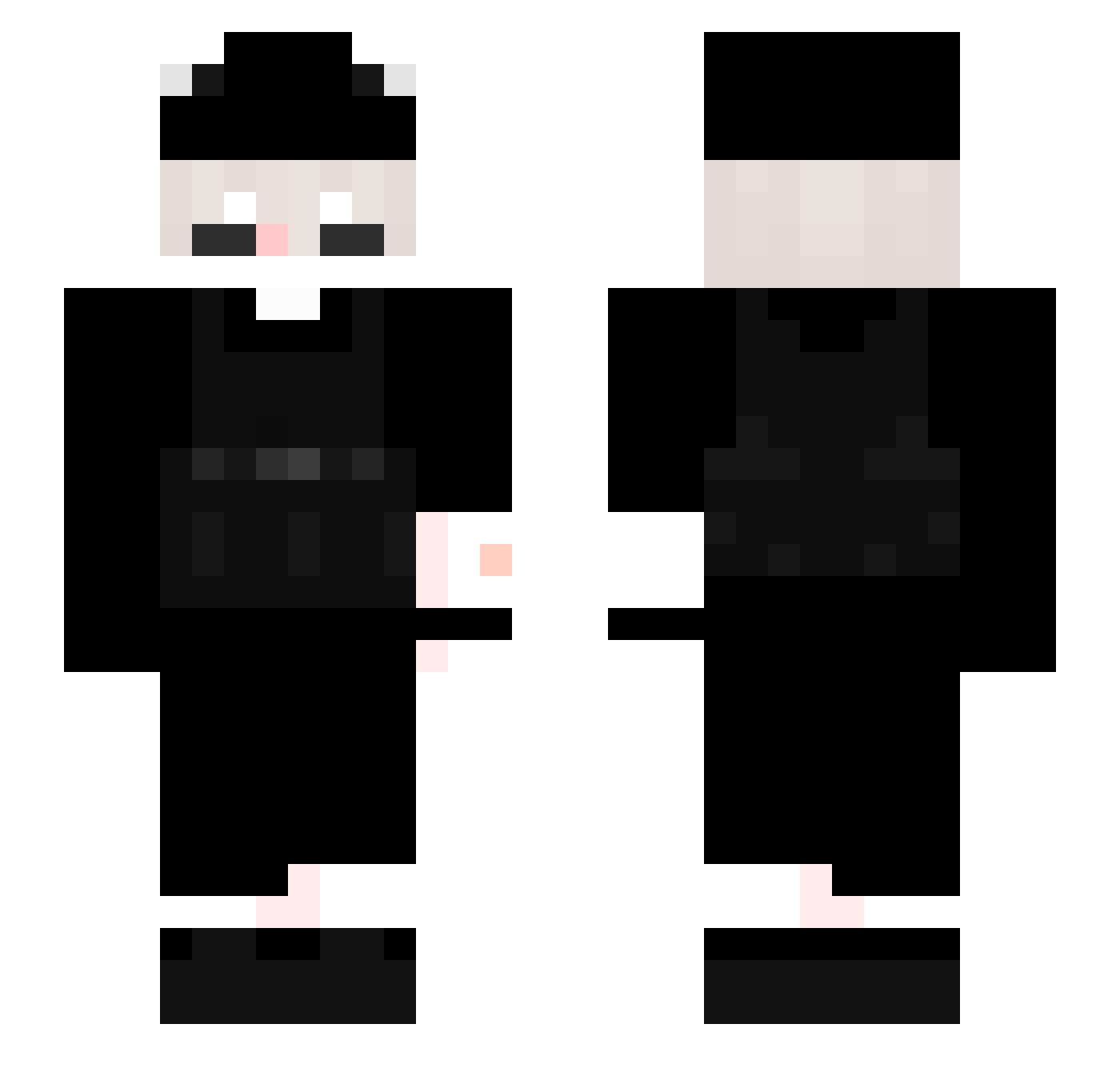
How to install the RcTZ skin
- Press the Download button above to save the skin as a PNG file.
- Minecraft: Bedrock Edition (PE): open the Dressing Room from the main menu (or tap your character → Edit Character), go to Classic Skins → Owned, press the + (new skin) button, choose the downloaded PNG and pick the Slim (Alex) model. Works on PC and mobile; consoles cannot import custom skins.
- Minecraft: Java Edition: open the Minecraft Launcher, go to the Skins tab, click New Skin, load the PNG, pick the Slim (Alex) model and press Save & Use. You can also upload it at minecraft.net → Profile → Change Skin.
The skin does not show up after import - what should I do?
Restart Minecraft and open the Dressing Room again - imported skins sometimes appear only after a restart. Also make sure you selected the imported skin and picked the Slim (Alex) model.
Which model should I choose, Classic or Slim?
This skin is designed for the Slim (Alex) model. If you pick the wrong model, the arms of the skin will look stretched or squeezed.
Is this skin free to use?
Yes. Press Download, save the PNG file and use it in Minecraft: Bedrock Edition or Java Edition - no payment or registration needed. The skin also works on multiplayer servers and Realms.
More skins
Looking for more? Go back to all Minecraft skins and check the top skins of the week, month and all time, or find any player's skin by nickname.