
MongaSama - Minecraft Skins & Skin History
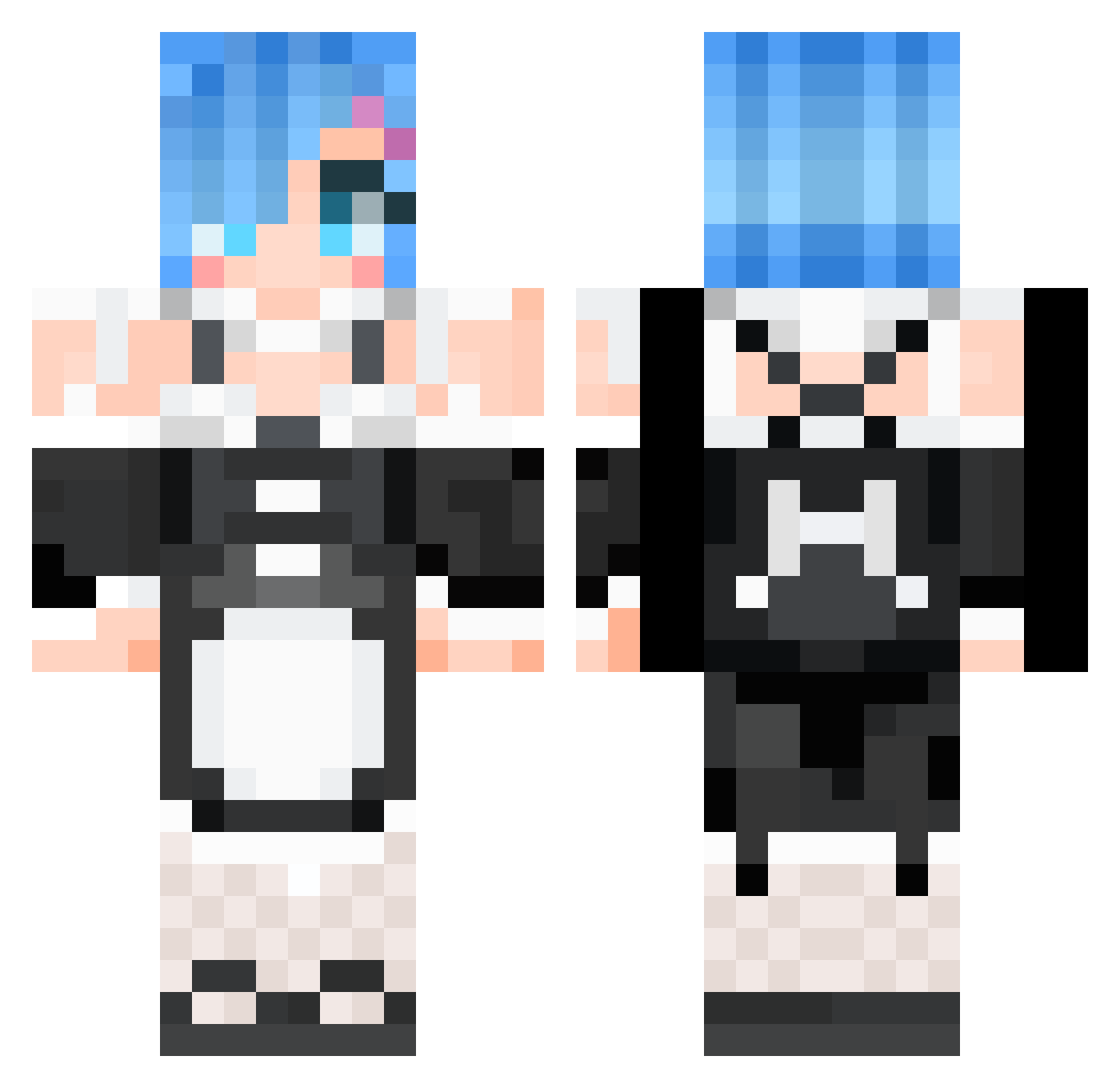
Current Minecraft skin of the player MongaSama, loaded from the official Mojang API. Rotate the 3D model with your mouse or finger, then download the skin as a PNG file and use it in Minecraft: Bedrock Edition or Java Edition for free. When MongaSama changes their skin, this page updates automatically and the old skin stays in the history below.
Other players with this skin (532)
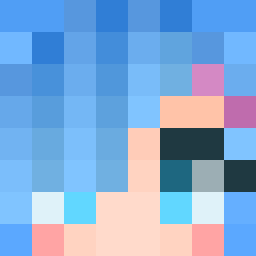
MongaSama was the 361st player we have seen with this skin, first spotted on 27.09.2026. The same skin was seen on these players. Open a nickname to see their current skin and skin history.
 puuuring MustangVI Dragneel10 MortonLam828 77MineCrafter77 Haruhizz kurumimt SiemenDG HauHau1125 Rain0802 Flctw pi00000077 haseruneko Pitatosalad SpideySaiyan04 Tensaki XueGaoSAMA FucOnZaza lena6715 Ariunka NoahMadoka dqjx95 Bull1tor Meslian 04_andrey_04 Smilyface58 Joben3000 FungisFeer kelvin0215 seunghwan2da XueWu_1110 Lord_Argus royyyyy108 Tonn_Y28 kyasu39 kousou Lunaticccc__ Benihime75 xEmilyyS todai0213 blackevil82 Bonk23 kuhakuegg HIVnegative IHM_SK GigglesVonSchnit Denny_07 Bashx13 BoysuperYT1love mengkongkayle sunjinh ZupaTr00pa xXBULAXx mikoto2464 akai_sora cws0616 xnakin BINI112 Amnesio7 BoscoLau2002
More Rem Minecraft skins
How to install the MongaSama skin
- Press the Download button above to save the skin as a PNG file.
- Minecraft: Bedrock Edition (PE): open the Dressing Room from the main menu (or tap your character → Edit Character), go to Classic Skins → Owned, press the + (new skin) button, choose the downloaded PNG and pick the Classic (Steve) model. Works on PC and mobile; consoles cannot import custom skins.
- Minecraft: Java Edition: open the Minecraft Launcher, go to the Skins tab, click New Skin, load the PNG, pick the Classic (Steve) model and press Save & Use. You can also upload it at minecraft.net → Profile → Change Skin.
The skin does not show up after import - what should I do?
Restart Minecraft and open the Dressing Room again - imported skins sometimes appear only after a restart. Also make sure you selected the imported skin and picked the Classic (Steve) model.
Which model should I choose, Classic or Slim?
This skin is designed for the Classic (Steve) model. If you pick the wrong model, the arms of the skin will look stretched or squeezed.
Is the skin of MongaSama free to download?
Yes. Press Download, save the PNG file and use it in Minecraft: Bedrock Edition or Java Edition - no payment or registration needed. The skin also works on multiplayer servers and Realms.
More skins
Looking for more? Go back to all Minecraft skins and check the top skins of the week, month and all time, or find any player's skin by nickname.