
Moja00 - Minecraft Skins & Skin History
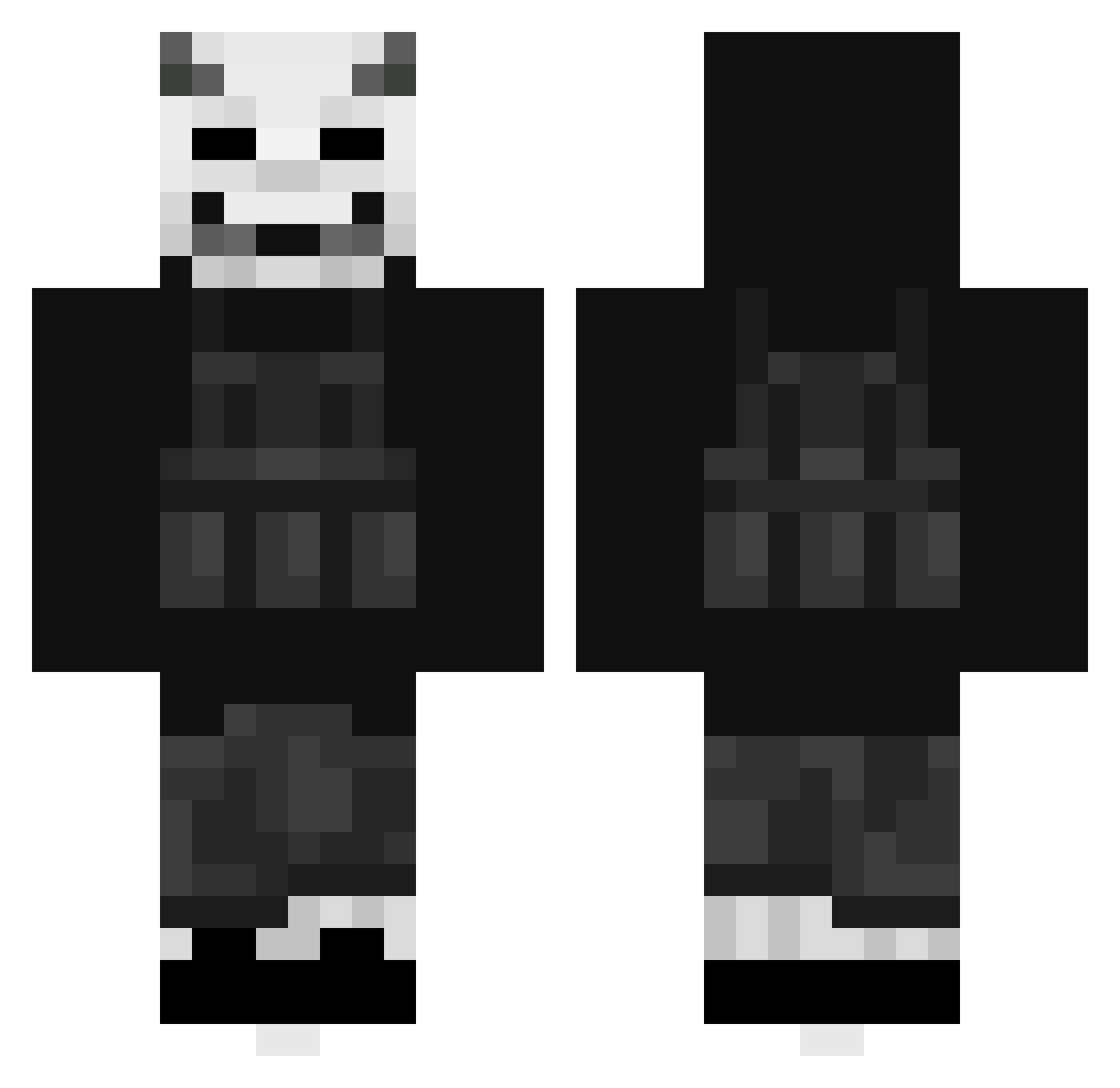
Current Minecraft skin of the player Moja00, loaded from the official Mojang API. Rotate the 3D model with your mouse or finger, then download the skin as a PNG file and use it in Minecraft: Bedrock Edition or Java Edition for free. When Moja00 changes their skin, this page updates automatically and the old skin stays in the history below.
Other players with this skin (404)
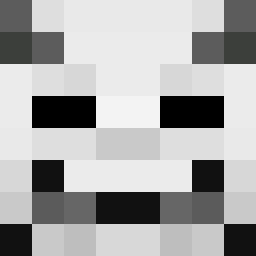
Moja00 was the 394th player we have seen with this skin, first spotted on 20.10.2026. The same skin was seen on these players. Open a nickname to see their current skin and skin history.
 DiamondBOTKILLER SCELLIX Xertbi Guga727 wizardman78 BayAbdulkadir ReloadDaGod Abseed unrough X_iTzVibe_X fe4r888 Napoleon_dyn DeathClick AdminsWorld mto_666 comk_T Aliugursayn p1wf AxiaWolf RoyalRejekt CYB3R_SKIZ3M kacnep RJ5goat ObvCody kokainos vervo TooGuilty LucianLucien Not_Marro Beliaar_ Kelsea452 JACKAZZ199 polakk07 Floemoe Fizzimane _lupra_ ES_Tyris Le0_11 WRLDallo qVitrix yKiwi majestic_nano Monolr xxAnneexx XxHyperManxX475 MikkelbstV1 _FeelsBadMan Pamsi nfektidsoul Gaming_K1ng Killerkoekie souckis StephenTheGrate KamikaziSpud kurki25 Zombotik marcuspow Nat1027 _Melvin24x KittlyTikklmyas3
More Demon Mask Minecraft skins
How to install the Moja00 skin
- Press the Download button above to save the skin as a PNG file.
- Minecraft: Bedrock Edition (PE): open the Dressing Room from the main menu (or tap your character → Edit Character), go to Classic Skins → Owned, press the + (new skin) button, choose the downloaded PNG and pick the Classic (Steve) model. Works on PC and mobile; consoles cannot import custom skins.
- Minecraft: Java Edition: open the Minecraft Launcher, go to the Skins tab, click New Skin, load the PNG, pick the Classic (Steve) model and press Save & Use. You can also upload it at minecraft.net → Profile → Change Skin.
The skin does not show up after import - what should I do?
Restart Minecraft and open the Dressing Room again - imported skins sometimes appear only after a restart. Also make sure you selected the imported skin and picked the Classic (Steve) model.
Which model should I choose, Classic or Slim?
This skin is designed for the Classic (Steve) model. If you pick the wrong model, the arms of the skin will look stretched or squeezed.
Is the skin of Moja00 free to download?
Yes. Press Download, save the PNG file and use it in Minecraft: Bedrock Edition or Java Edition - no payment or registration needed. The skin also works on multiplayer servers and Realms.
More skins
Looking for more? Go back to all Minecraft skins and check the top skins of the week, month and all time, or find any player's skin by nickname.