
Mjawad_3 - Minecraft Skins & Skin History
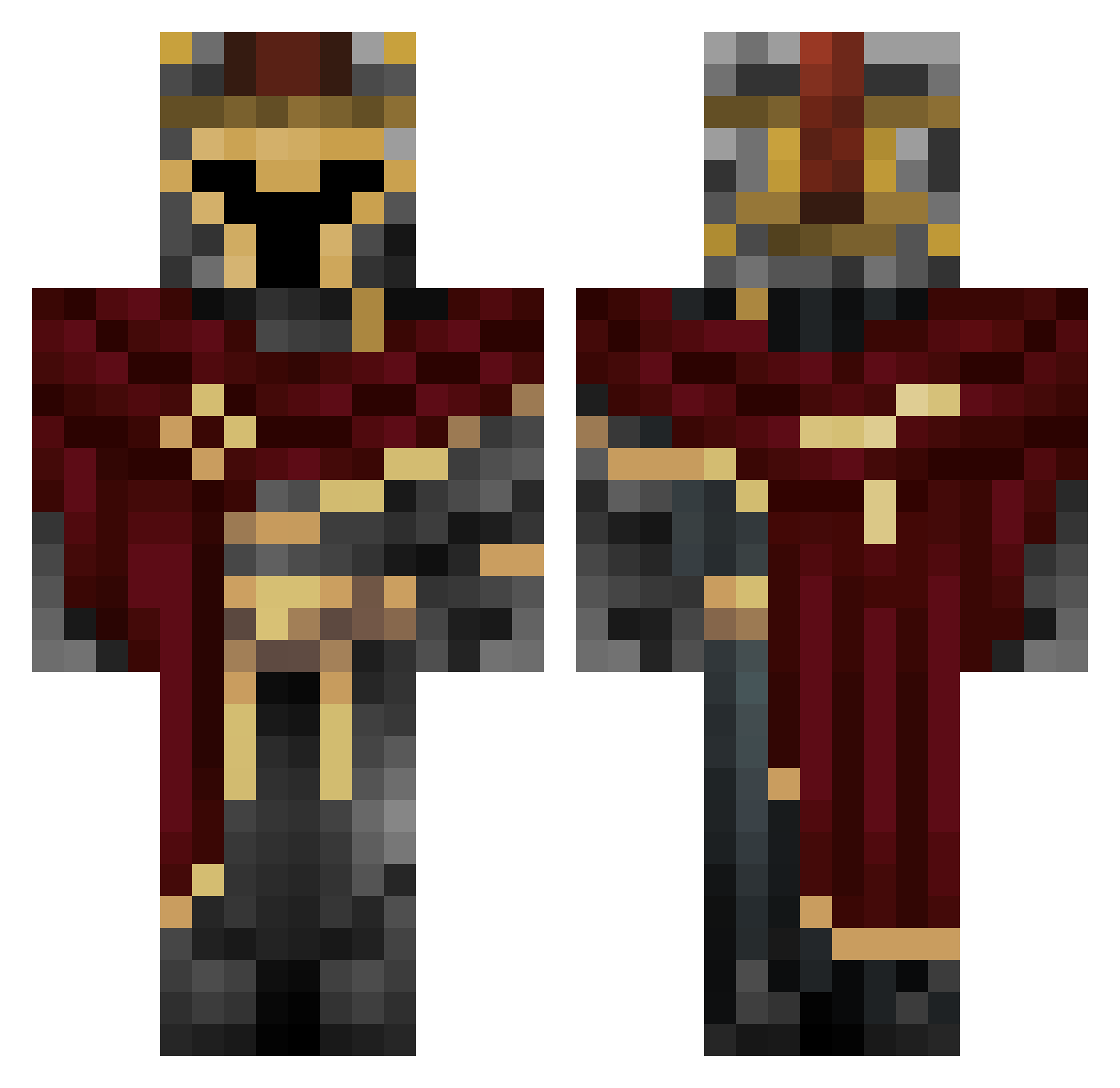
Current Minecraft skin of the player Mjawad_3, loaded from the official Mojang API. Rotate the 3D model with your mouse or finger, then download the skin as a PNG file and use it in Minecraft: Bedrock Edition or Java Edition for free. When Mjawad_3 changes their skin, this page updates automatically and the old skin stays in the history below.
Other players with this skin (454)
Mjawad_3 was the 426th player we have seen with this skin, first spotted on 25.10.2026. The same skin was seen on these players. Open a nickname to see their current skin and skin history.
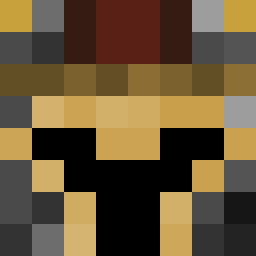 kitson100 Fraz444 WholeGrainCereal Elementrix27 xXBabuXx barkas683 SamuelStasii stenklord ChaoticSlayer96 nightshxdee Peres0202 Linique qwoi Hatred05 mctr44 GoldenBoyRS BlitzJupiter506 Luan_Yun Gandalf4568 764nw0p Deathfrmabove39 kalebgamer198TTV t_i_a_b Ilove_God X4M_JOKER Gr33n5murf BuckyHorror Vhypnotic3366 ItzCzl Gods_angle989 EndoFoxyMe plebslayerest GOPMP noera11 Comandomatuerca TreXx Quetzelcota G0W3sT leoreis1806 PrinceCharles24 butcrap _bvcd_ hfhfhhfhfh Vega_mp4 SovietBear420 tenebrix9 Stilleman DREAMOXE palyoo AshOf5pades moth_meek Str8FUBAR bubsonPL2003 YumiSan27 rramsie PanDass57 Kinglila4 Mr_Dide DiscoHair78 TentacleGod
More Spartan Minecraft skins
How to install the Mjawad_3 skin
- Press the Download button above to save the skin as a PNG file.
- Minecraft: Bedrock Edition (PE): open the Dressing Room from the main menu (or tap your character → Edit Character), go to Classic Skins → Owned, press the + (new skin) button, choose the downloaded PNG and pick the Classic (Steve) model. Works on PC and mobile; consoles cannot import custom skins.
- Minecraft: Java Edition: open the Minecraft Launcher, go to the Skins tab, click New Skin, load the PNG, pick the Classic (Steve) model and press Save & Use. You can also upload it at minecraft.net → Profile → Change Skin.
The skin does not show up after import - what should I do?
Restart Minecraft and open the Dressing Room again - imported skins sometimes appear only after a restart. Also make sure you selected the imported skin and picked the Classic (Steve) model.
Which model should I choose, Classic or Slim?
This skin is designed for the Classic (Steve) model. If you pick the wrong model, the arms of the skin will look stretched or squeezed.
Is the skin of Mjawad_3 free to download?
Yes. Press Download, save the PNG file and use it in Minecraft: Bedrock Edition or Java Edition - no payment or registration needed. The skin also works on multiplayer servers and Realms.
More skins
Looking for more? Go back to all Minecraft skins and check the top skins of the week, month and all time, or find any player's skin by nickname.