
MistDragoonsa - Minecraft Skins & Skin History
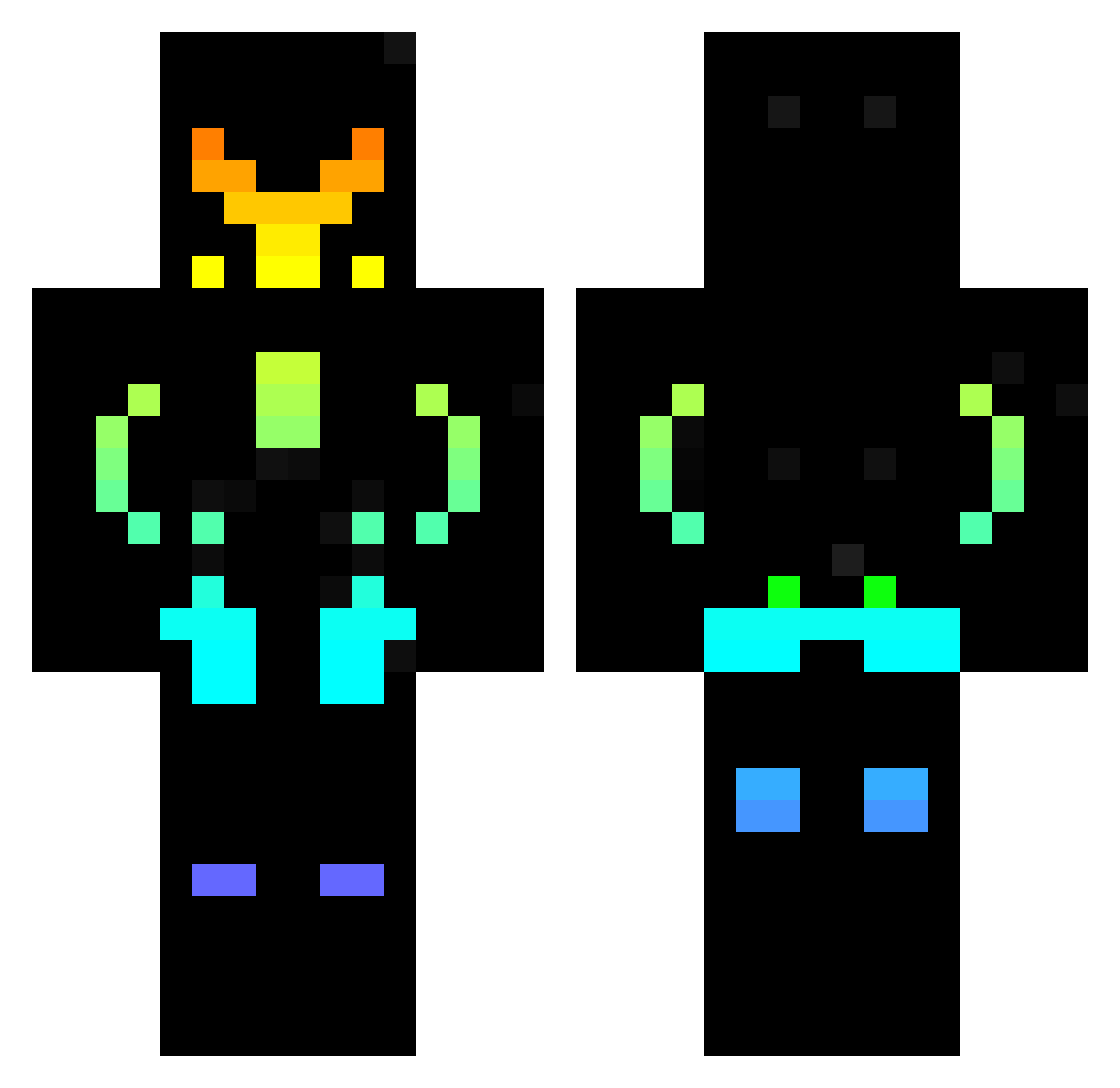
Current Minecraft skin of the player MistDragoonsa, loaded from the official Mojang API. Rotate the 3D model with your mouse or finger, then download the skin as a PNG file and use it in Minecraft: Bedrock Edition or Java Edition for free. When MistDragoonsa changes their skin, this page updates automatically and the old skin stays in the history below.
Other players with this skin (437)
MistDragoonsa was the 40th player we have seen with this skin, first spotted on 05.08.2026. The same skin was seen on these players. Open a nickname to see their current skin and skin history.
 Bence120230 Jerome424715 craftertom1 T0ETHUMBS 1v0o Suranovi bluerocket7 blockdoigts CANCNML DecoY163 Brolyy AFK9124 zypuze17 The_Punisher10 kanikamamama Jordan_01 tzvikl yigit7735 marcogmp24 Bretzel34 kubica5014 Neokser 1TOP1 Rotax2012 Chindo2003 DRAGOF3U TheLostNeedle LeakFlood Bigboss1177 Quev12 UltraNinja23 alecp1973 SuperSandblast ShadowWeaver97 Tokzon AwN_07 petiluka Rumbata010 MinecraftProHack Blazefire2311 Gokayreis58 k1ngor palarmel banamas MrRelentlessRS Light_Edrick Enzo2102 plaller555 Smitty560 PaulokVolt Dan13_987 Regnarock O_Omaar OlafurGF Torretto1234 Tgomes jonass_lol Forzirr BaumDummchen910 nikkone69
More Cyberpunk Soldier Minecraft skins
See all 1263 Cyberpunk Soldier skins
How to install the MistDragoonsa skin
- Press the Download button above to save the skin as a PNG file.
- Minecraft: Bedrock Edition (PE): open the Dressing Room from the main menu (or tap your character → Edit Character), go to Classic Skins → Owned, press the + (new skin) button, choose the downloaded PNG and pick the Classic (Steve) model. Works on PC and mobile; consoles cannot import custom skins.
- Minecraft: Java Edition: open the Minecraft Launcher, go to the Skins tab, click New Skin, load the PNG, pick the Classic (Steve) model and press Save & Use. You can also upload it at minecraft.net → Profile → Change Skin.
The skin does not show up after import - what should I do?
Restart Minecraft and open the Dressing Room again - imported skins sometimes appear only after a restart. Also make sure you selected the imported skin and picked the Classic (Steve) model.
Which model should I choose, Classic or Slim?
This skin is designed for the Classic (Steve) model. If you pick the wrong model, the arms of the skin will look stretched or squeezed.
Is the skin of MistDragoonsa free to download?
Yes. Press Download, save the PNG file and use it in Minecraft: Bedrock Edition or Java Edition - no payment or registration needed. The skin also works on multiplayer servers and Realms.
More skins
Looking for more? Go back to all Minecraft skins and check the top skins of the week, month and all time, or find any player's skin by nickname.