
Miselinos - Minecraft Skins & Skin History
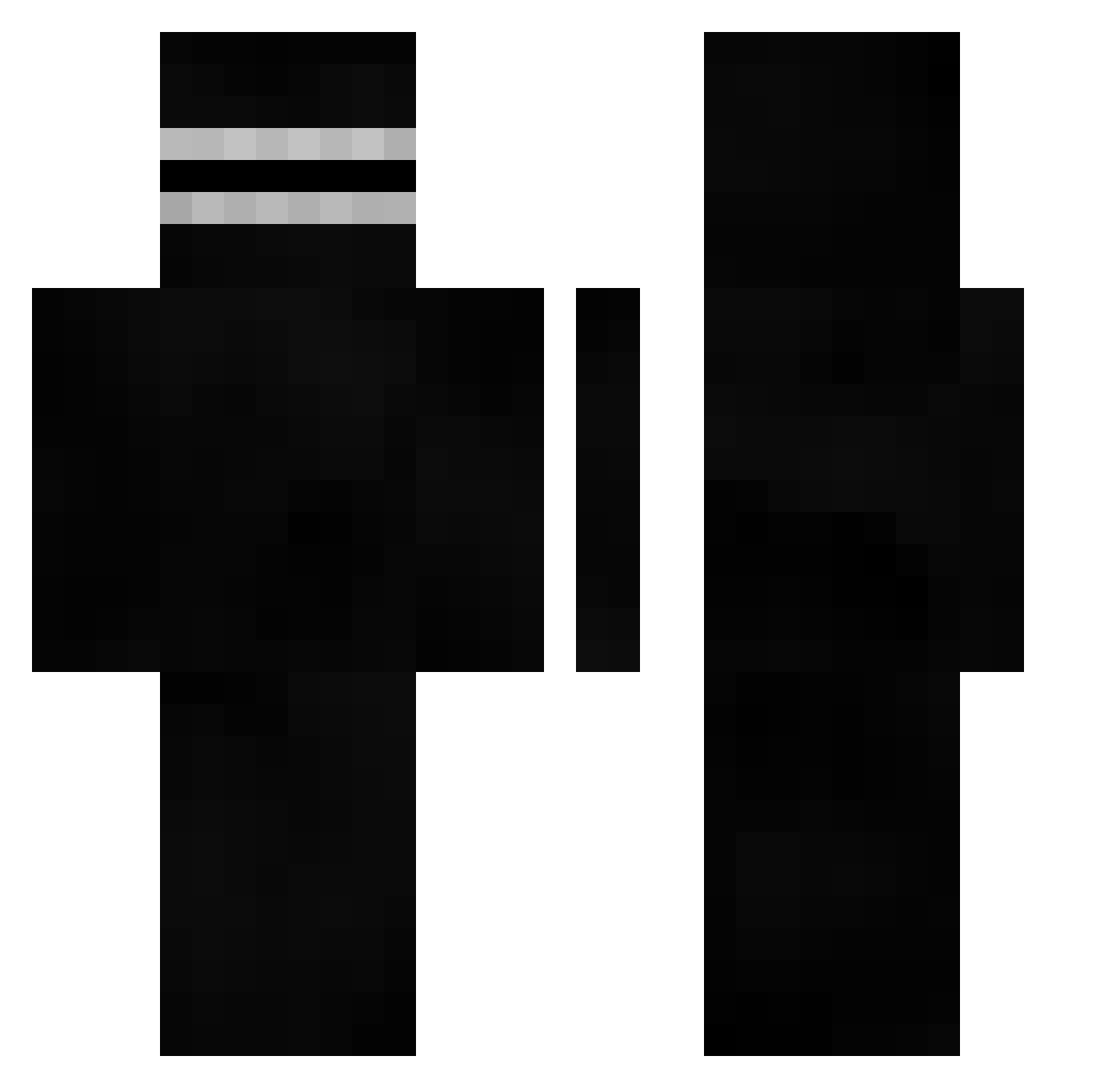
Current Minecraft skin of the player Miselinos, loaded from the official Mojang API. Rotate the 3D model with your mouse or finger, then download the skin as a PNG file and use it in Minecraft: Bedrock Edition or Java Edition for free. When Miselinos changes their skin, this page updates automatically and the old skin stays in the history below.
Other players with this skin (401)
Miselinos was the 387th player we have seen with this skin, first spotted on 19.10.2026. The same skin was seen on these players. Open a nickname to see their current skin and skin history.
 abeegayle NoB1ess xxxminecraftgod5 4rxzisamonkey alladunek Bolteheim Nekow_ Shmudddle StandardIdiot Weokless Celegenwal shoberGT FreshApex Andrellll Valiente_M Sleepyx Wervuss boogluvsbenching Benino87 MakeAMemeNow Eater_of_worlds_ TheDeathCombo21 GreenMachine099 EvoluutiomiesFI OPO34 Dovahbeear BambooNinja77 _Dosed_ Poulus AngelBLUe5998 CowTipper626 herber29 Cubiclmao crafting8table Gunnzeer Alpmaker FruityMuncher Mr_Nogami byung_rok wxyz136 ouhoSempai GgexXxracI V1p3x_ __THE_OBSERVER__ Big_Murph Moosl AetSe Meehrlon Vooker525 AnimeLegendary1 luanrosa Midste MrSkeez Tobi4895 moriocl4 V1p3x_7 Bast5606 ABULATIF cwoot Aidosang
How to install the Miselinos skin
- Press the Download button above to save the skin as a PNG file.
- Minecraft: Bedrock Edition (PE): open the Dressing Room from the main menu (or tap your character → Edit Character), go to Classic Skins → Owned, press the + (new skin) button, choose the downloaded PNG and pick the Classic (Steve) model. Works on PC and mobile; consoles cannot import custom skins.
- Minecraft: Java Edition: open the Minecraft Launcher, go to the Skins tab, click New Skin, load the PNG, pick the Classic (Steve) model and press Save & Use. You can also upload it at minecraft.net → Profile → Change Skin.
The skin does not show up after import - what should I do?
Restart Minecraft and open the Dressing Room again - imported skins sometimes appear only after a restart. Also make sure you selected the imported skin and picked the Classic (Steve) model.
Which model should I choose, Classic or Slim?
This skin is designed for the Classic (Steve) model. If you pick the wrong model, the arms of the skin will look stretched or squeezed.
Is the skin of Miselinos free to download?
Yes. Press Download, save the PNG file and use it in Minecraft: Bedrock Edition or Java Edition - no payment or registration needed. The skin also works on multiplayer servers and Realms.
More skins
Looking for more? Go back to all Minecraft skins and check the top skins of the week, month and all time, or find any player's skin by nickname.