
MintSakura - Minecraft Skins & Skin History
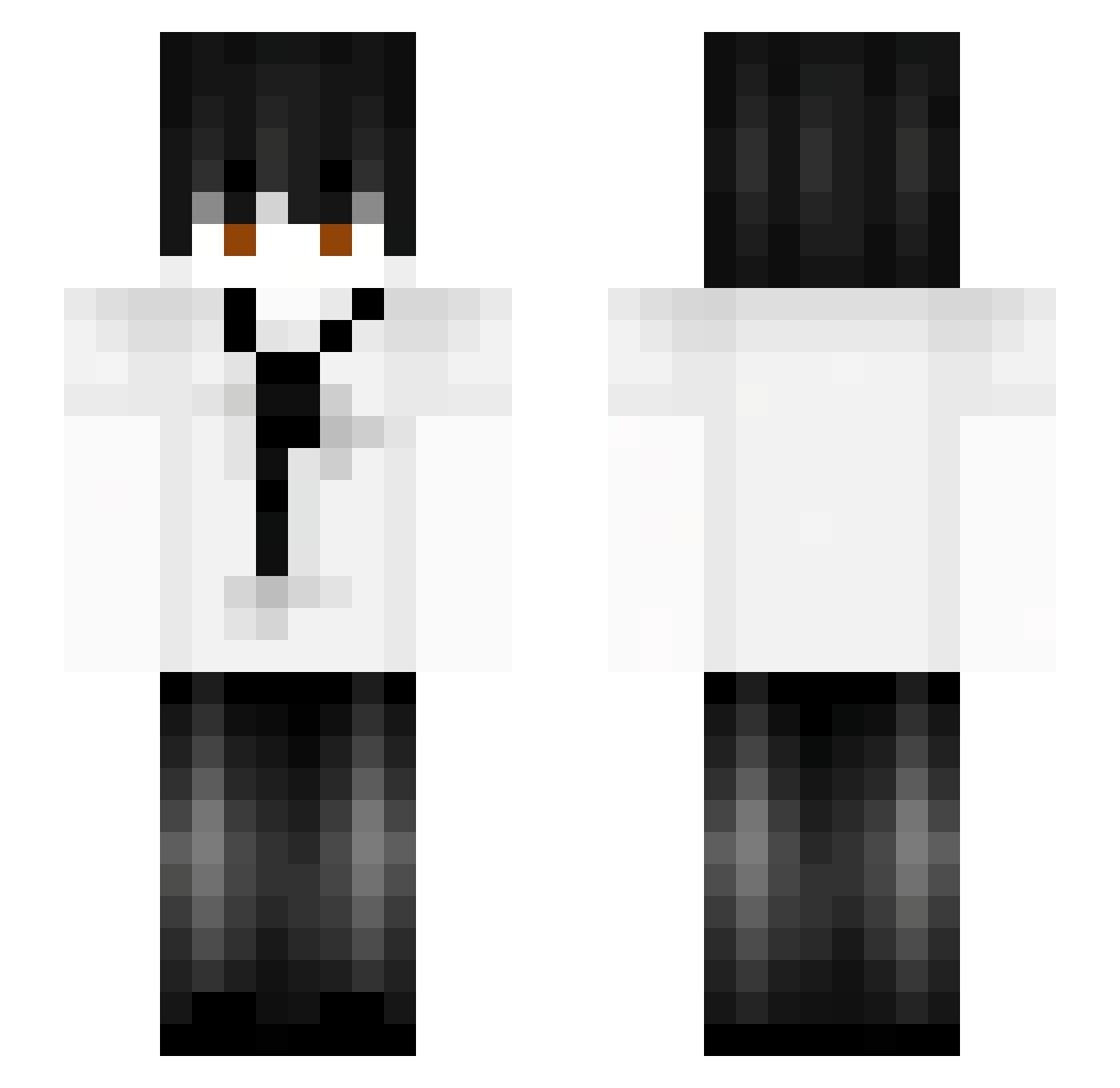
Current Minecraft skin of the player MintSakura, loaded from the official Mojang API. Rotate the 3D model with your mouse or finger, then download the skin as a PNG file and use it in Minecraft: Bedrock Edition or Java Edition for free. When MintSakura changes their skin, this page updates automatically and the old skin stays in the history below.
Other players with this skin (60)
MintSakura was the 7th player we have seen with this skin, first spotted on 09.08.2026. The same skin was seen on these players. Open a nickname to see their current skin and skin history.
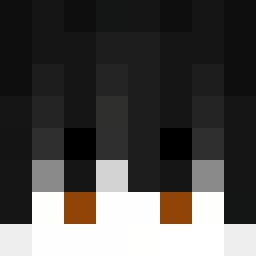 papa_hat_das1 BuxaPodre_ KS_hHNJm_08 Prosto_KyAmI _zaqi_
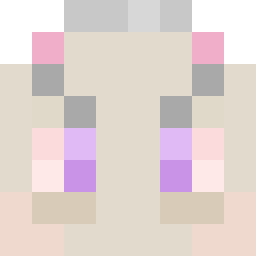 Daboozo GuideG ItzEnoonE jun_L Bato10 rladuswns100117 jin_hyeok1
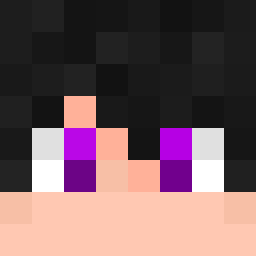 Bielzimvlt YHshax RyuYamii Coodants Svarthann THITHIPA39 k1ogai ZxOrzZ Zaqriel Seovvi MrVipesgr ZzTt99 rocket_troops Pharnax s44mxz paopao22 Cahungaga cyanine666 soled_by_naruto1 ibrahim15aa daarkBw Hoiiisye ZoiLugh OofyCS Fejzioo VinlandChris ryoko145 Aeromeo_Veyron Lusca___ zgokhan Xuanmo1127 Vxnisher jetlag520 oldyea Duktig666 Talderius DinosCurse AhmetKongo AaronGHGs Slvrr21 Dottryu Manerka77 AltVerse_sjm_AV Lingeqwq R0M4N_27 ergattomatto perpark2552 jangmoon0922
More Businessman Minecraft skins
See all 6600 Businessman skins
How to install the MintSakura skin
- Press the Download button above to save the skin as a PNG file.
- Minecraft: Bedrock Edition (PE): open the Dressing Room from the main menu (or tap your character → Edit Character), go to Classic Skins → Owned, press the + (new skin) button, choose the downloaded PNG and pick the Slim (Alex) model. Works on PC and mobile; consoles cannot import custom skins.
- Minecraft: Java Edition: open the Minecraft Launcher, go to the Skins tab, click New Skin, load the PNG, pick the Slim (Alex) model and press Save & Use. You can also upload it at minecraft.net → Profile → Change Skin.
The skin does not show up after import - what should I do?
Restart Minecraft and open the Dressing Room again - imported skins sometimes appear only after a restart. Also make sure you selected the imported skin and picked the Slim (Alex) model.
Which model should I choose, Classic or Slim?
This skin is designed for the Slim (Alex) model. If you pick the wrong model, the arms of the skin will look stretched or squeezed.
Is the skin of MintSakura free to download?
Yes. Press Download, save the PNG file and use it in Minecraft: Bedrock Edition or Java Edition - no payment or registration needed. The skin also works on multiplayer servers and Realms.
More skins
Looking for more? Go back to all Minecraft skins and check the top skins of the week, month and all time, or find any player's skin by nickname.