
 pintogrande69 Tigwyk MathiasBreiner BUGSM Kaio_UwU RedRipperAx itxFaded Marmita121 slashpos2 realpath19 MrPatonso ThatGuy8028 bundeet PollenILuften dabai_bh Maniek1920 SLAWK IceXLink Asher56 Joaco_512 slowcus ShacoKanka Wondercraft714 MrW0rld Irxous Kilozaur Simonlev007 BipolarBear06 Heomd Fyf41 Giuly4444 Boplo RIPBozo101 vorskii Vlpcoolboy L1Softrain MilkB Redblooded129 ZHENHAOO olSolarlo kneecap_taker13 wYanYu sharkman6812 SKOULICK EvilJCL CMoney206 YoshyKaua KeasbyKn1ght speedrunner5623 Bru2010 12Markus20 Umbra191 Creepdasheep BBHH00 ManDow0626 lordio22 Siye08 Night_Sight DOCO13 aNdywrLd
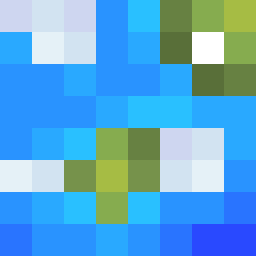
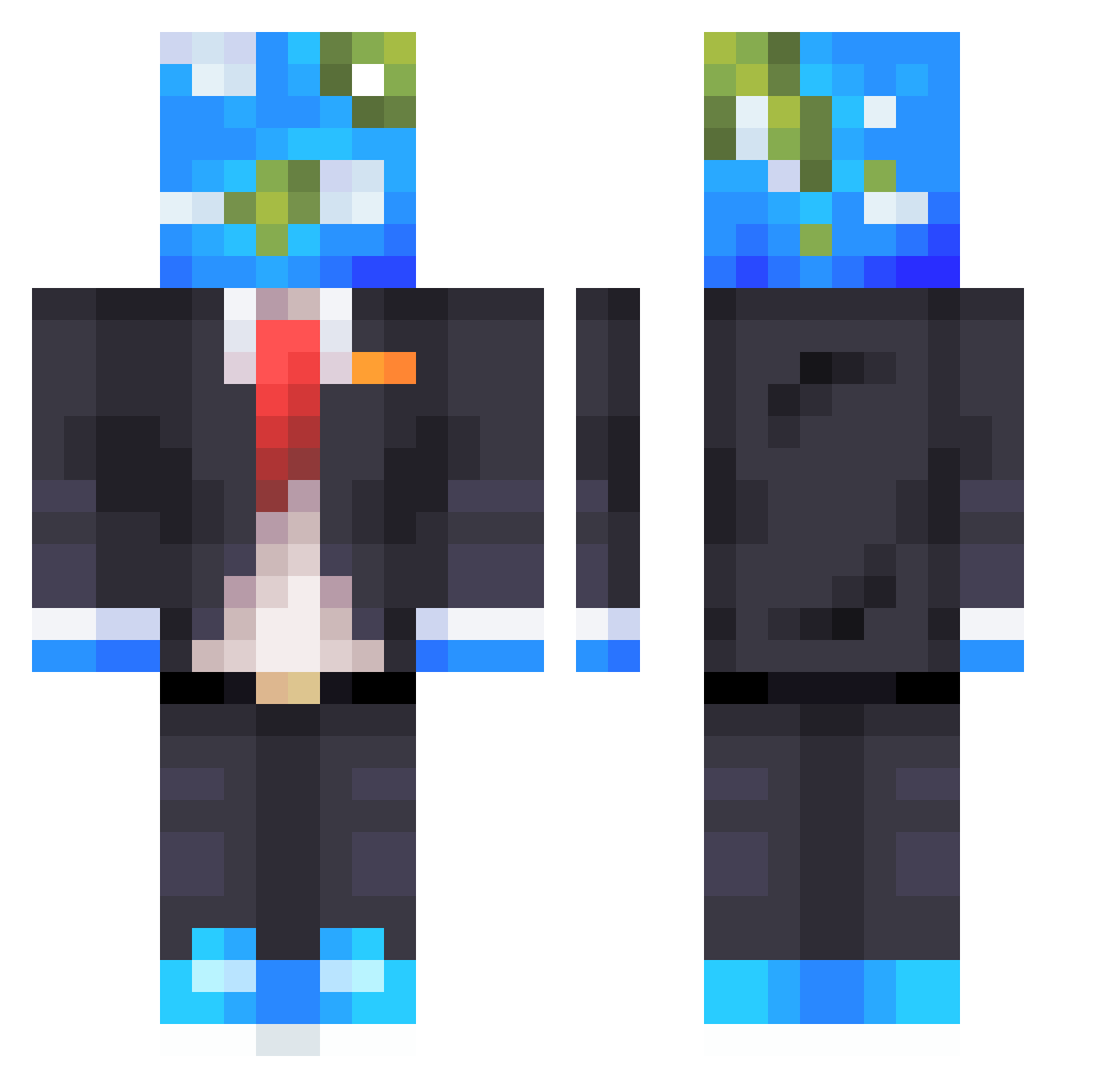
Minecraft skin of IdiOTsOUp. Rotate the 3D model with your mouse or finger to view the skin from every angle, then download it as a PNG file and use it in Minecraft: Bedrock Edition or Java Edition for free. Rate the skin with stars to help other players find the best skins in our collection.
How to install the IdiOTsOUp skin
- Press the Download button above to save the skin as a PNG file.
- Minecraft: Bedrock Edition (PE): open the Dressing Room from the main menu (or tap your character → Edit Character), go to Classic Skins → Owned, press the + (new skin) button, choose the downloaded PNG and pick the Classic (Steve) model. Works on PC and mobile; consoles cannot import custom skins.
- Minecraft: Java Edition: open the Minecraft Launcher, go to the Skins tab, click New Skin, load the PNG, pick the Classic (Steve) model and press Save & Use. You can also upload it at minecraft.net → Profile → Change Skin.
The skin does not show up after import - what should I do?
Restart Minecraft and open the Dressing Room again - imported skins sometimes appear only after a restart. Also make sure you selected the imported skin and picked the Classic (Steve) model.
Which model should I choose, Classic or Slim?
This skin is designed for the Classic (Steve) model. If you pick the wrong model, the arms of the skin will look stretched or squeezed.
Is this skin free to use?
Yes. Press Download, save the PNG file and use it in Minecraft: Bedrock Edition or Java Edition - no payment or registration needed. The skin also works on multiplayer servers and Realms.
More Earth Head Minecraft skins
More skins
Looking for more? Go back to all Minecraft skins and check the top skins of the week, month and all time, or find any player's skin by nickname.