
Meekoooooo - Minecraft Skins & Skin History
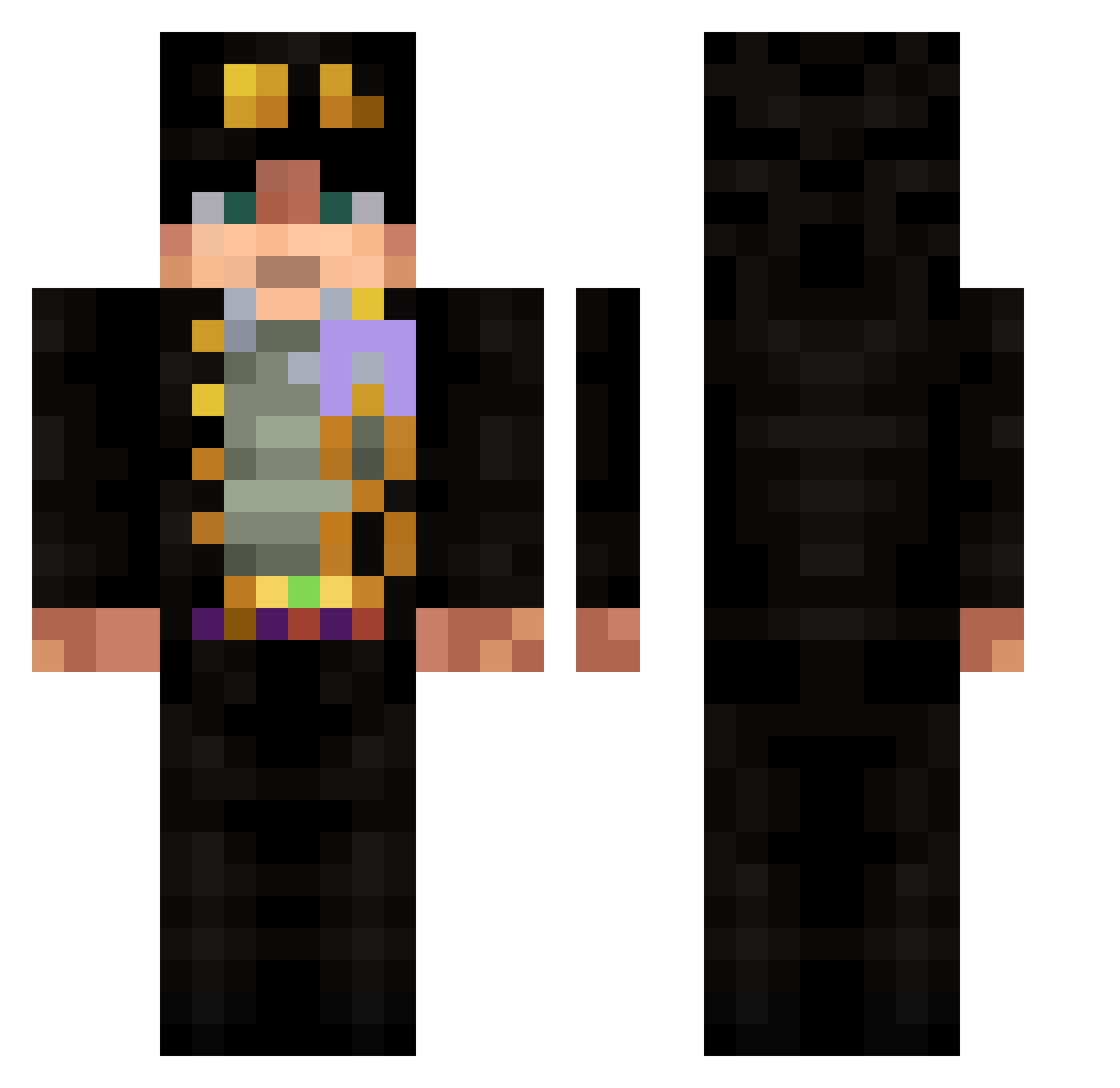
Current Minecraft skin of the player Meekoooooo, loaded from the official Mojang API. Rotate the 3D model with your mouse or finger, then download the skin as a PNG file and use it in Minecraft: Bedrock Edition or Java Edition for free. When Meekoooooo changes their skin, this page updates automatically and the old skin stays in the history below.
Other players with this skin (688)
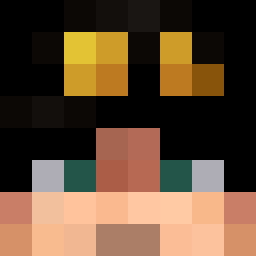
Meekoooooo was the 616th player we have seen with this skin, first spotted on 01.11.2026. The same skin was seen on these players. Open a nickname to see their current skin and skin history.
 CALIIS ann1hilus fishingrodxd craftdex tangore PavBoss _Dio_Brand0_ manduck121 _EvilTech Griadria qzy1212 bobby_benadryl MANMAN666 D3Scurr Zaknoir MishenkaVishenka Dimasik945 KappaDoor420 Gargolum wjx707607 zagss_ NarutoBiSensai05 XxTaxablexX Dadu597 Gamusino72 GOLDON1525 Advintor Bonnso Iamnothza ShUnRi0127 Kombucha69 coooot Akisuke4 GXac10 Gajhill Valentine2376 SuJonBae LimeZInator firegod_agni Horizon_nano RedEyedNova sanzi35 Joe_Scott TPackT _Girome MathewCool Sinales Draxsii m1okhh soulj4gger Mlody_zielarz RadioctiveFall sebadeba mmmmm_burbur RealRhox jimmy0410 Dexsueko Goodgrief270 Memou96 TMSpace6
More Jotaro Kujo Minecraft skins
How to install the Meekoooooo skin
- Press the Download button above to save the skin as a PNG file.
- Minecraft: Bedrock Edition (PE): open the Dressing Room from the main menu (or tap your character → Edit Character), go to Classic Skins → Owned, press the + (new skin) button, choose the downloaded PNG and pick the Classic (Steve) model. Works on PC and mobile; consoles cannot import custom skins.
- Minecraft: Java Edition: open the Minecraft Launcher, go to the Skins tab, click New Skin, load the PNG, pick the Classic (Steve) model and press Save & Use. You can also upload it at minecraft.net → Profile → Change Skin.
The skin does not show up after import - what should I do?
Restart Minecraft and open the Dressing Room again - imported skins sometimes appear only after a restart. Also make sure you selected the imported skin and picked the Classic (Steve) model.
Which model should I choose, Classic or Slim?
This skin is designed for the Classic (Steve) model. If you pick the wrong model, the arms of the skin will look stretched or squeezed.
Is the skin of Meekoooooo free to download?
Yes. Press Download, save the PNG file and use it in Minecraft: Bedrock Edition or Java Edition - no payment or registration needed. The skin also works on multiplayer servers and Realms.
More skins
Looking for more? Go back to all Minecraft skins and check the top skins of the week, month and all time, or find any player's skin by nickname.