
McIvor0015 - Minecraft Skins & Skin History
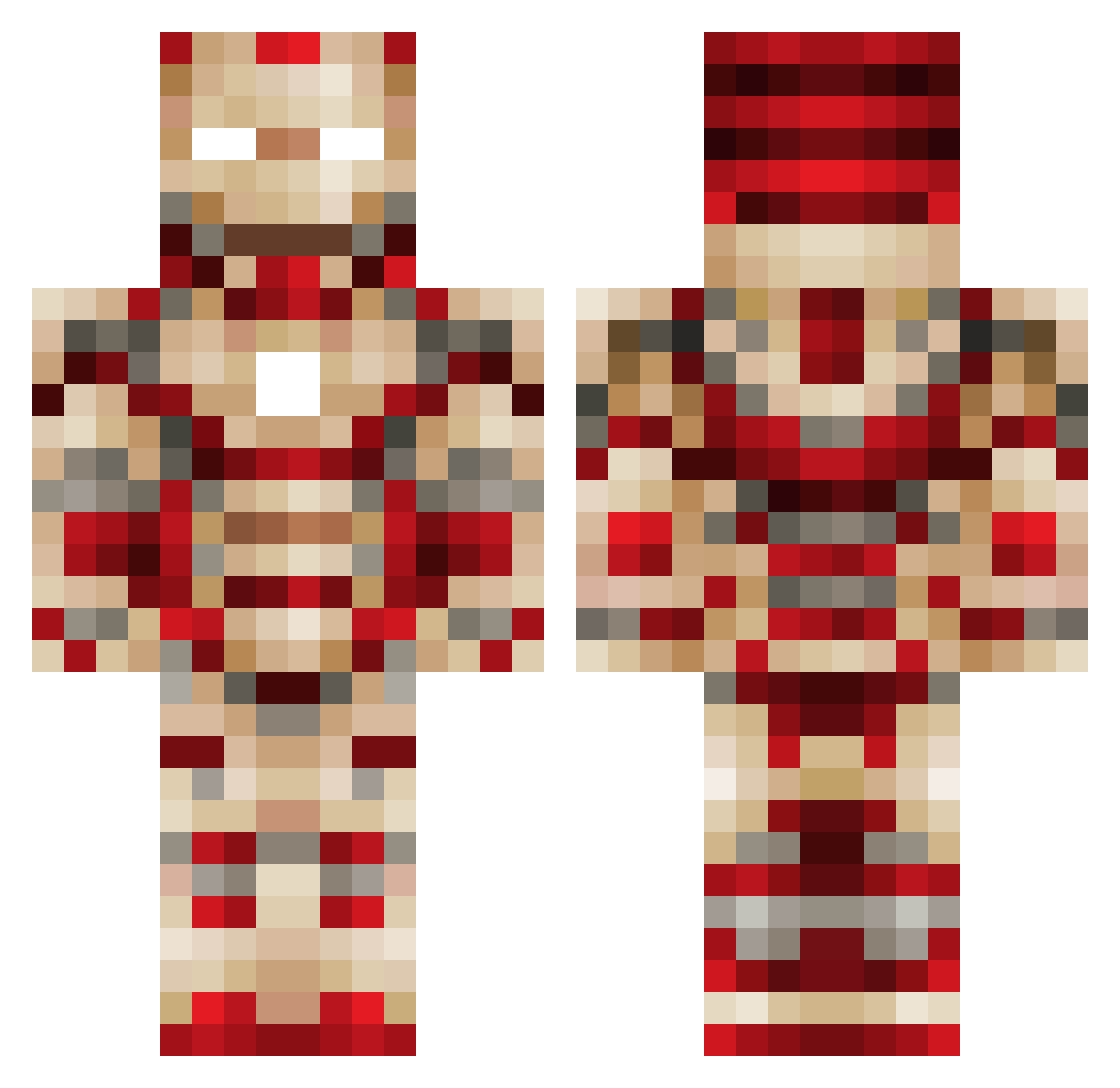
Current Minecraft skin of the player McIvor0015, loaded from the official Mojang API. Rotate the 3D model with your mouse or finger, then download the skin as a PNG file and use it in Minecraft: Bedrock Edition or Java Edition for free. When McIvor0015 changes their skin, this page updates automatically and the old skin stays in the history below.
Other players with this skin (449)
McIvor0015 was the 24th player we have seen with this skin, first spotted on 27.07.2026. The same skin was seen on these players. Open a nickname to see their current skin and skin history.
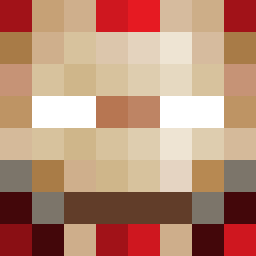 Liang_Jun Michael1207 Radin00 Dimple_Burrows supitslogan gwamegi Time2geton 1spiderman2002 Buddy4545 fireshote12 KMorand COMBAT_ENGINEER xodast apollo3938 qeterm Samual0285 IronMan36 Jakobryanroach jigglypuff1235 TjiaHwei srgood wfj2001 Jakobbv BOBRIEKA jguinto911 ROBOCLOPE jack2469 bobostallwood kylerivera17 goldenball42 BennyHill2000 tankit2003 adamJUK Sylmg kilehamon crash_the_best DaveCantCannon NFShadow iTzDope Jordan_Ryder KinG_GivenchY Numb_bongo LACSpeed Killerhawk245 ksoponkij Zeroxcraft Mitchell_921 russelmir InsaneVaas JBell2005 little_latte999 VJDub MechanicDylan1 emiliaadrian MarcinToJa BrotherNotorious JunBBa ryan061999 princess_carl TropicalSnowz
More Iron Man Minecraft skins
How to install the McIvor0015 skin
- Press the Download button above to save the skin as a PNG file.
- Minecraft: Bedrock Edition (PE): open the Dressing Room from the main menu (or tap your character → Edit Character), go to Classic Skins → Owned, press the + (new skin) button, choose the downloaded PNG and pick the Classic (Steve) model. Works on PC and mobile; consoles cannot import custom skins.
- Minecraft: Java Edition: open the Minecraft Launcher, go to the Skins tab, click New Skin, load the PNG, pick the Classic (Steve) model and press Save & Use. You can also upload it at minecraft.net → Profile → Change Skin.
The skin does not show up after import - what should I do?
Restart Minecraft and open the Dressing Room again - imported skins sometimes appear only after a restart. Also make sure you selected the imported skin and picked the Classic (Steve) model.
Which model should I choose, Classic or Slim?
This skin is designed for the Classic (Steve) model. If you pick the wrong model, the arms of the skin will look stretched or squeezed.
Is the skin of McIvor0015 free to download?
Yes. Press Download, save the PNG file and use it in Minecraft: Bedrock Edition or Java Edition - no payment or registration needed. The skin also works on multiplayer servers and Realms.
More skins
Looking for more? Go back to all Minecraft skins and check the top skins of the week, month and all time, or find any player's skin by nickname.