
Maze222 - Minecraft Skins & Skin History
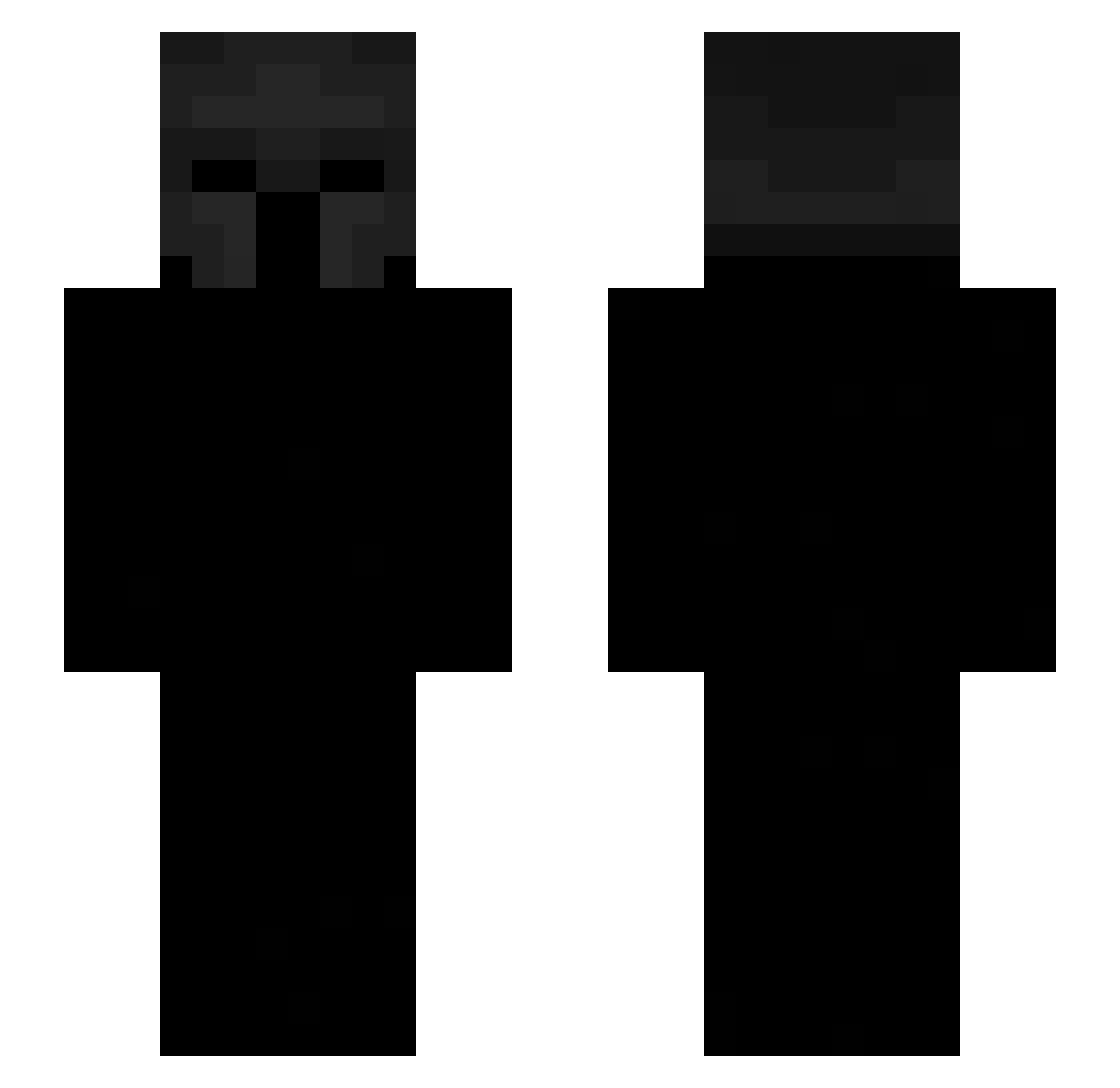
Current Minecraft skin of the player Maze222, loaded from the official Mojang API. Rotate the 3D model with your mouse or finger, then download the skin as a PNG file and use it in Minecraft: Bedrock Edition or Java Edition for free. When Maze222 changes their skin, this page updates automatically and the old skin stays in the history below.
Other players with this skin (537)
Maze222 was the 403rd player we have seen with this skin, first spotted on 11.10.2026. The same skin was seen on these players. Open a nickname to see their current skin and skin history.
 Cheese23232323 skrent_ POLG1 GuyRiley MunkeeMoo PlebejecCZ Kapings_ Sturen120 EliasOuPas suhat IRONTITANYT MokshIsHere Qenetu SlickxPup Folino00 AyalaJM07 Domynux josegalindo2515 bft123 Darkzin3 ArthurCode ImAssan RIZO777 Justaguy4803 YoungPorky67 KiddRi f5D3m0n qzeng_sein_qzeng DEATH_YOUU bugiGG primetimemonk lldexterll CutesyMeteor144 vlltrumite DAY_ynyehf Sortlyy Zeron1l Denes0325 fakedoses jeroopers esteban4231 DarckNigthPrime Brian97aa euziswagger Darklig xq3a JamalUdinKript Nanoxx1 kimangxl mec_mignon IDsOCRAM Nup_Noob RainnDrrops szefunio__ Tiny_Y Jfreitas7 yobamaaaaaa Atfas Tx1x ExvergePlays
More Spartan Minecraft skins
How to install the Maze222 skin
- Press the Download button above to save the skin as a PNG file.
- Minecraft: Bedrock Edition (PE): open the Dressing Room from the main menu (or tap your character → Edit Character), go to Classic Skins → Owned, press the + (new skin) button, choose the downloaded PNG and pick the Slim (Alex) model. Works on PC and mobile; consoles cannot import custom skins.
- Minecraft: Java Edition: open the Minecraft Launcher, go to the Skins tab, click New Skin, load the PNG, pick the Slim (Alex) model and press Save & Use. You can also upload it at minecraft.net → Profile → Change Skin.
The skin does not show up after import - what should I do?
Restart Minecraft and open the Dressing Room again - imported skins sometimes appear only after a restart. Also make sure you selected the imported skin and picked the Slim (Alex) model.
Which model should I choose, Classic or Slim?
This skin is designed for the Slim (Alex) model. If you pick the wrong model, the arms of the skin will look stretched or squeezed.
Is the skin of Maze222 free to download?
Yes. Press Download, save the PNG file and use it in Minecraft: Bedrock Edition or Java Edition - no payment or registration needed. The skin also works on multiplayer servers and Realms.
More skins
Looking for more? Go back to all Minecraft skins and check the top skins of the week, month and all time, or find any player's skin by nickname.