
Masterthef - Minecraft Skins & Skin History
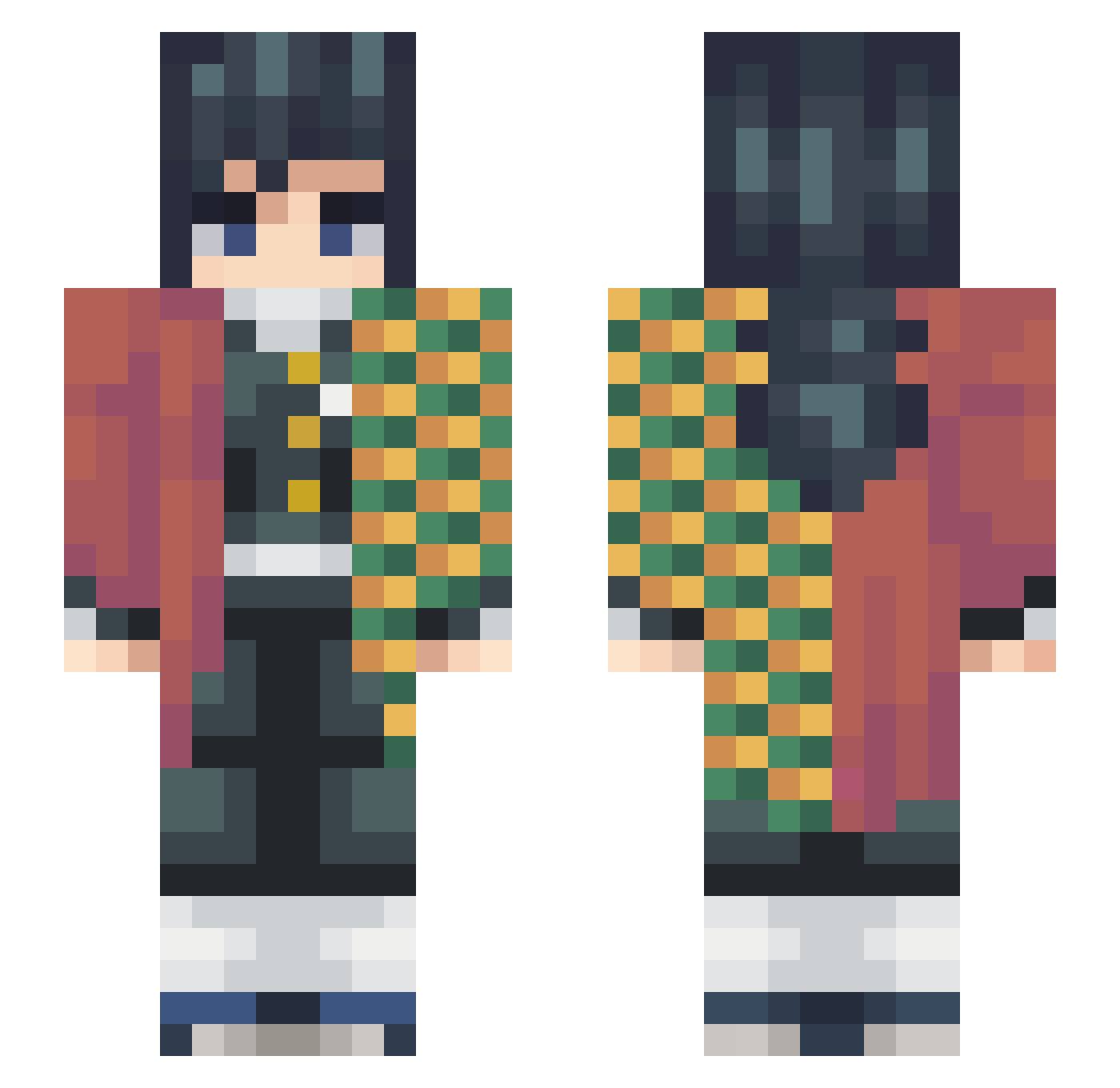
Current Minecraft skin of the player Masterthef, loaded from the official Mojang API. Rotate the 3D model with your mouse or finger, then download the skin as a PNG file and use it in Minecraft: Bedrock Edition or Java Edition for free. When Masterthef changes their skin, this page updates automatically and the old skin stays in the history below.
Other players with this skin (248)
Masterthef was the 168th player we have seen with this skin, first spotted on 06.10.2026. The same skin was seen on these players. Open a nickname to see their current skin and skin history.
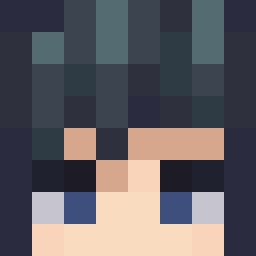 __Wolfyyy KeptWeevi LastionBR bbdlover Turquoise_Icarus doloiubijuteria Satsiyu jangjang1122 OSCURIDAD7 NokYinJai GUFUS09 Izzyjoe1 Vollkorntoast96 Henwry 4fip yddvb34 RodriguimGamplay AvocadoPlays SekureHD Network999 John_Dresden HokageMurc qxsonne Minebarf vermouth180 ExemplarSX hydro_fireplace babyje Huntahray Drewbest Eren5863 Mrgreenguy47 qqculizxc MrGiyuUCK marcoocara GiyuL0ver ZombieSlayerOMC ka_niki FenixWest Zeggter Siontal ONOKILLER009 CuteEllie140 Reguman_ CrusherSanz PhantomZ0925 notbif Sneax_Rifty Darklink927 fabio_999 deadmedication Yezzath OJWingman707 Yashiro777 NO4H12 HellFrozen Rennan1212 3absi Ezausto brocolis_
More Giyu Tomioka Minecraft skins
See all 187 Giyu Tomioka skins
How to install the Masterthef skin
- Press the Download button above to save the skin as a PNG file.
- Minecraft: Bedrock Edition (PE): open the Dressing Room from the main menu (or tap your character → Edit Character), go to Classic Skins → Owned, press the + (new skin) button, choose the downloaded PNG and pick the Slim (Alex) model. Works on PC and mobile; consoles cannot import custom skins.
- Minecraft: Java Edition: open the Minecraft Launcher, go to the Skins tab, click New Skin, load the PNG, pick the Slim (Alex) model and press Save & Use. You can also upload it at minecraft.net → Profile → Change Skin.
The skin does not show up after import - what should I do?
Restart Minecraft and open the Dressing Room again - imported skins sometimes appear only after a restart. Also make sure you selected the imported skin and picked the Slim (Alex) model.
Which model should I choose, Classic or Slim?
This skin is designed for the Slim (Alex) model. If you pick the wrong model, the arms of the skin will look stretched or squeezed.
Is the skin of Masterthef free to download?
Yes. Press Download, save the PNG file and use it in Minecraft: Bedrock Edition or Java Edition - no payment or registration needed. The skin also works on multiplayer servers and Realms.
More skins
Looking for more? Go back to all Minecraft skins and check the top skins of the week, month and all time, or find any player's skin by nickname.