
 iSmeeth OfficialFallen Guixzo Kroten_xd1 HollywoodJawn AuxiliaryHood RikaChan424 G0DS3ND bravislo75 BDAWG14214 Dino_jin Austgreen Mango3310 TUGUTUGU Xivertus GGio13 Cr1msonDemon Mallrog Menorziiiin800 verrybarry Dragon_Skylic TomiokaGiyuul BiCWhiteout SEONOAH Batu7474 Karamel51300 Ezswift Adammsonaki LashWRLD NightShade_287 ScripterHun zMigueL799 hakudo_ SadBased bdaddypit69 Amerari Nomis9771 tomorsm miinung xZkckz abekku666 7Eleven_MIN557 Zefrom ElKingmatrix Joeyc289 GianniXVI Qtoils xBulo AiiWaK BHAAAAAN rmAngel24 ivanovitch97 Gor11a69420 eazypz Lost4Dead codfishx Johnny_Johnny_75 Bokutos_cake egirlskin pannatong
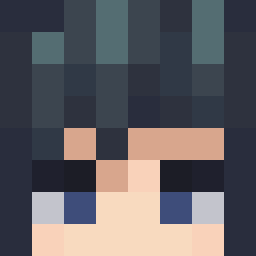
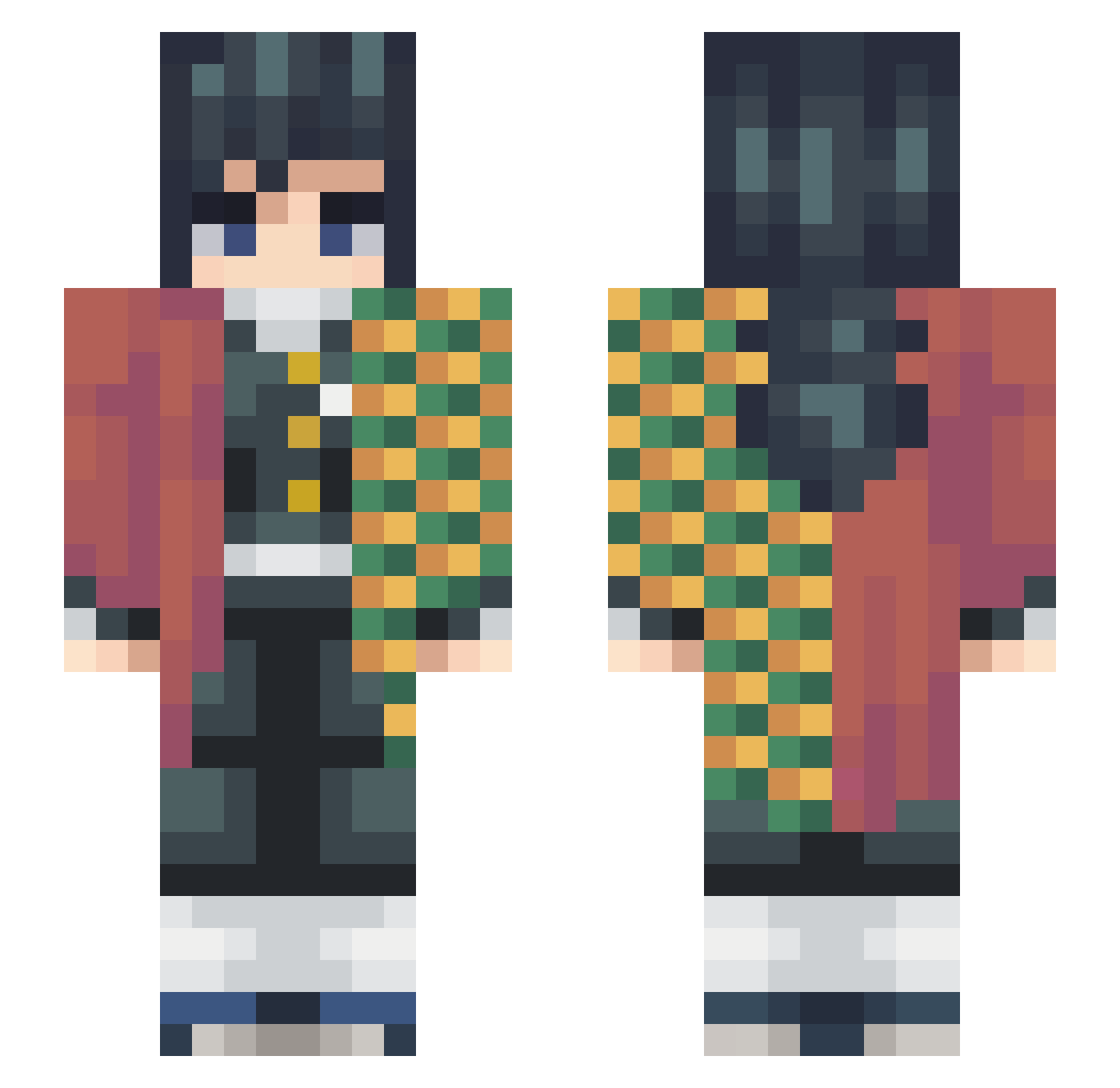
Minecraft skin of matchupking. Rotate the 3D model with your mouse or finger to view the skin from every angle, then download it as a PNG file and use it in Minecraft: Bedrock Edition or Java Edition for free. Rate the skin with stars to help other players find the best skins in our collection.
How to install the matchupking skin
- Press the Download button above to save the skin as a PNG file.
- Minecraft: Bedrock Edition (PE): open the Dressing Room from the main menu (or tap your character → Edit Character), go to Classic Skins → Owned, press the + (new skin) button, choose the downloaded PNG and pick the Slim (Alex) model. Works on PC and mobile; consoles cannot import custom skins.
- Minecraft: Java Edition: open the Minecraft Launcher, go to the Skins tab, click New Skin, load the PNG, pick the Slim (Alex) model and press Save & Use. You can also upload it at minecraft.net → Profile → Change Skin.
The skin does not show up after import - what should I do?
Restart Minecraft and open the Dressing Room again - imported skins sometimes appear only after a restart. Also make sure you selected the imported skin and picked the Slim (Alex) model.
Which model should I choose, Classic or Slim?
This skin is designed for the Slim (Alex) model. If you pick the wrong model, the arms of the skin will look stretched or squeezed.
Is this skin free to use?
Yes. Press Download, save the PNG file and use it in Minecraft: Bedrock Edition or Java Edition - no payment or registration needed. The skin also works on multiplayer servers and Realms.
More Hashira Minecraft skins
More skins
Looking for more? Go back to all Minecraft skins and check the top skins of the week, month and all time, or find any player's skin by nickname.