
Marcosro_ - Minecraft Skins & Skin History
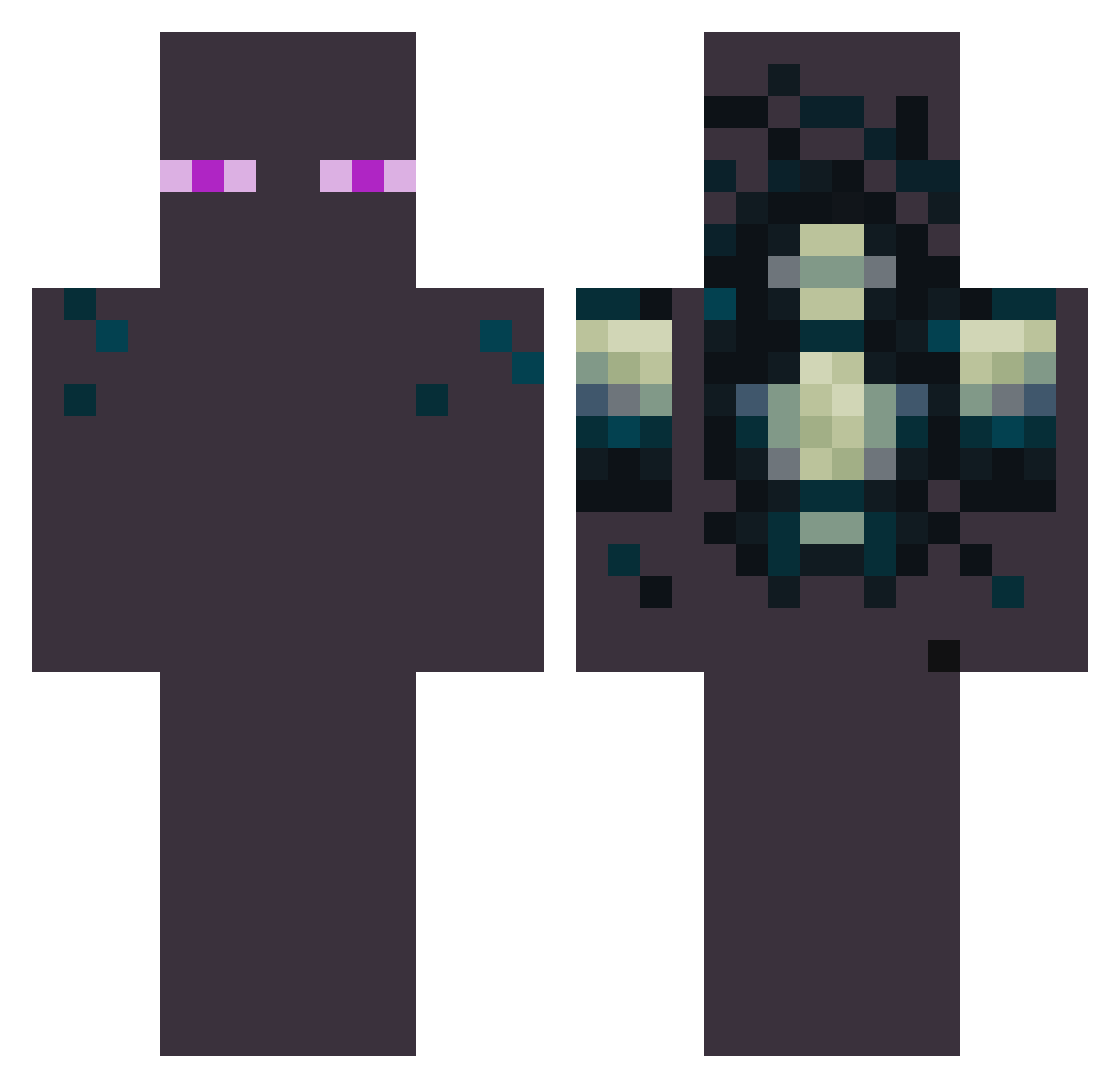
Current Minecraft skin of the player Marcosro_, loaded from the official Mojang API. Rotate the 3D model with your mouse or finger, then download the skin as a PNG file and use it in Minecraft: Bedrock Edition or Java Edition for free. When Marcosro_ changes their skin, this page updates automatically and the old skin stays in the history below.
Other players with this skin (47)
Marcosro_ was the 4th player we have seen with this skin, first spotted on 02.10.2026. The same skin was seen on these players. Open a nickname to see their current skin and skin history.
 ___Melancholy Benwaaar BearSanvic onziv0 erixyto AreYouOkBoomer Shadowkiiu KingJBP Miele_mlt Mikari_kc APKY2006 Gan144 _Dentist_ vitor_zxx7 CahiI ZIKENHHY baymaximin EnderMan8749 Arkadiusz222 YostkaTK QpAsHa15 Atookan GermanyMC Rogue__MC Flori2012 MossyVolrum _Flex_Sky Likeaboss2007_12 HiszpanW12 JJSIMPSON IBOUBOUI I_August_I mantrix777 ClasikMC MindfunkPL 7ufe DOCTORZADO Kikoucrafte Atr3i Enderman7178 sapitojuanito jongho2010 Kerststol Elian34Xde FrankSTM BoOb651 IPhentomI
Previous skins of Marcosro_
Skins that Marcosro_ wore before, newest first. Click a skin to open its page and download it.
More Enderman Minecraft skins
How to install the Marcosro_ skin
- Press the Download button above to save the skin as a PNG file.
- Minecraft: Bedrock Edition (PE): open the Dressing Room from the main menu (or tap your character → Edit Character), go to Classic Skins → Owned, press the + (new skin) button, choose the downloaded PNG and pick the Classic (Steve) model. Works on PC and mobile; consoles cannot import custom skins.
- Minecraft: Java Edition: open the Minecraft Launcher, go to the Skins tab, click New Skin, load the PNG, pick the Classic (Steve) model and press Save & Use. You can also upload it at minecraft.net → Profile → Change Skin.
The skin does not show up after import - what should I do?
Restart Minecraft and open the Dressing Room again - imported skins sometimes appear only after a restart. Also make sure you selected the imported skin and picked the Classic (Steve) model.
Which model should I choose, Classic or Slim?
This skin is designed for the Classic (Steve) model. If you pick the wrong model, the arms of the skin will look stretched or squeezed.
Is the skin of Marcosro_ free to download?
Yes. Press Download, save the PNG file and use it in Minecraft: Bedrock Edition or Java Edition - no payment or registration needed. The skin also works on multiplayer servers and Realms.
More skins
Looking for more? Go back to all Minecraft skins and check the top skins of the week, month and all time, or find any player's skin by nickname.