
Mal_WkKasj - Minecraft Skins & Skin History
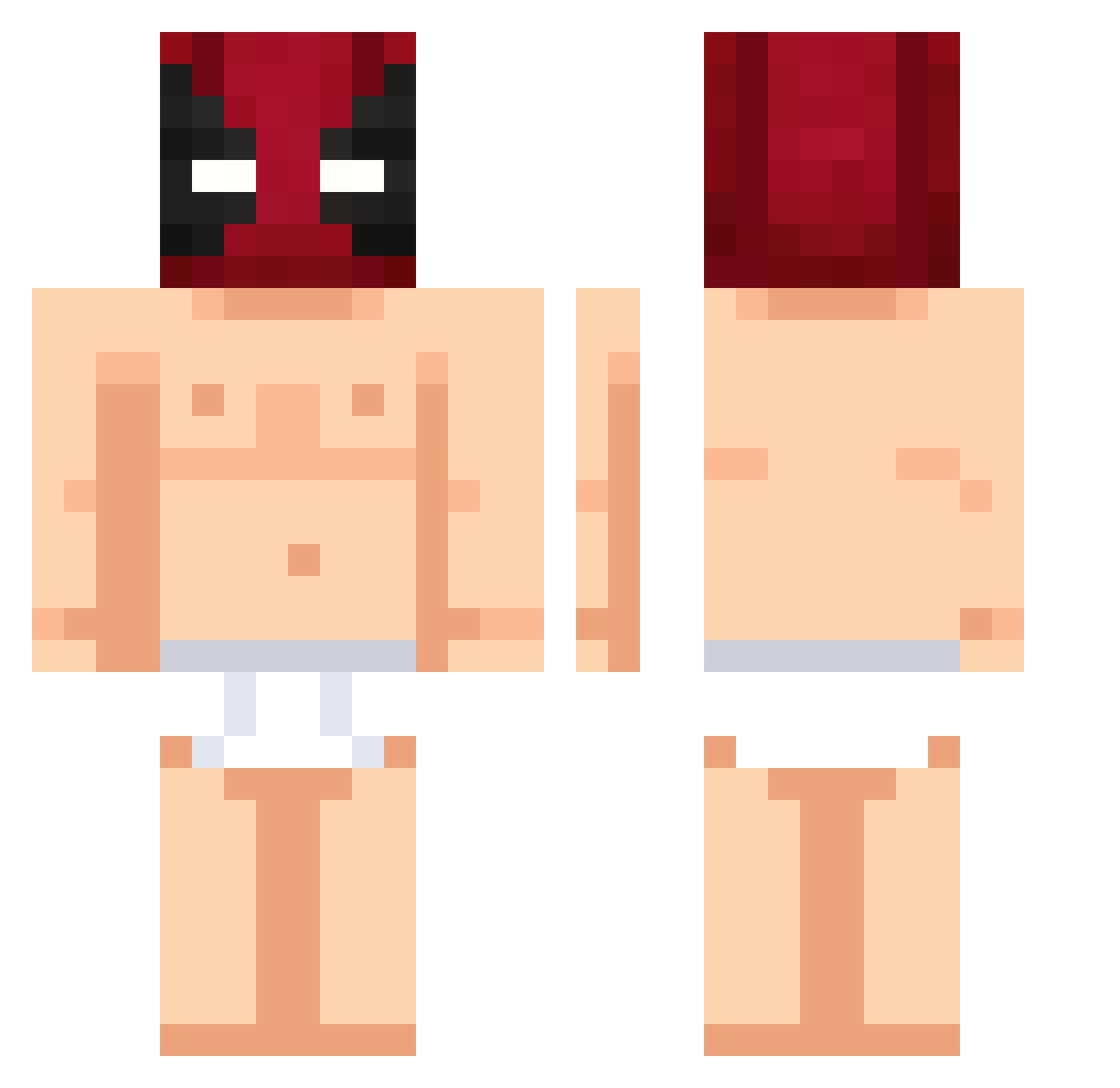
Current Minecraft skin of the player Mal_WkKasj, loaded from the official Mojang API. Rotate the 3D model with your mouse or finger, then download the skin as a PNG file and use it in Minecraft: Bedrock Edition or Java Edition for free. When Mal_WkKasj changes their skin, this page updates automatically and the old skin stays in the history below.
Other players with this skin (501)
Mal_WkKasj was the 288th player we have seen with this skin, first spotted on 28.09.2026. The same skin was seen on these players. Open a nickname to see their current skin and skin history.
 PQTTW frankzin77 iiRiicK Leng_Kun Saltymen prisome MelloGaming UnicornProtect Lazar0172_ UserNoob29 MyNuu25 DaveBluntsSips Darwin143 PurpleM16 Leolabricot1 sweqsy DerReicheSam GreenDay156 CabenInTheWoods Hoppec guto1234 Macs1510 paper2211 AshVTube WX_LEM Tonichu FerLuXx Borys201013 IIiTsFabri31II Josuuuuuuf xuzari BoYi999 Tueur337 anyel_wan HyperNinja2008 Fazcy elevenkk papufede sn3ss MAXLOL3001 yxngtwelve12 StreetNinjaReet TORWAN00 mayday865 Brunaozim Asesinoxx190 BimfahrerHorst 1Ruyan Jujubinhas GhostCorpseOG dldxj Hugu_64 LGSFOREVER PaulNoCap Daniil259 BigSteven12 SungHyoo 2KINGKONG3 Markanasi ursink
More Deadpool Minecraft skins
How to install the Mal_WkKasj skin
- Press the Download button above to save the skin as a PNG file.
- Minecraft: Bedrock Edition (PE): open the Dressing Room from the main menu (or tap your character → Edit Character), go to Classic Skins → Owned, press the + (new skin) button, choose the downloaded PNG and pick the Classic (Steve) model. Works on PC and mobile; consoles cannot import custom skins.
- Minecraft: Java Edition: open the Minecraft Launcher, go to the Skins tab, click New Skin, load the PNG, pick the Classic (Steve) model and press Save & Use. You can also upload it at minecraft.net → Profile → Change Skin.
The skin does not show up after import - what should I do?
Restart Minecraft and open the Dressing Room again - imported skins sometimes appear only after a restart. Also make sure you selected the imported skin and picked the Classic (Steve) model.
Which model should I choose, Classic or Slim?
This skin is designed for the Classic (Steve) model. If you pick the wrong model, the arms of the skin will look stretched or squeezed.
Is the skin of Mal_WkKasj free to download?
Yes. Press Download, save the PNG file and use it in Minecraft: Bedrock Edition or Java Edition - no payment or registration needed. The skin also works on multiplayer servers and Realms.
More skins
Looking for more? Go back to all Minecraft skins and check the top skins of the week, month and all time, or find any player's skin by nickname.