
Ly4x4 - Minecraft Skins & Skin History
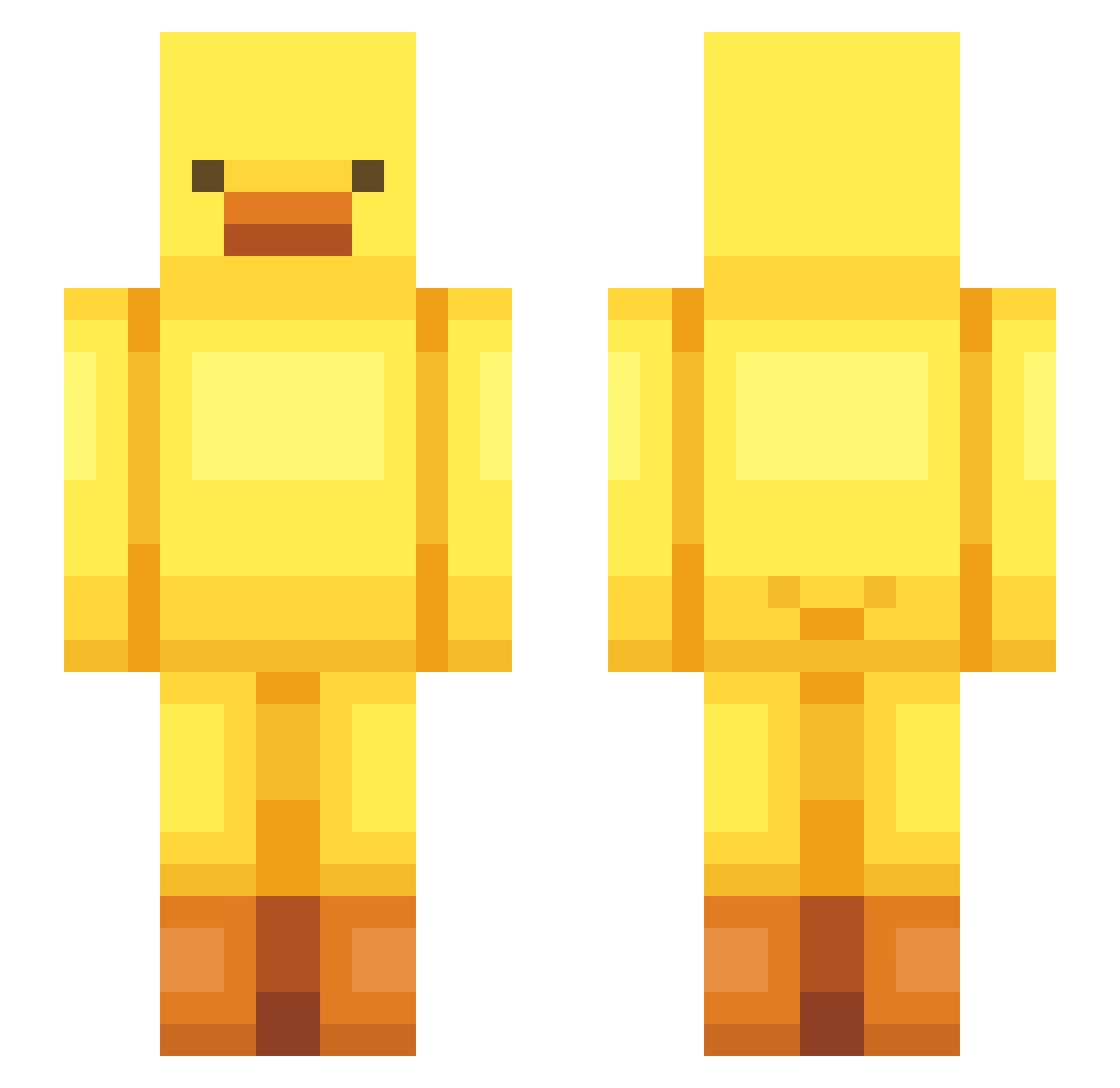
Current Minecraft skin of the player Ly4x4, loaded from the official Mojang API. Rotate the 3D model with your mouse or finger, then download the skin as a PNG file and use it in Minecraft: Bedrock Edition or Java Edition for free. When Ly4x4 changes their skin, this page updates automatically and the old skin stays in the history below.
Other players with this skin (443)
Ly4x4 was the 58th player we have seen with this skin, first spotted on 06.08.2026. The same skin was seen on these players. Open a nickname to see their current skin and skin history.
 HYEGYOS2 LenaEmily hakyoung0605 XXxiao_ loveev embeme H___S javaedition00 sdsmith009 stephoooo W4R4E _Monji asdfg34324 Duck21341 Frozen_V Kooszec HoangAnnn Altyas_ Beancurdman Benycypher BongMarley69
 JoSoonDuck atu_tofu YamYanker Vbladee Skitts_25 pato150 _Ashiro Cherry_B1ossom canyon_monkey UnicornRainbow2 boboyun Strawger RainXin78 PatitoRico 39421 gevava555 08_Ryan_26 Oogway892 KotoCelestial Scambi77 Voyager_0916 poposjj stress2585 TecktyXD wjdwoals0443 AbbyNoGamer Sammy0017090 Kaasplakjes Chamqi Ary6974 muzs somthing33 SenorrPink gebul _YELLOWDUCK Terro02 ori_718 epoloe jujuchocomonster
More Bird Minecraft skins
How to install the Ly4x4 skin
- Press the Download button above to save the skin as a PNG file.
- Minecraft: Bedrock Edition (PE): open the Dressing Room from the main menu (or tap your character → Edit Character), go to Classic Skins → Owned, press the + (new skin) button, choose the downloaded PNG and pick the Slim (Alex) model. Works on PC and mobile; consoles cannot import custom skins.
- Minecraft: Java Edition: open the Minecraft Launcher, go to the Skins tab, click New Skin, load the PNG, pick the Slim (Alex) model and press Save & Use. You can also upload it at minecraft.net → Profile → Change Skin.
The skin does not show up after import - what should I do?
Restart Minecraft and open the Dressing Room again - imported skins sometimes appear only after a restart. Also make sure you selected the imported skin and picked the Slim (Alex) model.
Which model should I choose, Classic or Slim?
This skin is designed for the Slim (Alex) model. If you pick the wrong model, the arms of the skin will look stretched or squeezed.
Is the skin of Ly4x4 free to download?
Yes. Press Download, save the PNG file and use it in Minecraft: Bedrock Edition or Java Edition - no payment or registration needed. The skin also works on multiplayer servers and Realms.
More skins
Looking for more? Go back to all Minecraft skins and check the top skins of the week, month and all time, or find any player's skin by nickname.