
LukeW - Minecraft Skins & Skin History
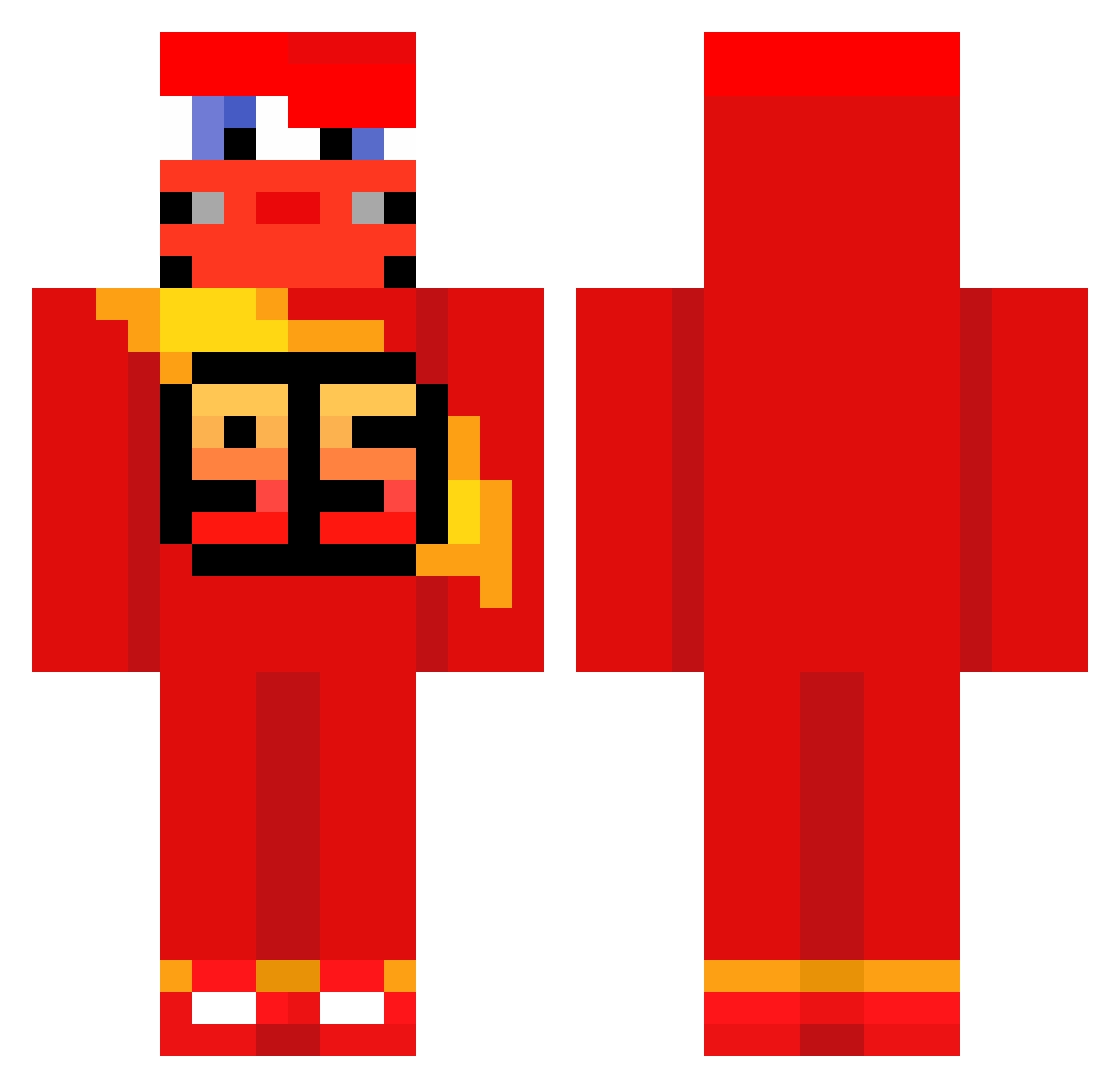
Current Minecraft skin of the player LukeW, loaded from the official Mojang API. Rotate the 3D model with your mouse or finger, then download the skin as a PNG file and use it in Minecraft: Bedrock Edition or Java Edition for free. When LukeW changes their skin, this page updates automatically and the old skin stays in the history below.
Other players with this skin (674)
LukeW was the 505th player we have seen with this skin, first spotted on 15.10.2026. The same skin was seen on these players. Open a nickname to see their current skin and skin history.
 OzDeo Aurothus doshik515 Glainn M2490 Mardios12 Dyosh_ ForgetAboutItCuh Rhys2504 KoRoX_0 AdySs05 P1TO24 9253 Konta147lol ayomartin08 1907efe2005 Bibictor2004 Tomclau06 l1paaa carrelage_ zerounoguii Fariaax zElmqo Darkpyro77 Idol222 Lutzy__ Righter7 Zinger_Burger1 davizin2024 KASZANEK1280 MeterDerZweite Jotapeeee Nheexx Koalzyy Feezzing 0_ItsCorrupted_ Maicowbai SUCHKATWAR The_Flame_Nico NubboBonz KaptanJHO DaciaSandero2008 Guerro18 annoyingbrat Cirix007 Luckeyboy974 ospof Nhavahn Verissimo011 VegaPunkAKD Ojsann JohnVrogs maxi12232352 McQueeniee itsuki310 Diniz_100 Pneumatike HallvarErKul TheCass_10 ArdaMustang
More Lightning Mcqueen Minecraft skins
See all 119 Lightning Mcqueen skins
How to install the LukeW skin
- Press the Download button above to save the skin as a PNG file.
- Minecraft: Bedrock Edition (PE): open the Dressing Room from the main menu (or tap your character → Edit Character), go to Classic Skins → Owned, press the + (new skin) button, choose the downloaded PNG and pick the Classic (Steve) model. Works on PC and mobile; consoles cannot import custom skins.
- Minecraft: Java Edition: open the Minecraft Launcher, go to the Skins tab, click New Skin, load the PNG, pick the Classic (Steve) model and press Save & Use. You can also upload it at minecraft.net → Profile → Change Skin.
The skin does not show up after import - what should I do?
Restart Minecraft and open the Dressing Room again - imported skins sometimes appear only after a restart. Also make sure you selected the imported skin and picked the Classic (Steve) model.
Which model should I choose, Classic or Slim?
This skin is designed for the Classic (Steve) model. If you pick the wrong model, the arms of the skin will look stretched or squeezed.
Is the skin of LukeW free to download?
Yes. Press Download, save the PNG file and use it in Minecraft: Bedrock Edition or Java Edition - no payment or registration needed. The skin also works on multiplayer servers and Realms.
More skins
Looking for more? Go back to all Minecraft skins and check the top skins of the week, month and all time, or find any player's skin by nickname.