
 InfinityKing3 seventy7ize FlyingQueen11 MrPicoo rkbt pnj__ Pumbitaa DreamsBedwars Ethabadab Ellis_McGruber juberango MartinHaaland TBE_Carl Fabii8989 Itsjoe1281 AFK_Hund ar9c55 VVV12344 OrbitekWTF gKamchen kulezo BIZCOCHITOsd Danosaurioo Don_Puchaina xNiFeEn MrFreshsoup RelampagoMaqueen ajillo578 sevo_bevo1 Chamalo15 godmez71 JuanSauceda7 AyazRPG 17Agd Nicol_Games 95__ UgurGndo Kam1en urMomMyPFP avsma sazzory enfrancocoPRO TURBOPIOTREK Terzi12345 tab00ret BMGAB7 Carbeh Zeddy5 MaquinLight Tosicik1345 Nexflylulu leroidumonde13 GIGELUSUL SrSay itsJJ___ iWesper kakou_kakou Tresdere huuashi CRAYW444
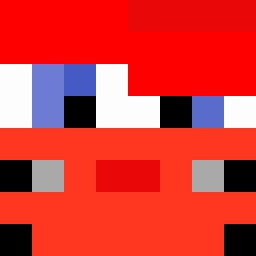
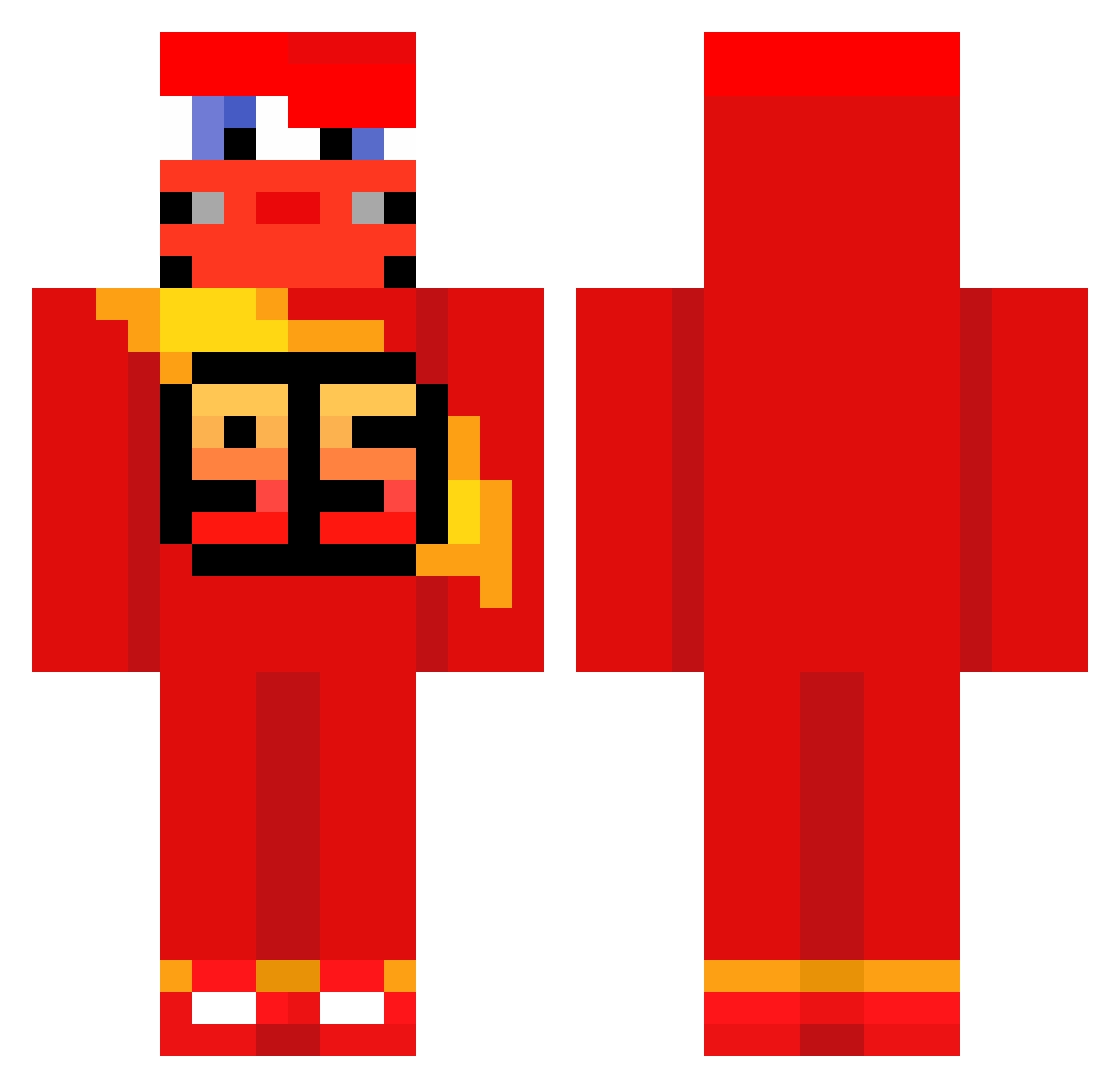
Minecraft skin of Franni. Rotate the 3D model with your mouse or finger to view the skin from every angle, then download it as a PNG file and use it in Minecraft: Bedrock Edition or Java Edition for free. Rate the skin with stars to help other players find the best skins in our collection.
How to install the Franni skin
- Press the Download button above to save the skin as a PNG file.
- Minecraft: Bedrock Edition (PE): open the Dressing Room from the main menu (or tap your character → Edit Character), go to Classic Skins → Owned, press the + (new skin) button, choose the downloaded PNG and pick the Classic (Steve) model. Works on PC and mobile; consoles cannot import custom skins.
- Minecraft: Java Edition: open the Minecraft Launcher, go to the Skins tab, click New Skin, load the PNG, pick the Classic (Steve) model and press Save & Use. You can also upload it at minecraft.net → Profile → Change Skin.
The skin does not show up after import - what should I do?
Restart Minecraft and open the Dressing Room again - imported skins sometimes appear only after a restart. Also make sure you selected the imported skin and picked the Classic (Steve) model.
Which model should I choose, Classic or Slim?
This skin is designed for the Classic (Steve) model. If you pick the wrong model, the arms of the skin will look stretched or squeezed.
Is this skin free to use?
Yes. Press Download, save the PNG file and use it in Minecraft: Bedrock Edition or Java Edition - no payment or registration needed. The skin also works on multiplayer servers and Realms.
More Lightning Mcqueen Minecraft skins
See all 119 Lightning Mcqueen skins
More skins
Looking for more? Go back to all Minecraft skins and check the top skins of the week, month and all time, or find any player's skin by nickname.