
Luffyhindustani - Minecraft Skins & Skin History
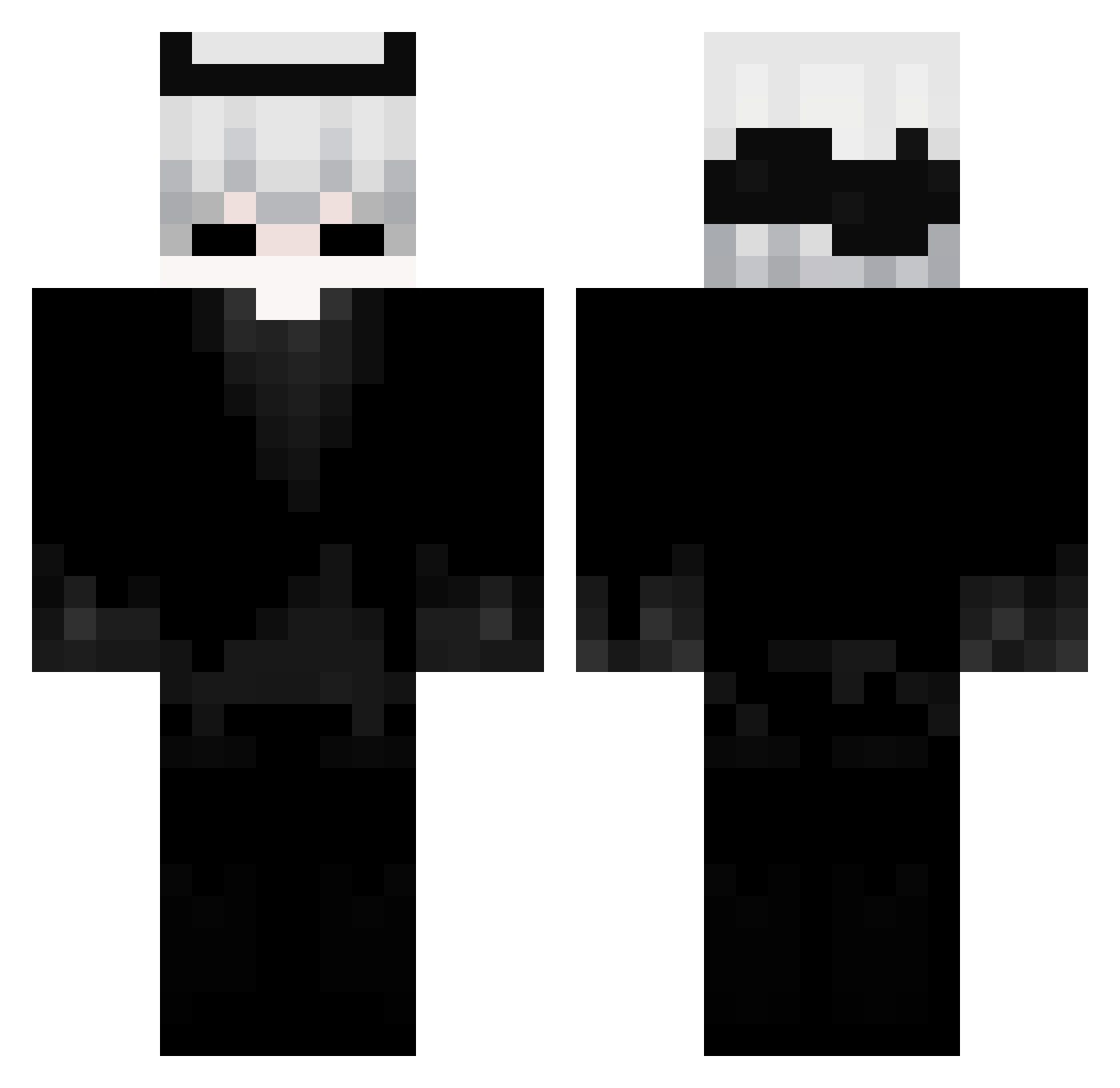
Current Minecraft skin of the player Luffyhindustani, loaded from the official Mojang API. Rotate the 3D model with your mouse or finger, then download the skin as a PNG file and use it in Minecraft: Bedrock Edition or Java Edition for free. When Luffyhindustani changes their skin, this page updates automatically and the old skin stays in the history below.
Other players with this skin (95)
Luffyhindustani was the 17th player we have seen with this skin, first spotted on 07.08.2026. The same skin was seen on these players. Open a nickname to see their current skin and skin history.
 Dkalisk
 tinbucafe
 SheStoleMyVps Mariogules Ayato_x RaftMC7
 panbialko2115 MaxLay deadmute
 Nexon_ot OLIVER8714 UnderTweX
 FR0ST_zx_
 SenZetsu02 Swaggerx1337 xvalenx jkrz1480
 kapusta468 zanderthecoolkid SKYFORD_064 DemonLSPD Hamlit_ xeno_brawler LongKreek hitashi_pl luc1f_r fixswhai Zonaly zuki_votoi
 Sirelisy SUKAI_ITHOSHI DUNCANMINECRAFT Greenlikes2cook Jakub1001 Rad1ment Exvns Gizmo4K ola218 LordofLarping skillowiks Chochliczek750 Lolzaskek VaruzMC_ KAROOMCVN breeze_mc1 Palindromee Wendorel JettCanPlay SONZ3377 iNahuel12 MikeOnyx THE_HUNTER_56
 forsoys Graviolla BiomechanicaI devxlrxde supershark375_ Kuzzee_ poul2314 LR25
More Demon Horns Minecraft skins
How to install the Luffyhindustani skin
- Press the Download button above to save the skin as a PNG file.
- Minecraft: Bedrock Edition (PE): open the Dressing Room from the main menu (or tap your character → Edit Character), go to Classic Skins → Owned, press the + (new skin) button, choose the downloaded PNG and pick the Classic (Steve) model. Works on PC and mobile; consoles cannot import custom skins.
- Minecraft: Java Edition: open the Minecraft Launcher, go to the Skins tab, click New Skin, load the PNG, pick the Classic (Steve) model and press Save & Use. You can also upload it at minecraft.net → Profile → Change Skin.
The skin does not show up after import - what should I do?
Restart Minecraft and open the Dressing Room again - imported skins sometimes appear only after a restart. Also make sure you selected the imported skin and picked the Classic (Steve) model.
Which model should I choose, Classic or Slim?
This skin is designed for the Classic (Steve) model. If you pick the wrong model, the arms of the skin will look stretched or squeezed.
Is the skin of Luffyhindustani free to download?
Yes. Press Download, save the PNG file and use it in Minecraft: Bedrock Edition or Java Edition - no payment or registration needed. The skin also works on multiplayer servers and Realms.
More skins
Looking for more? Go back to all Minecraft skins and check the top skins of the week, month and all time, or find any player's skin by nickname.