
LouisRo - Minecraft Skins & Skin History
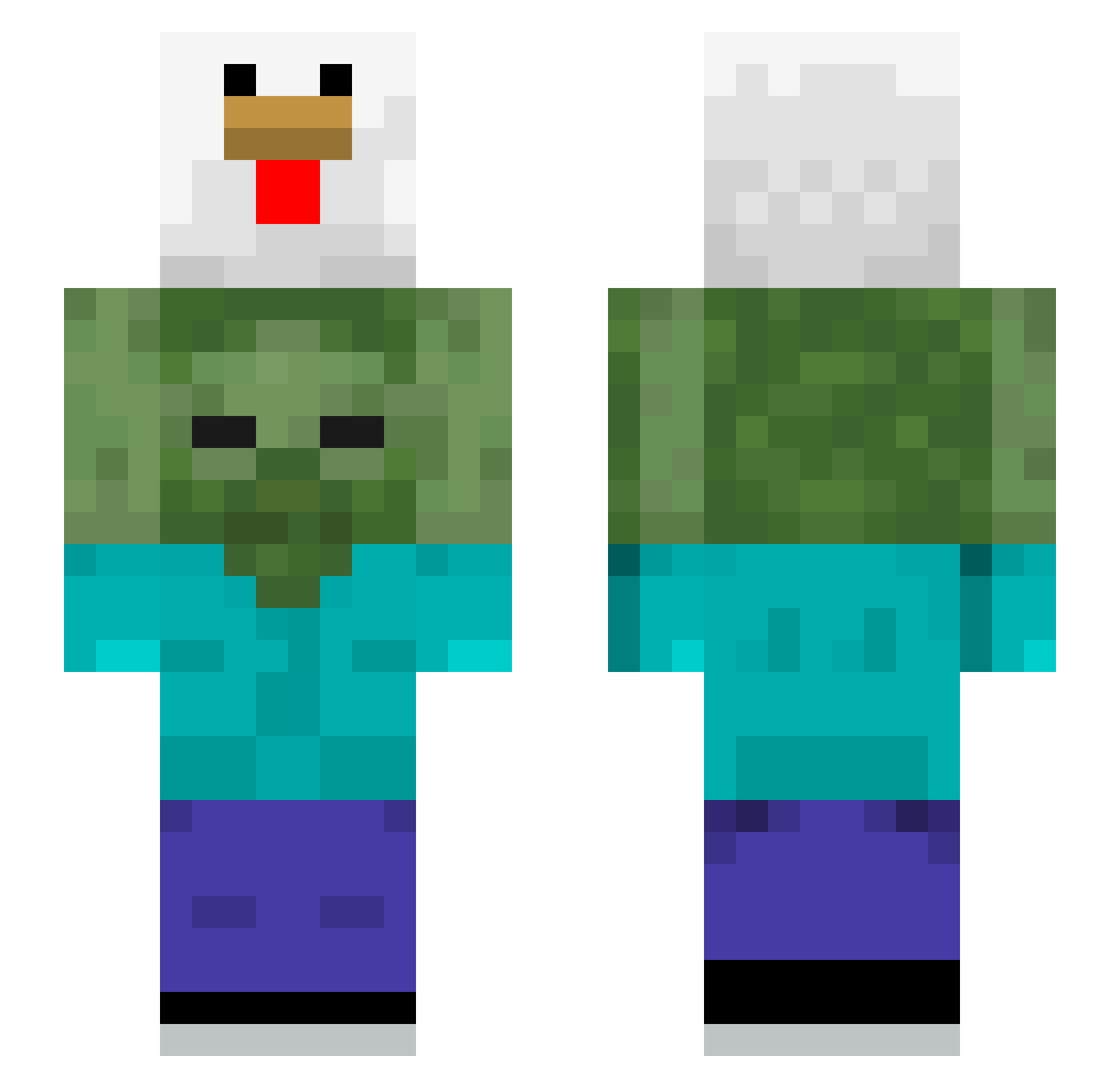
Current Minecraft skin of the player LouisRo, loaded from the official Mojang API. Rotate the 3D model with your mouse or finger, then download the skin as a PNG file and use it in Minecraft: Bedrock Edition or Java Edition for free. When LouisRo changes their skin, this page updates automatically and the old skin stays in the history below.
Other players with this skin (510)
LouisRo was the 425th player we have seen with this skin, first spotted on 18.10.2026. The same skin was seen on these players. Open a nickname to see their current skin and skin history.
 NotBedst MentalKitty122 imokuru hybs2185 0tatum0 Chocolatemilkjk lil_garden coco19811 Piblord dimmyy2 Scorpion198 ItsSaitron abebp1 JANTRACKTEUCH popo_g BeanBoy60 limazord CicciaPiccia Rushia8181 burntseagull sNarcos Kunstaks GeFlow AlbyNT 2Robux criphood Ga1ch1 TerenceIsBack HMD980 ImWhite_69 Staariix Austin_Fang BamJing MonCheech8983 dannies_wings ziyaq Johnny421058 tomiy7 Chocolatemalkin UPAE jodongki yj1621 CrayonSShin NorI_BoN BJfrmda0 Myanmart Leosticus TOPPLAYERKING bubblemiso anaswife LOLLOGAM EightyDwarf broda_oficial vegmere chronyt MiYAFPS MEALSYMOTH Dev1ant555 CLAUDIO_ANTHONY Eris_101
More Chicken Minecraft skins
How to install the LouisRo skin
- Press the Download button above to save the skin as a PNG file.
- Minecraft: Bedrock Edition (PE): open the Dressing Room from the main menu (or tap your character → Edit Character), go to Classic Skins → Owned, press the + (new skin) button, choose the downloaded PNG and pick the Slim (Alex) model. Works on PC and mobile; consoles cannot import custom skins.
- Minecraft: Java Edition: open the Minecraft Launcher, go to the Skins tab, click New Skin, load the PNG, pick the Slim (Alex) model and press Save & Use. You can also upload it at minecraft.net → Profile → Change Skin.
The skin does not show up after import - what should I do?
Restart Minecraft and open the Dressing Room again - imported skins sometimes appear only after a restart. Also make sure you selected the imported skin and picked the Slim (Alex) model.
Which model should I choose, Classic or Slim?
This skin is designed for the Slim (Alex) model. If you pick the wrong model, the arms of the skin will look stretched or squeezed.
Is the skin of LouisRo free to download?
Yes. Press Download, save the PNG file and use it in Minecraft: Bedrock Edition or Java Edition - no payment or registration needed. The skin also works on multiplayer servers and Realms.
More skins
Looking for more? Go back to all Minecraft skins and check the top skins of the week, month and all time, or find any player's skin by nickname.