
Long987g - Minecraft Skins & Skin History
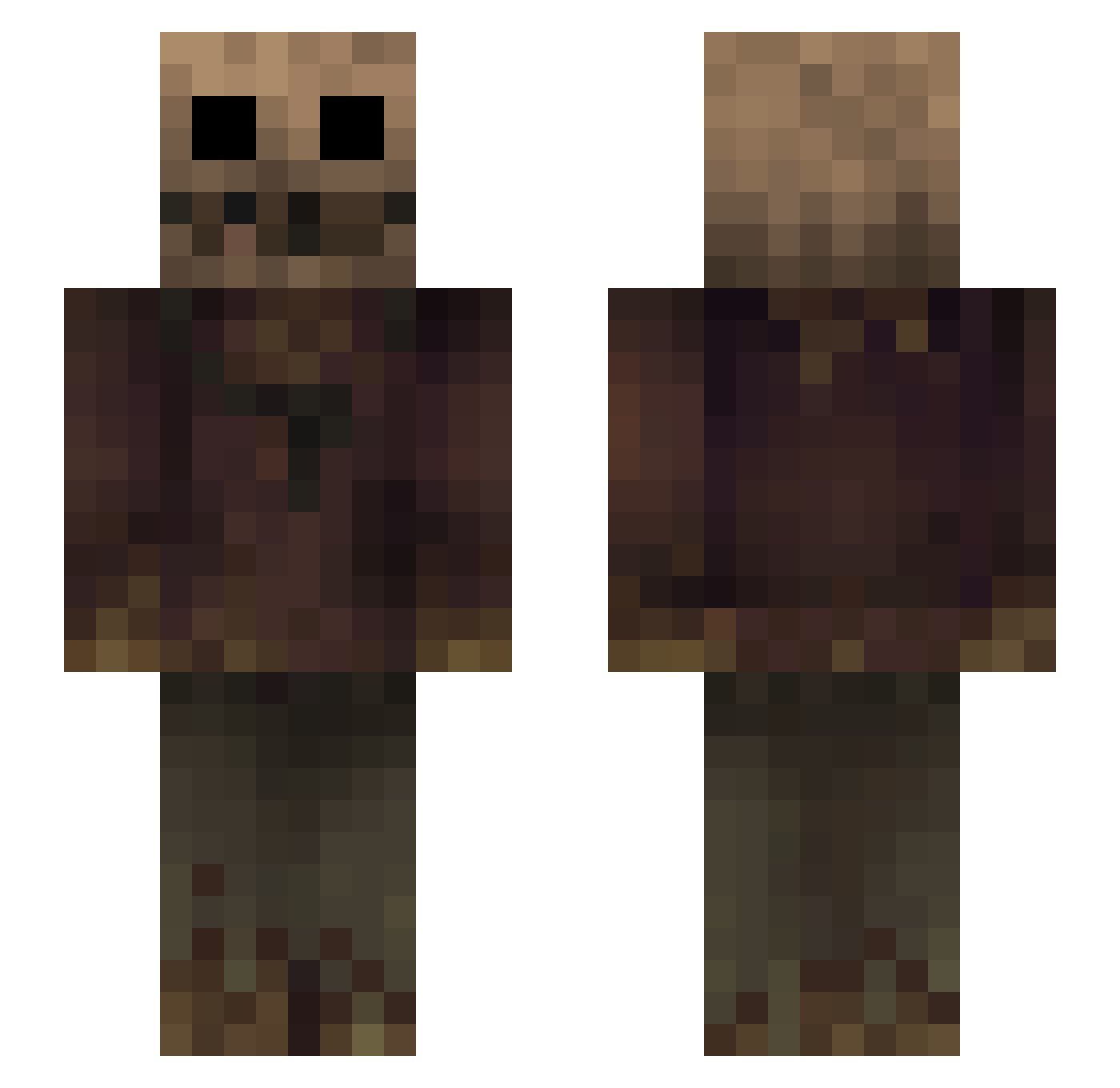
Current Minecraft skin of the player Long987g, loaded from the official Mojang API. Rotate the 3D model with your mouse or finger, then download the skin as a PNG file and use it in Minecraft: Bedrock Edition or Java Edition for free. When Long987g changes their skin, this page updates automatically and the old skin stays in the history below.
Other players with this skin (268)
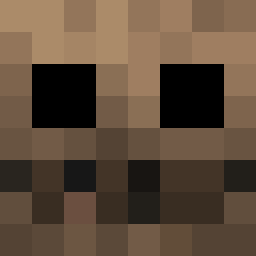
Long987g was the 103rd player we have seen with this skin, first spotted on 30.08.2026. The same skin was seen on these players. Open a nickname to see their current skin and skin history.
 Cinder_Lonestar lilthisma RaN__ xvpuvd D4rkhunr3r181 Polyphemus78 R0senkvarts Dizzie00_ AZTE45 Yortonic WillPROv12 s0up_man Sumoring MGI_92 Adrianys Tonnyy_ tundraisgoated berthasita cle53 MushDoom_Ben JacquesStrahp jisuun sea_belt CringeAfNgl JJustJordan Hagfish07 gh0stiee_xx Lefu317 Daybrakes homixide8419 Hardcore507 Park_0619 jamesbrard Schlehh Kytecks hhuji SI74 Melol0820 lololowhka xwilliamsx YBK1Byte thiagopijudo ammc kk1pp ionknow_dawg hupi13 _Zaltaya_ Visio62 John_Dilinger Asian_lnvader TianLingQianYe EJJD04 GreatSageSly statixn caboose7454 Ram_Pix MugenKhan homixidegang406 Flicks Mrme1024
More Scarecrow Minecraft skins
How to install the Long987g skin
- Press the Download button above to save the skin as a PNG file.
- Minecraft: Bedrock Edition (PE): open the Dressing Room from the main menu (or tap your character → Edit Character), go to Classic Skins → Owned, press the + (new skin) button, choose the downloaded PNG and pick the Slim (Alex) model. Works on PC and mobile; consoles cannot import custom skins.
- Minecraft: Java Edition: open the Minecraft Launcher, go to the Skins tab, click New Skin, load the PNG, pick the Slim (Alex) model and press Save & Use. You can also upload it at minecraft.net → Profile → Change Skin.
The skin does not show up after import - what should I do?
Restart Minecraft and open the Dressing Room again - imported skins sometimes appear only after a restart. Also make sure you selected the imported skin and picked the Slim (Alex) model.
Which model should I choose, Classic or Slim?
This skin is designed for the Slim (Alex) model. If you pick the wrong model, the arms of the skin will look stretched or squeezed.
Is the skin of Long987g free to download?
Yes. Press Download, save the PNG file and use it in Minecraft: Bedrock Edition or Java Edition - no payment or registration needed. The skin also works on multiplayer servers and Realms.
More skins
Looking for more? Go back to all Minecraft skins and check the top skins of the week, month and all time, or find any player's skin by nickname.