
LogTab - Minecraft Skins & Skin History
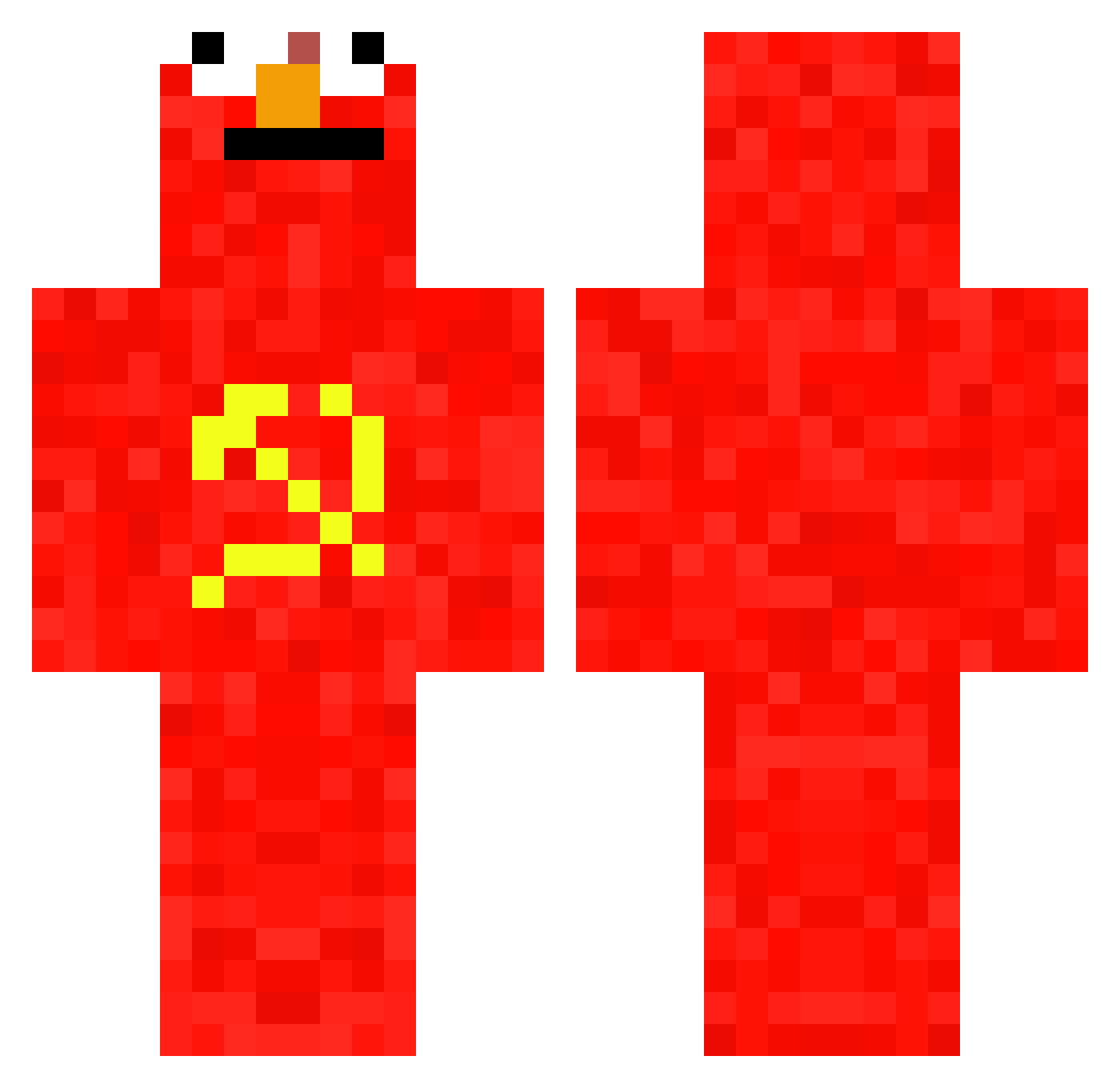
Current Minecraft skin of the player LogTab, loaded from the official Mojang API. Rotate the 3D model with your mouse or finger, then download the skin as a PNG file and use it in Minecraft: Bedrock Edition or Java Edition for free. When LogTab changes their skin, this page updates automatically and the old skin stays in the history below.
Other players with this skin (697)
LogTab was the 681st player we have seen with this skin, first spotted on 29.10.2026. The same skin was seen on these players. Open a nickname to see their current skin and skin history.
 JaQbek1321 BigRazhal gustavo_gamer_x Stoicguy7 ButterDoggg Maxativo adi2026 BenzinAufEx ILPOZZAA Trufa777h Nicopmk20 knqjustin Victor_2008Dk HelmutPeters tymon123j DomsoNKox JettReviveMe45 brunoledinski AloneInIrbid Cloudypringels2 pierogi_juice __SvenK__ javierxdxd Noxiiz baumgartbrayden Araloss Venussaturn30 Limone24111 WrongUUID L4C0U1LL3 Boaxzzzz Quanzis EXCELLENTPLYR amimenfu Rodrigodz koolaidpikel Apfelstift Whywindows11 goeblo naxinoo _Name_Name_ Xarni5 zzh1213 crucchetto kaiserNKZ jyomama _B4RR3L_ MAUR0o0 Paper_Hero69 Norashark360 guimecanico hongchaoren Sahjizt Andrey556 vertigo20199 Lucaixs_ Pycho71 Nonkjo Tyranatom okwall
More Communist Minecraft skins
How to install the LogTab skin
- Press the Download button above to save the skin as a PNG file.
- Minecraft: Bedrock Edition (PE): open the Dressing Room from the main menu (or tap your character → Edit Character), go to Classic Skins → Owned, press the + (new skin) button, choose the downloaded PNG and pick the Classic (Steve) model. Works on PC and mobile; consoles cannot import custom skins.
- Minecraft: Java Edition: open the Minecraft Launcher, go to the Skins tab, click New Skin, load the PNG, pick the Classic (Steve) model and press Save & Use. You can also upload it at minecraft.net → Profile → Change Skin.
The skin does not show up after import - what should I do?
Restart Minecraft and open the Dressing Room again - imported skins sometimes appear only after a restart. Also make sure you selected the imported skin and picked the Classic (Steve) model.
Which model should I choose, Classic or Slim?
This skin is designed for the Classic (Steve) model. If you pick the wrong model, the arms of the skin will look stretched or squeezed.
Is the skin of LogTab free to download?
Yes. Press Download, save the PNG file and use it in Minecraft: Bedrock Edition or Java Edition - no payment or registration needed. The skin also works on multiplayer servers and Realms.
More skins
Looking for more? Go back to all Minecraft skins and check the top skins of the week, month and all time, or find any player's skin by nickname.