
Lil_Guegz - Minecraft Skins & Skin History
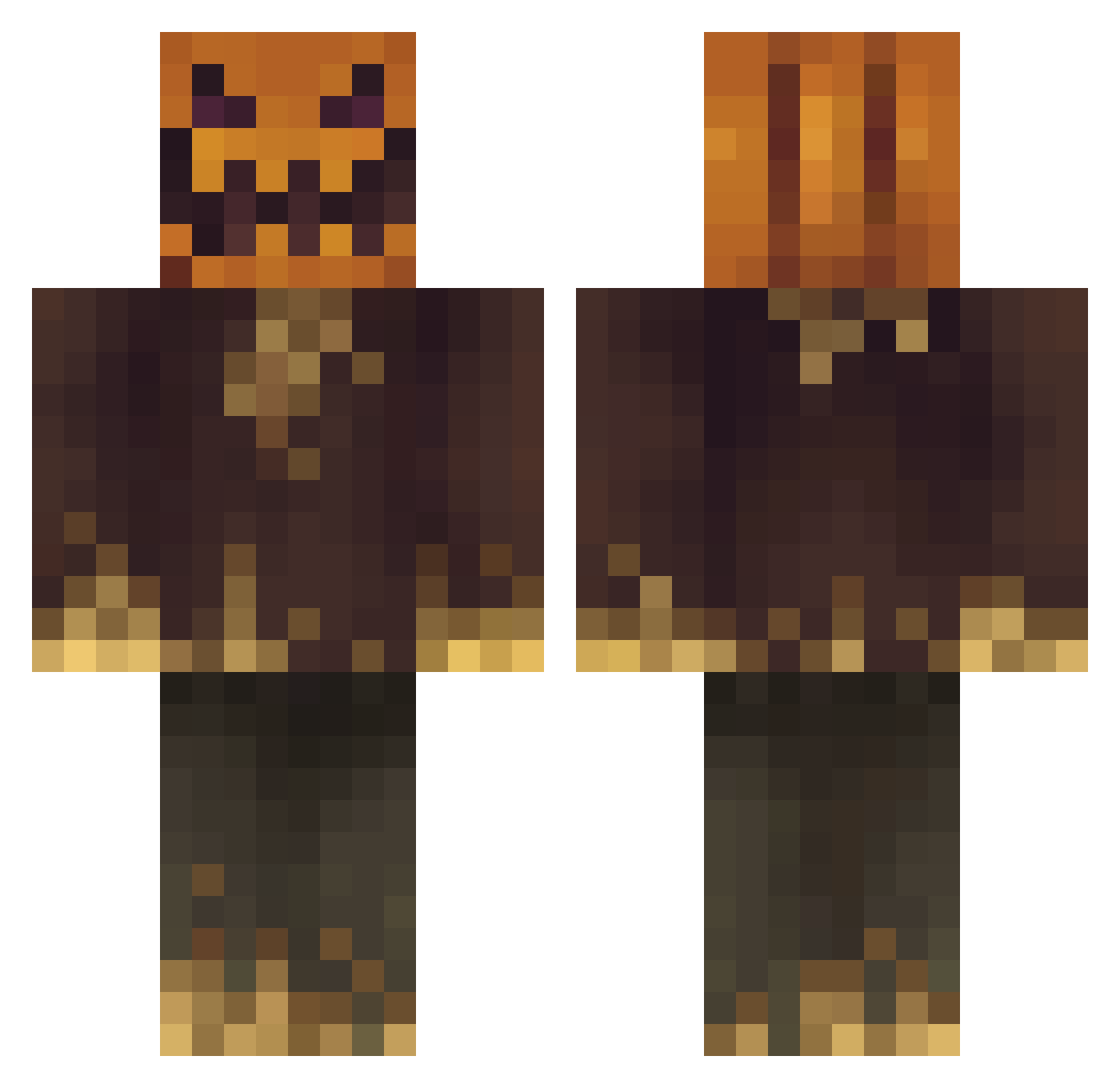
Current Minecraft skin of the player Lil_Guegz, loaded from the official Mojang API. Rotate the 3D model with your mouse or finger, then download the skin as a PNG file and use it in Minecraft: Bedrock Edition or Java Edition for free. When Lil_Guegz changes their skin, this page updates automatically and the old skin stays in the history below.
Other players with this skin (120)
Lil_Guegz was the 97th player we have seen with this skin, first spotted on 07.10.2026. The same skin was seen on these players. Open a nickname to see their current skin and skin history.
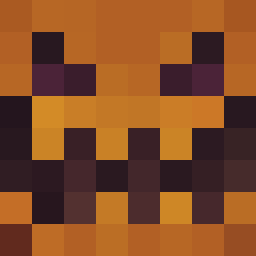 FreeVarParameter aronadaal AJ08_12 PumkIan TEO492 AEther672 VIPTUAL71 dream370 Regardtx dementedkratos karcznia Buziflex abcdisaiahs Olecramo MegaDragunov13 SchonGesehen Ovil cliorox pelafeco Gauner2201 AccroGaming ToSpace36 MadsPH RadoFI Tung123d1 NotASnekIRL Sly_Smitty Dannyplayz123 Noon10 Mac_Daddy02 Goofyahh4740 NotNormal24 Serega_Sergonves _Nabel panoca97 UsernameGeri Spaits Fearzilla13 Tonnaz redbunnyer SoloDryfter funkyvern Ground_Cero ONSTART TSkryx K4rmANT DarthNichilus robgoblyn mosiss W3nd1g00n3r Crunchy2 bonz_901 bisounourzz BeBourne MOUWMOUW13 ChunkyPumpkins Grueskii Perforation OpAntimem Tatten
More Scarecrow Minecraft skins
How to install the Lil_Guegz skin
- Press the Download button above to save the skin as a PNG file.
- Minecraft: Bedrock Edition (PE): open the Dressing Room from the main menu (or tap your character → Edit Character), go to Classic Skins → Owned, press the + (new skin) button, choose the downloaded PNG and pick the Classic (Steve) model. Works on PC and mobile; consoles cannot import custom skins.
- Minecraft: Java Edition: open the Minecraft Launcher, go to the Skins tab, click New Skin, load the PNG, pick the Classic (Steve) model and press Save & Use. You can also upload it at minecraft.net → Profile → Change Skin.
The skin does not show up after import - what should I do?
Restart Minecraft and open the Dressing Room again - imported skins sometimes appear only after a restart. Also make sure you selected the imported skin and picked the Classic (Steve) model.
Which model should I choose, Classic or Slim?
This skin is designed for the Classic (Steve) model. If you pick the wrong model, the arms of the skin will look stretched or squeezed.
Is the skin of Lil_Guegz free to download?
Yes. Press Download, save the PNG file and use it in Minecraft: Bedrock Edition or Java Edition - no payment or registration needed. The skin also works on multiplayer servers and Realms.
More skins
Looking for more? Go back to all Minecraft skins and check the top skins of the week, month and all time, or find any player's skin by nickname.