
LilJellyy - Minecraft Skins & Skin History
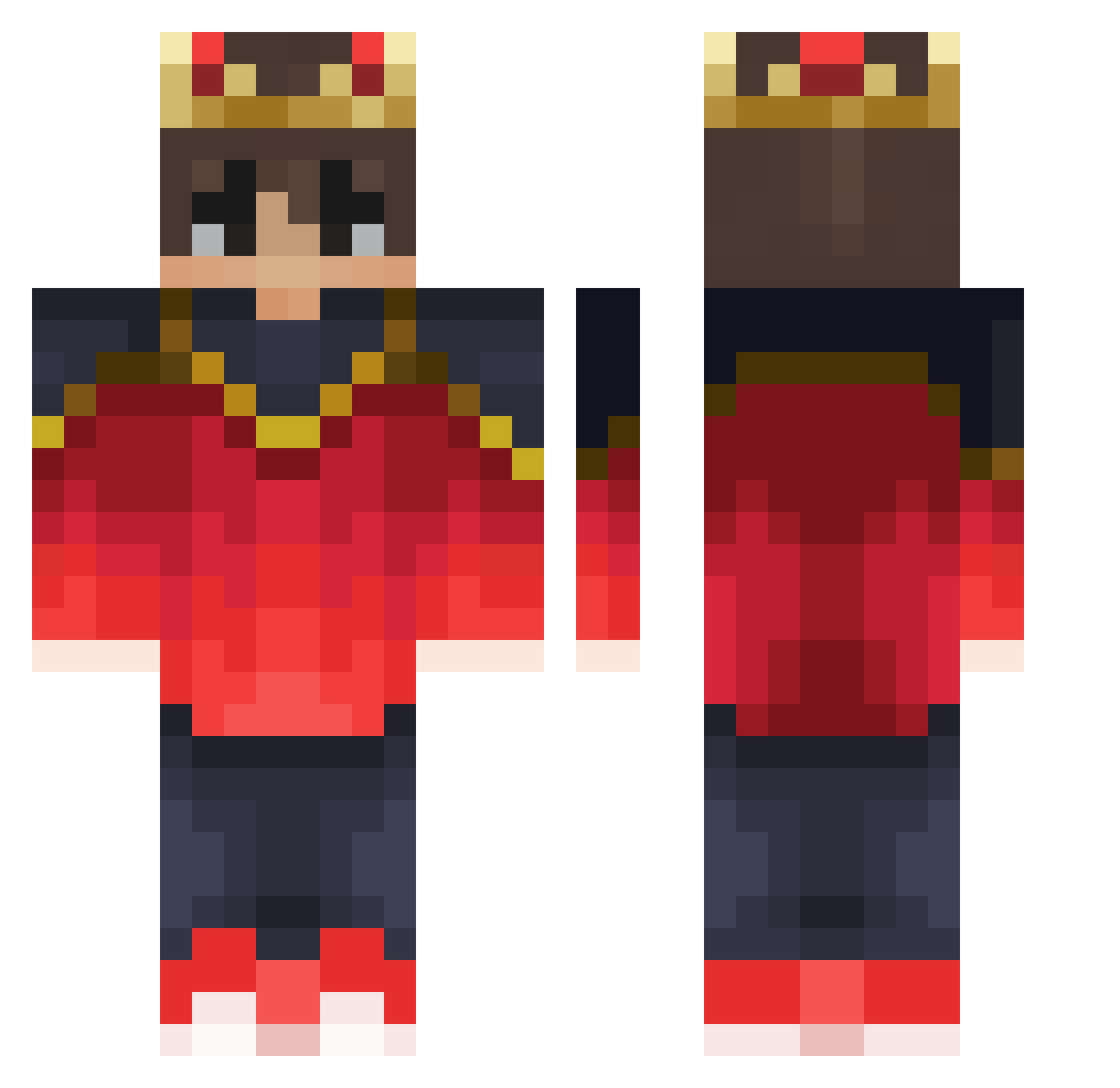
Current Minecraft skin of the player LilJellyy, loaded from the official Mojang API. Rotate the 3D model with your mouse or finger, then download the skin as a PNG file and use it in Minecraft: Bedrock Edition or Java Edition for free. When LilJellyy changes their skin, this page updates automatically and the old skin stays in the history below.
Other players with this skin (279)
LilJellyy was the 173rd player we have seen with this skin, first spotted on 21.09.2026. The same skin was seen on these players. Open a nickname to see their current skin and skin history.
 Nikitotis Chen_Chengzi Revan1091 Coprxl Daxel That1Bob Nathaniel_Lin Jajaz2 Jungleboy202 Lil_Bab zNarutooh_ ronanisronan Wamzayse xCqps LTM111 DSrichi01 iSwag_17 Yiones Nellark Tau314 IntroxPL UMRCA Kezza7 TheRouZet Iver96 Blockz1 LordAlarak Zerionic zyl100 ComicLaunch xTraction Er1ot _Napolethanos ytLcky RedAm10 oZxZander GottenRain BossManBlack aloys_craft ZyncDev Semjam_ Zoke321 _Danty_ SHOOTmood WaterAaron Derpy_Pancakes Missierrrx YareYadi K_W_L JantaLaba Makerfire Guti11 Sammy6050 Danek22 MCM_Migrator Polo__Shorts Dymort NippeR4k Bunnysin xpertthief0157
More Technoblade Minecraft skins
See all 3715 Technoblade skins
How to install the LilJellyy skin
- Press the Download button above to save the skin as a PNG file.
- Minecraft: Bedrock Edition (PE): open the Dressing Room from the main menu (or tap your character → Edit Character), go to Classic Skins → Owned, press the + (new skin) button, choose the downloaded PNG and pick the Classic (Steve) model. Works on PC and mobile; consoles cannot import custom skins.
- Minecraft: Java Edition: open the Minecraft Launcher, go to the Skins tab, click New Skin, load the PNG, pick the Classic (Steve) model and press Save & Use. You can also upload it at minecraft.net → Profile → Change Skin.
The skin does not show up after import - what should I do?
Restart Minecraft and open the Dressing Room again - imported skins sometimes appear only after a restart. Also make sure you selected the imported skin and picked the Classic (Steve) model.
Which model should I choose, Classic or Slim?
This skin is designed for the Classic (Steve) model. If you pick the wrong model, the arms of the skin will look stretched or squeezed.
Is the skin of LilJellyy free to download?
Yes. Press Download, save the PNG file and use it in Minecraft: Bedrock Edition or Java Edition - no payment or registration needed. The skin also works on multiplayer servers and Realms.
More skins
Looking for more? Go back to all Minecraft skins and check the top skins of the week, month and all time, or find any player's skin by nickname.