
Leo201 - Minecraft Skins & Skin History
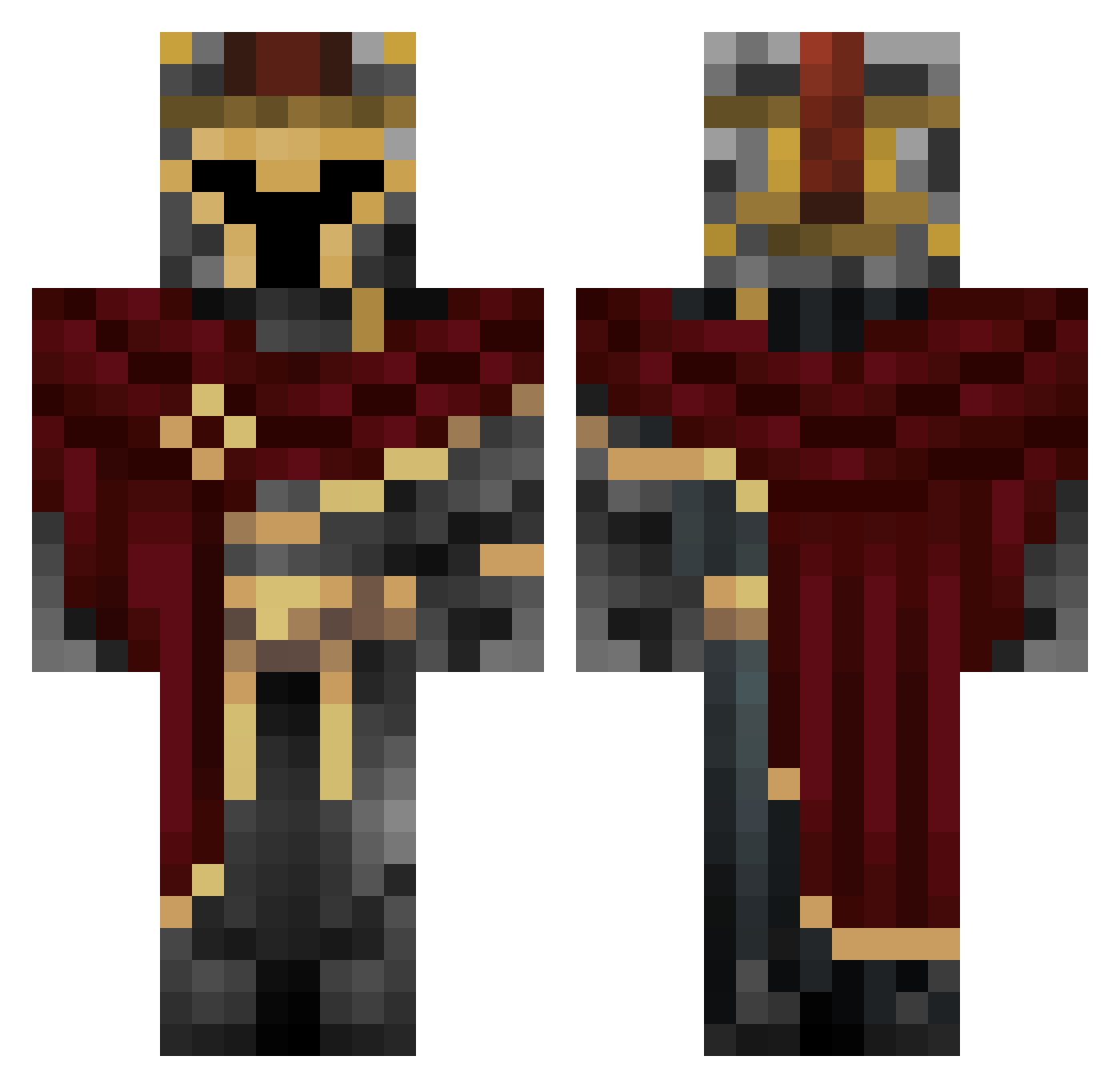
Current Minecraft skin of the player Leo201, loaded from the official Mojang API. Rotate the 3D model with your mouse or finger, then download the skin as a PNG file and use it in Minecraft: Bedrock Edition or Java Edition for free. When Leo201 changes their skin, this page updates automatically and the old skin stays in the history below.
Other players with this skin (712)
Leo201 was the 642nd player we have seen with this skin, first spotted on 30.10.2026. The same skin was seen on these players. Open a nickname to see their current skin and skin history.
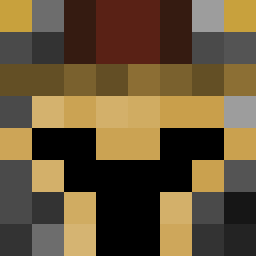 EdChamberlain Psylion HusrevPasha Phoenix7630 seemer23 Victornassen Sahkal Glunkytuk Butternuts Sweaty257 3seaedits_YT GlacierSMAW TBubu Dias4002 Paulego2 poroto22 Mashup4kill666 DaNubbs Arceus_7 gamingempire Truffaldiino SunSeal1 Andrei_92 Krader_ Pacific_XX EmmanuelWasHere Wihte_Venom wetly29 CommanderBalor Mendzote Smmoothies Thunfisch_ oops234 minibacker VladRax12 MlodyMarzyciel Little_Ku 6D9D9I6 Denisqqq Obtain_Reality gruenpilz03 Ketameme31 yaressss SUPERGAMER02 MuteBeatz Poptart_PJ RGB__Player ShinyMewOfficial Czmi3lu HermesViper jojk23 YaDonGun Abodian iTzzMessy HeyItzColors EhScutes leopard123412 Herbymitt LuckyLp001 BwitaDwinker
More Spartan Minecraft skins
How to install the Leo201 skin
- Press the Download button above to save the skin as a PNG file.
- Minecraft: Bedrock Edition (PE): open the Dressing Room from the main menu (or tap your character → Edit Character), go to Classic Skins → Owned, press the + (new skin) button, choose the downloaded PNG and pick the Classic (Steve) model. Works on PC and mobile; consoles cannot import custom skins.
- Minecraft: Java Edition: open the Minecraft Launcher, go to the Skins tab, click New Skin, load the PNG, pick the Classic (Steve) model and press Save & Use. You can also upload it at minecraft.net → Profile → Change Skin.
The skin does not show up after import - what should I do?
Restart Minecraft and open the Dressing Room again - imported skins sometimes appear only after a restart. Also make sure you selected the imported skin and picked the Classic (Steve) model.
Which model should I choose, Classic or Slim?
This skin is designed for the Classic (Steve) model. If you pick the wrong model, the arms of the skin will look stretched or squeezed.
Is the skin of Leo201 free to download?
Yes. Press Download, save the PNG file and use it in Minecraft: Bedrock Edition or Java Edition - no payment or registration needed. The skin also works on multiplayer servers and Realms.
More skins
Looking for more? Go back to all Minecraft skins and check the top skins of the week, month and all time, or find any player's skin by nickname.