
LL_BUB - Minecraft Skins & Skin History
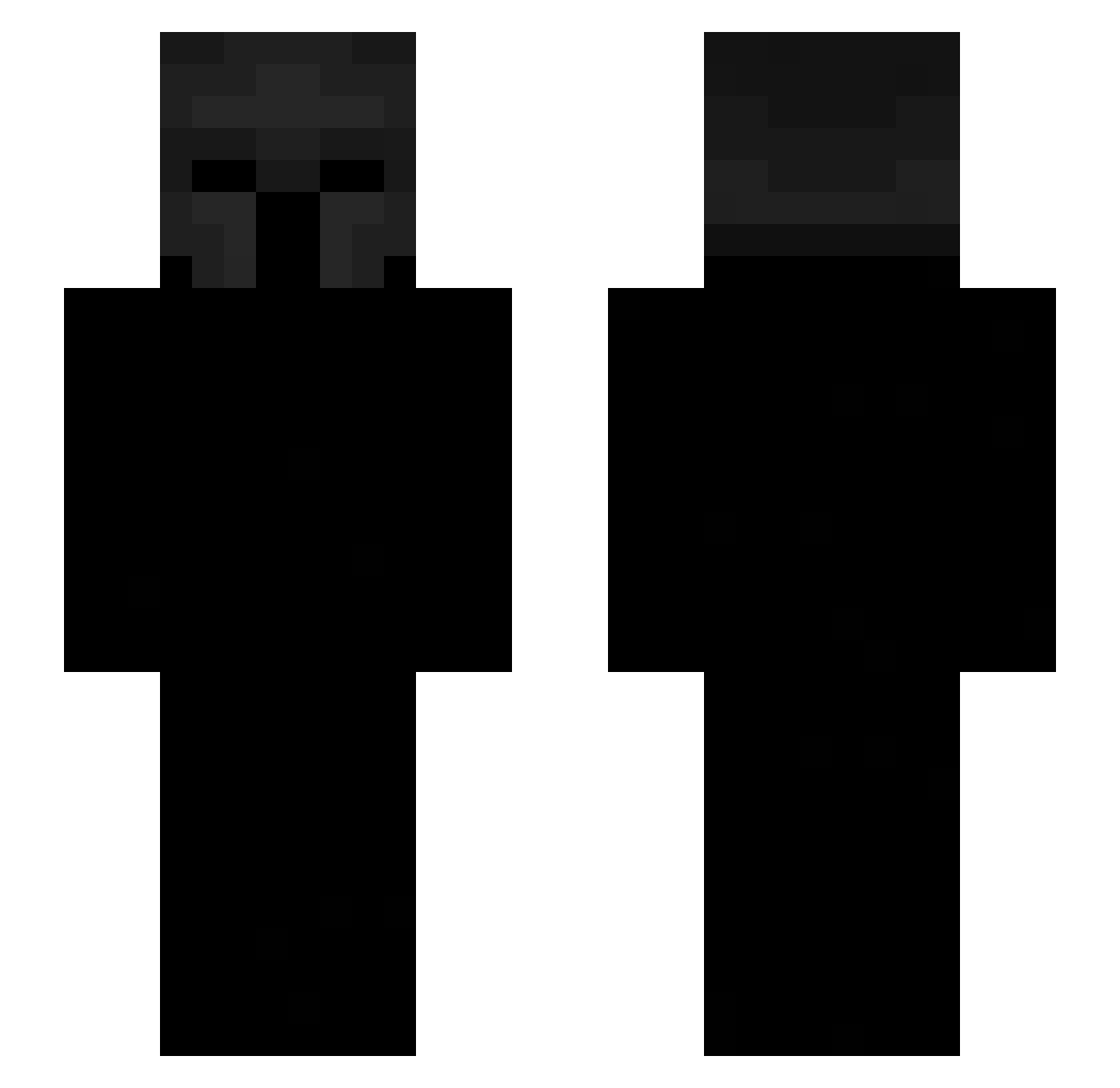
Current Minecraft skin of the player LL_BUB, loaded from the official Mojang API. Rotate the 3D model with your mouse or finger, then download the skin as a PNG file and use it in Minecraft: Bedrock Edition or Java Edition for free. When LL_BUB changes their skin, this page updates automatically and the old skin stays in the history below.
Other players with this skin (487)
LL_BUB was the 462nd player we have seen with this skin, first spotted on 05.11.2026. The same skin was seen on these players. Open a nickname to see their current skin and skin history.
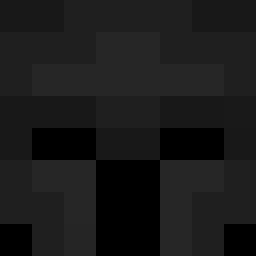 Scyfun mn_x_je ipiy zion16272 hurricanme Matapobres1387 tatan71 Zx9_Swix Caleval joeligma183 YouAreAMuppet agronomistt emqt V1mto_971 Yuukeiraa Tromaf gniu LIL_Jaime jaimesi papitomi wvinter Lymtax Synxiety Ultron2346 _narx strafeisback MrRevizzed f3nd1 Didididoux Salviton 78_SyLVA_04_10 Generoso_ V3xo__ L4XM zyrox_54770 damian032013 Fycio D4ViS_23 zxosal ColeRJ Whytixx yq5x killowb ilknives BreezyFn5489 glaeng1 1kra6it flix_e jopic1 Drise_LEBERKAS Bozitxeq 5q9z Sxuthside rock_consumer MrLucky509 nachave69 seros_kal Galxno GJ_0 cyyX7
More Spartan Minecraft skins
How to install the LL_BUB skin
- Press the Download button above to save the skin as a PNG file.
- Minecraft: Bedrock Edition (PE): open the Dressing Room from the main menu (or tap your character → Edit Character), go to Classic Skins → Owned, press the + (new skin) button, choose the downloaded PNG and pick the Slim (Alex) model. Works on PC and mobile; consoles cannot import custom skins.
- Minecraft: Java Edition: open the Minecraft Launcher, go to the Skins tab, click New Skin, load the PNG, pick the Slim (Alex) model and press Save & Use. You can also upload it at minecraft.net → Profile → Change Skin.
The skin does not show up after import - what should I do?
Restart Minecraft and open the Dressing Room again - imported skins sometimes appear only after a restart. Also make sure you selected the imported skin and picked the Slim (Alex) model.
Which model should I choose, Classic or Slim?
This skin is designed for the Slim (Alex) model. If you pick the wrong model, the arms of the skin will look stretched or squeezed.
Is the skin of LL_BUB free to download?
Yes. Press Download, save the PNG file and use it in Minecraft: Bedrock Edition or Java Edition - no payment or registration needed. The skin also works on multiplayer servers and Realms.
More skins
Looking for more? Go back to all Minecraft skins and check the top skins of the week, month and all time, or find any player's skin by nickname.