
LEMHRR - Minecraft Skins & Skin History
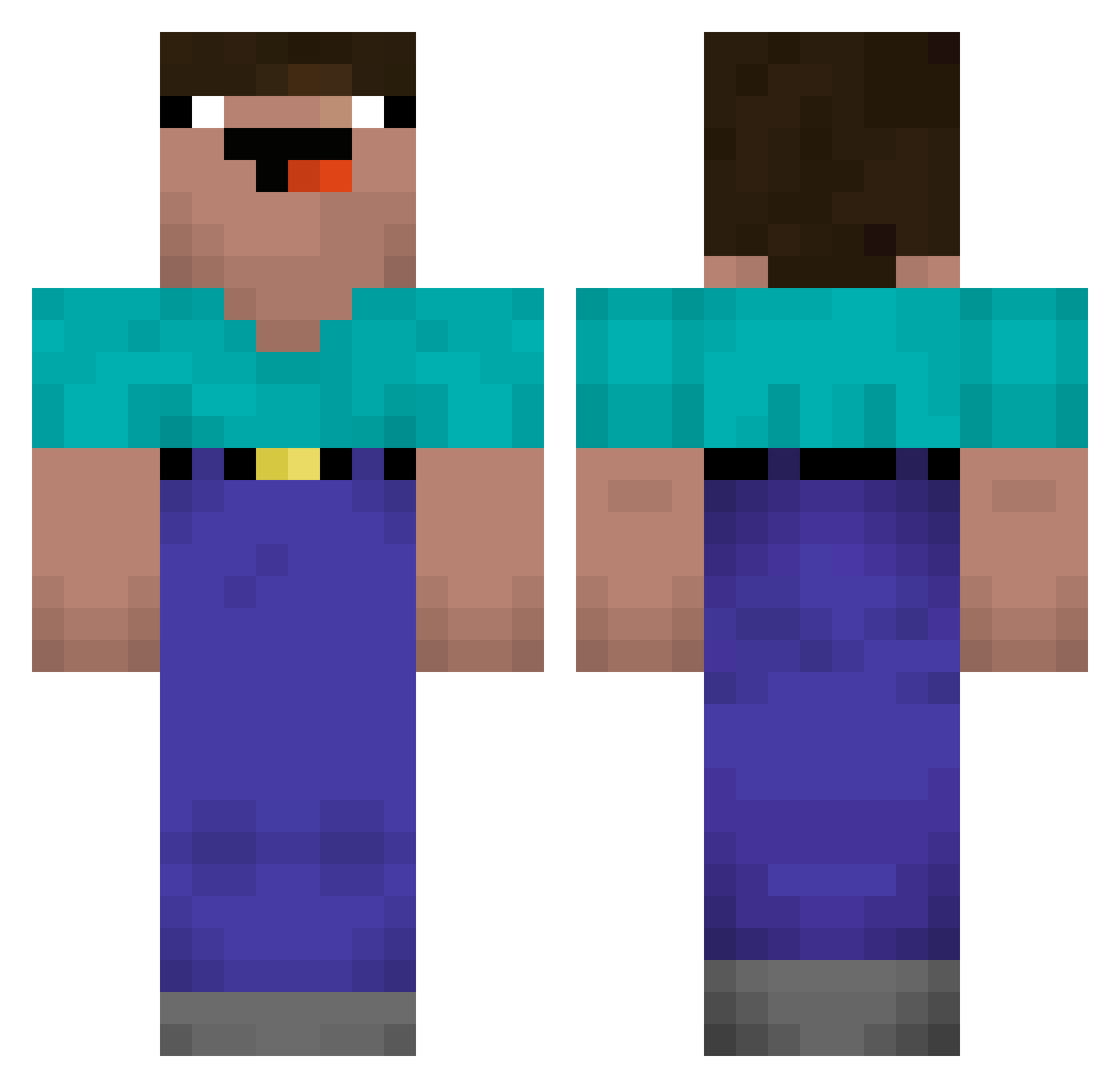
Current Minecraft skin of the player LEMHRR, loaded from the official Mojang API. Rotate the 3D model with your mouse or finger, then download the skin as a PNG file and use it in Minecraft: Bedrock Edition or Java Edition for free. When LEMHRR changes their skin, this page updates automatically and the old skin stays in the history below.
Other players with this skin (213)
LEMHRR was the 83rd player we have seen with this skin, first spotted on 11.09.2026. The same skin was seen on these players. Open a nickname to see their current skin and skin history.
 JeanMouMou Marx_pro_2022 SySPerCool Mr_4D fengluming Egorik_ ProBLOK Summer_Cat Karnix TheGreatGalahad KotletGienio creamy1223 Danidanidani99 ZelixMashinaYT HawkRede Dosik1319 Aceleradinho Rawrasoures Bishopski henrybenry5 Reks0n Dorothy420 Yyyyh666 kuwasora abencio hippobucas dudidubo Mymek THR33SiC whujygt yisabin_ ZipperOne FluffyEil Itz_Noob_pvp RnG_Wolf EventsGod Persiansupergod Mellyy0101 Teylon dbynjhtp499 Fade_drip xhxrizxn levi005 KAMONAGI8 Pitafxfan mero0101 VINI_01S Leon_M_12 marcucule FatCarlson715 KaratePigg Nananana321
 entity202blood Darkangelcradt98 TympanicWalk211 Neanderthall13 Long_Free_Fuse Klxxs HARAPOI noahcarp1922
More Noob Minecraft skins
How to install the LEMHRR skin
- Press the Download button above to save the skin as a PNG file.
- Minecraft: Bedrock Edition (PE): open the Dressing Room from the main menu (or tap your character → Edit Character), go to Classic Skins → Owned, press the + (new skin) button, choose the downloaded PNG and pick the Classic (Steve) model. Works on PC and mobile; consoles cannot import custom skins.
- Minecraft: Java Edition: open the Minecraft Launcher, go to the Skins tab, click New Skin, load the PNG, pick the Classic (Steve) model and press Save & Use. You can also upload it at minecraft.net → Profile → Change Skin.
The skin does not show up after import - what should I do?
Restart Minecraft and open the Dressing Room again - imported skins sometimes appear only after a restart. Also make sure you selected the imported skin and picked the Classic (Steve) model.
Which model should I choose, Classic or Slim?
This skin is designed for the Classic (Steve) model. If you pick the wrong model, the arms of the skin will look stretched or squeezed.
Is the skin of LEMHRR free to download?
Yes. Press Download, save the PNG file and use it in Minecraft: Bedrock Edition or Java Edition - no payment or registration needed. The skin also works on multiplayer servers and Realms.
More skins
Looking for more? Go back to all Minecraft skins and check the top skins of the week, month and all time, or find any player's skin by nickname.