
 lingTW_ jvmarcura Artur_Ungarelli Clickbot31 xNS_1909x IchtrinkeTee BaranILDM chipitasor GHdaworzt roma2041 Kavyansh2010 cosmiccrux Kamilkos NoobletSoup maier_himself Burgerpommes1 Lucubs Kobe289 DaveMik bdogbrady yuuta618 leopardddddd Reks0n GamerForHD Doszyka Valanjess_Noobi twent1230 ShelZINN M4x1m207 negarzerberster Dimanjy Tristanmyhr kanegon116 Stink_Cheese CharlyTheSheep papaajake Fraktal__ feIipev FantaPanda gyeol_227 Ghost_Shoot shinchan1234 GERIUNCHI Void116 Midzi88 laraqw MINIYOFLI LarsSWE uvyvv MrPendington GGCB99 kaymazalp Favarozx xClapyx Aglier azutv TtalBa Creepinater ardakzk CHEFWONG35
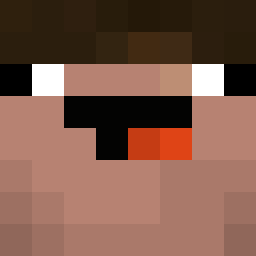
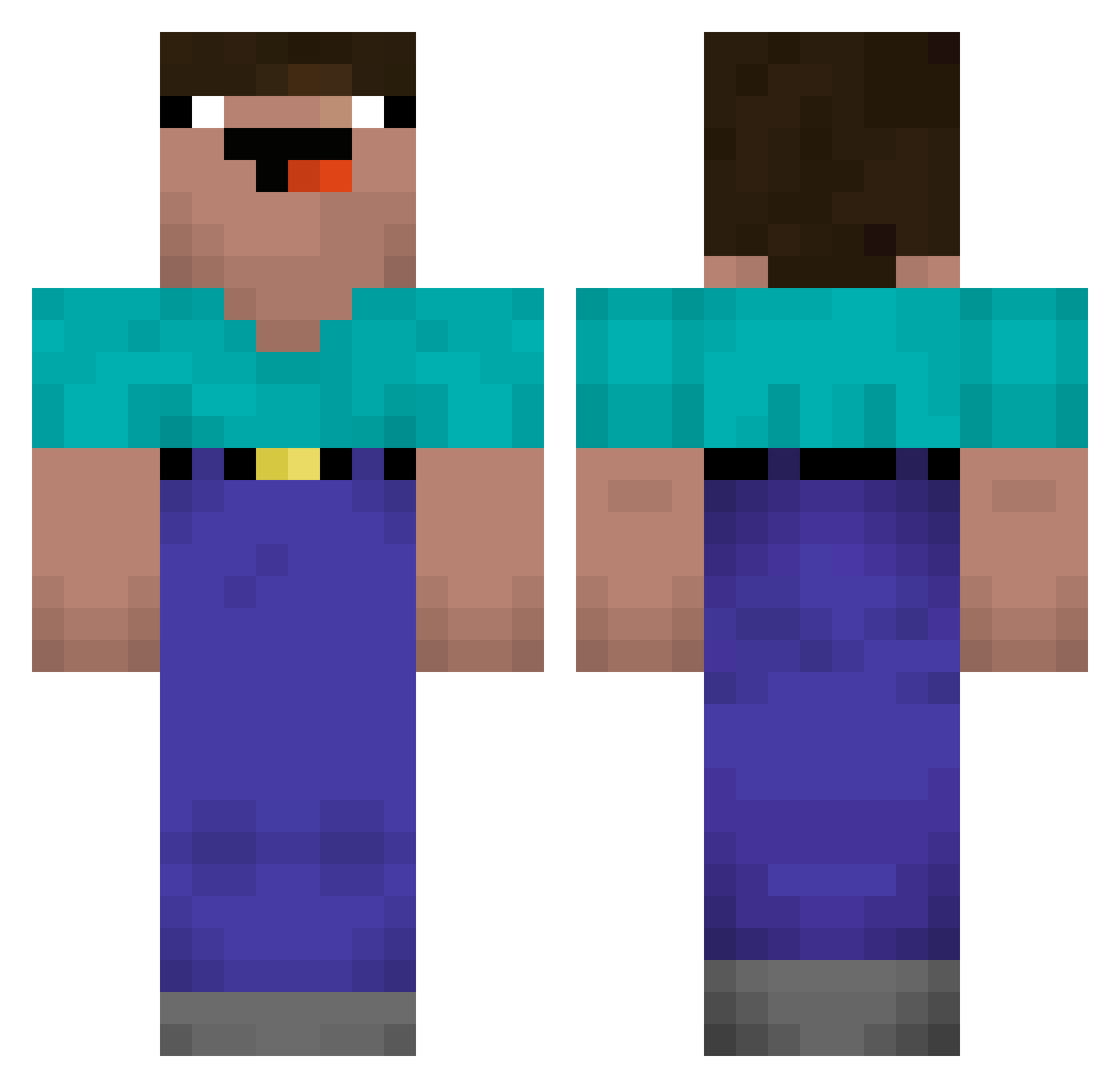
Minecraft skin of CutAndStick. Rotate the 3D model with your mouse or finger to view the skin from every angle, then download it as a PNG file and use it in Minecraft: Bedrock Edition or Java Edition for free. Rate the skin with stars to help other players find the best skins in our collection.
How to install the CutAndStick skin
- Press the Download button above to save the skin as a PNG file.
- Minecraft: Bedrock Edition (PE): open the Dressing Room from the main menu (or tap your character → Edit Character), go to Classic Skins → Owned, press the + (new skin) button, choose the downloaded PNG and pick the Classic (Steve) model. Works on PC and mobile; consoles cannot import custom skins.
- Minecraft: Java Edition: open the Minecraft Launcher, go to the Skins tab, click New Skin, load the PNG, pick the Classic (Steve) model and press Save & Use. You can also upload it at minecraft.net → Profile → Change Skin.
The skin does not show up after import - what should I do?
Restart Minecraft and open the Dressing Room again - imported skins sometimes appear only after a restart. Also make sure you selected the imported skin and picked the Classic (Steve) model.
Which model should I choose, Classic or Slim?
This skin is designed for the Classic (Steve) model. If you pick the wrong model, the arms of the skin will look stretched or squeezed.
Is this skin free to use?
Yes. Press Download, save the PNG file and use it in Minecraft: Bedrock Edition or Java Edition - no payment or registration needed. The skin also works on multiplayer servers and Realms.
More Noob Minecraft skins
More skins
Looking for more? Go back to all Minecraft skins and check the top skins of the week, month and all time, or find any player's skin by nickname.