
Kybir - Minecraft Skins & Skin History
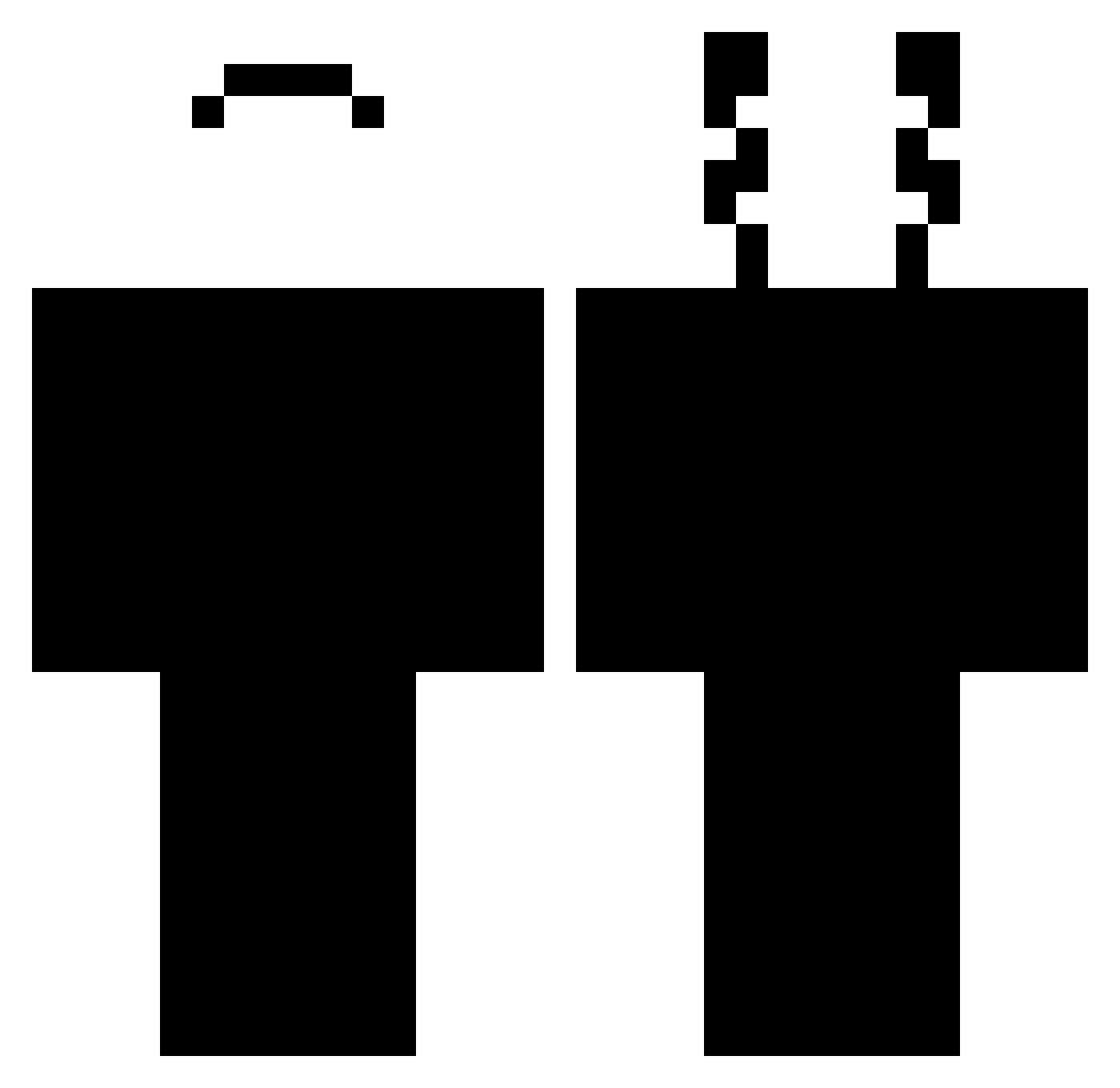
Current Minecraft skin of the player Kybir, loaded from the official Mojang API. Rotate the 3D model with your mouse or finger, then download the skin as a PNG file and use it in Minecraft: Bedrock Edition or Java Edition for free. When Kybir changes their skin, this page updates automatically and the old skin stays in the history below.
Other players with this skin (444)
Kybir was the 322nd player we have seen with this skin, first spotted on 09.10.2026. The same skin was seen on these players. Open a nickname to see their current skin and skin history.
 Bad_Luck_HD bob_le_narval yMorais Lanzzy Aelita254 Fishdog04 Ar3nax Antin_1000 FaZe_LaSs Waada RayoMaqueen Twezox UpFromTheAshes ElixirX3n Zeguy5451 Zyxp Parlungas MrBloka 3549 NickGalaxy1 0whitecat0 osgarsondapro MrGoldenn Exodus974 GRAVCHAOS iFlizx gritsncheese SirPrivacy Lilzytona MateusSenna AKJRNEW Adeczka_ Jako_0401 AlVaRo_RdS Rillozin01 PokiSimp_ JFelipe1808 Nahucond GhostFreek hiswo sugarparents Toothywhisper Njbzj0 Stonkp ReaperBr TypoyMis ssuupprraa2 kiko_pa Igno0 KcTomka Tonimateev ubrenoop DanxX0_0 PixieWing bhoppper PrestonPeace2011 Drewskiii408 Starz345 Villain_1 nirvanov
How to install the Kybir skin
- Press the Download button above to save the skin as a PNG file.
- Minecraft: Bedrock Edition (PE): open the Dressing Room from the main menu (or tap your character → Edit Character), go to Classic Skins → Owned, press the + (new skin) button, choose the downloaded PNG and pick the Classic (Steve) model. Works on PC and mobile; consoles cannot import custom skins.
- Minecraft: Java Edition: open the Minecraft Launcher, go to the Skins tab, click New Skin, load the PNG, pick the Classic (Steve) model and press Save & Use. You can also upload it at minecraft.net → Profile → Change Skin.
The skin does not show up after import - what should I do?
Restart Minecraft and open the Dressing Room again - imported skins sometimes appear only after a restart. Also make sure you selected the imported skin and picked the Classic (Steve) model.
Which model should I choose, Classic or Slim?
This skin is designed for the Classic (Steve) model. If you pick the wrong model, the arms of the skin will look stretched or squeezed.
Is the skin of Kybir free to download?
Yes. Press Download, save the PNG file and use it in Minecraft: Bedrock Edition or Java Edition - no payment or registration needed. The skin also works on multiplayer servers and Realms.
More skins
Looking for more? Go back to all Minecraft skins and check the top skins of the week, month and all time, or find any player's skin by nickname.