
Kyan_Krakenxd - Minecraft Skins & Skin History
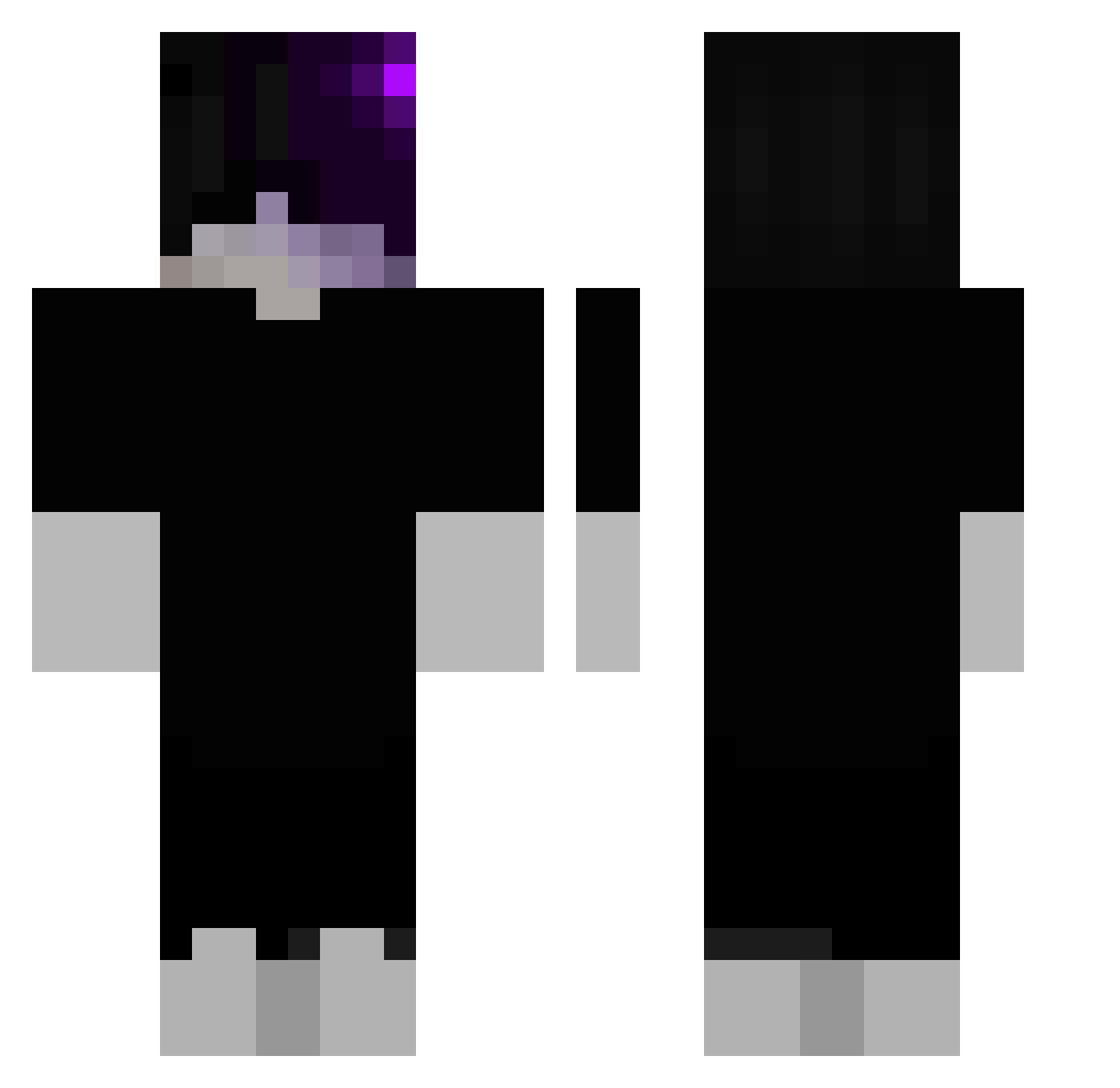
Current Minecraft skin of the player Kyan_Krakenxd, loaded from the official Mojang API. Rotate the 3D model with your mouse or finger, then download the skin as a PNG file and use it in Minecraft: Bedrock Edition or Java Edition for free. When Kyan_Krakenxd changes their skin, this page updates automatically and the old skin stays in the history below.
Other players with this skin (112)
Kyan_Krakenxd was the 59th player we have seen with this skin, first spotted on 24.09.2026. The same skin was seen on these players. Open a nickname to see their current skin and skin history.
 bosnys AASML NicolasD2016 IlGattoLuke Haseuly Dnaimer fofifixer elfloquetdeneu drippzy31 L_Bozoo MammutGT NikodemRadziun tschaeks matyja_tomxix69 Vitoretto asttf2761 LaloWRLD SnusMan3_ Saykone cementeater999 Smlrnoff rinberrytea PHUTIDZz ruugur NoctYros Knssss Dark4real RyuuZ Neymarabi7146 Tiko_531 BartyMarty ida64 __RODE yeray06 Cleqnerrr_ xemiliex Zo4vex
 hate_loveit qviq tolo1203 Laxue Eduardo31x itsharleyson xJairo_ _dfh vonschnozzle Fruesy Agent_of_Gaming Budaejjiggae crashedfantasy AndrzejBakiJas Marcx09 N5ms 87h_shadow_jha Black_Kunn LiquidNoGirls OtosiVincent koksik25pl Sr_Rank YSC2006
More Emo Minecraft skins
How to install the Kyan_Krakenxd skin
- Press the Download button above to save the skin as a PNG file.
- Minecraft: Bedrock Edition (PE): open the Dressing Room from the main menu (or tap your character → Edit Character), go to Classic Skins → Owned, press the + (new skin) button, choose the downloaded PNG and pick the Classic (Steve) model. Works on PC and mobile; consoles cannot import custom skins.
- Minecraft: Java Edition: open the Minecraft Launcher, go to the Skins tab, click New Skin, load the PNG, pick the Classic (Steve) model and press Save & Use. You can also upload it at minecraft.net → Profile → Change Skin.
The skin does not show up after import - what should I do?
Restart Minecraft and open the Dressing Room again - imported skins sometimes appear only after a restart. Also make sure you selected the imported skin and picked the Classic (Steve) model.
Which model should I choose, Classic or Slim?
This skin is designed for the Classic (Steve) model. If you pick the wrong model, the arms of the skin will look stretched or squeezed.
Is the skin of Kyan_Krakenxd free to download?
Yes. Press Download, save the PNG file and use it in Minecraft: Bedrock Edition or Java Edition - no payment or registration needed. The skin also works on multiplayer servers and Realms.
More skins
Looking for more? Go back to all Minecraft skins and check the top skins of the week, month and all time, or find any player's skin by nickname.