
Krixxin - Minecraft Skins & Skin History
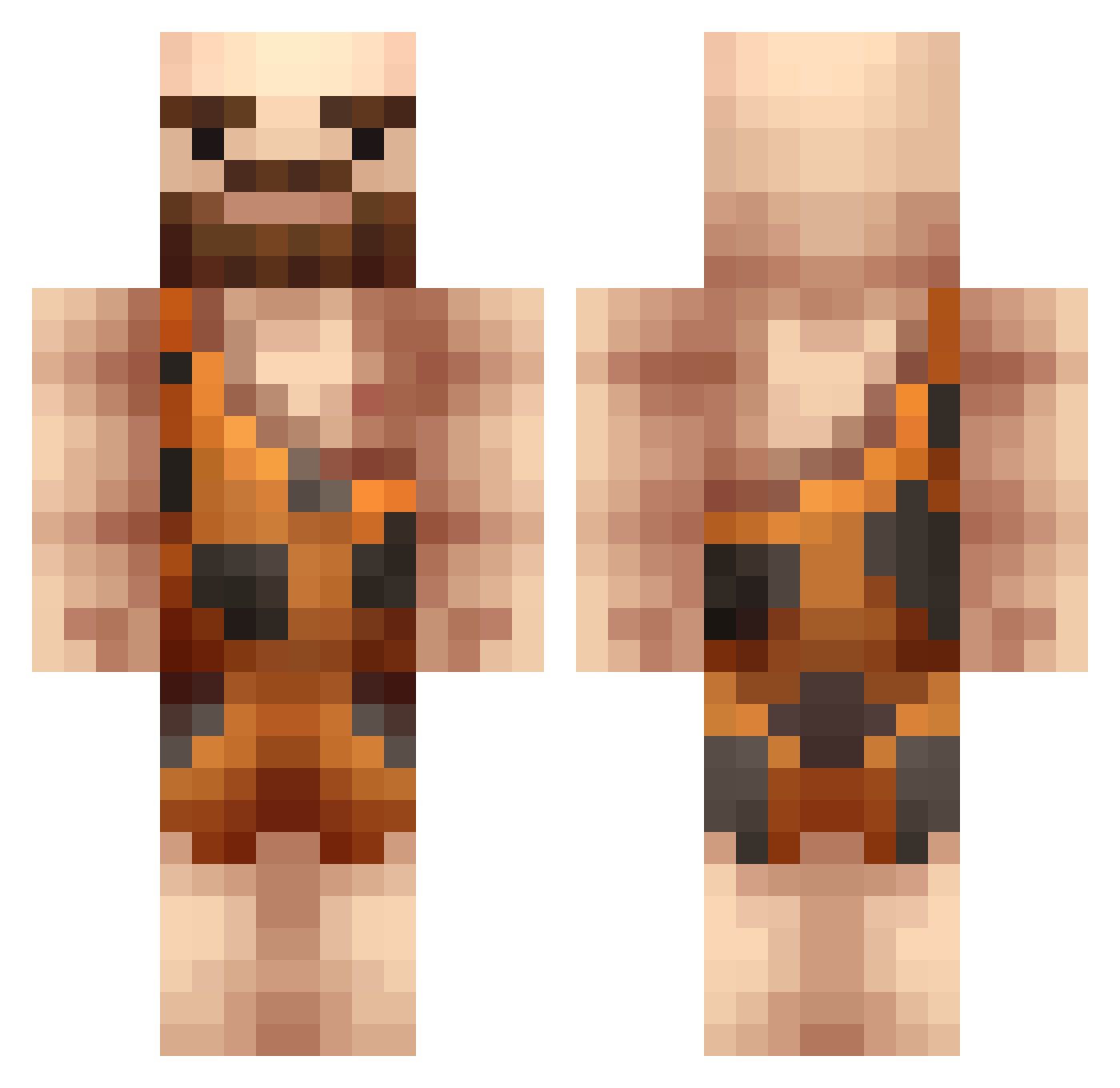
Current Minecraft skin of the player Krixxin, loaded from the official Mojang API. Rotate the 3D model with your mouse or finger, then download the skin as a PNG file and use it in Minecraft: Bedrock Edition or Java Edition for free. When Krixxin changes their skin, this page updates automatically and the old skin stays in the history below.
Other players with this skin (220)
Krixxin was the 17th player we have seen with this skin, first spotted on 31.07.2026. The same skin was seen on these players. Open a nickname to see their current skin and skin history.
 ark1e verstuemmeln Eshayyy777 RobsRealm BirdpersonC137 joangc_ MartyMcflyWill5 TheRealDimShady LilDicMe FarmerFudd black2dabones Merkelmyers Minnikelkk Okangi Avalon02 Trickified Page0 GrubeLucky Theroscas Pandeo_F1 BoosterB1024 Maroneess Zasaha MocarnyMocarz BurningSnow96 AnilOzdemir Bendson Shurflo _Rat_Attack_
 cxdee_666 tylerbutts ZHOUWENWANG MelunKemal Dr_T_Rex assassinB9 AOGGames Rasmus4467 MaximusDesimus_ Joner_Meyer Moire_ Namicore Grunt273 OneBluePopcorn Yomerde Wright_Meow TheMrcooper97 Djakubaev Scarper SecretFang AangryLlama23 soupinmybeard Lucidnes SlimeyPEACH3456 SKYLER_PL Goosestep Cutieo_o Doland Alrista Burk_ Yoshikazu_
More Caveman Minecraft skins
How to install the Krixxin skin
- Press the Download button above to save the skin as a PNG file.
- Minecraft: Bedrock Edition (PE): open the Dressing Room from the main menu (or tap your character → Edit Character), go to Classic Skins → Owned, press the + (new skin) button, choose the downloaded PNG and pick the Classic (Steve) model. Works on PC and mobile; consoles cannot import custom skins.
- Minecraft: Java Edition: open the Minecraft Launcher, go to the Skins tab, click New Skin, load the PNG, pick the Classic (Steve) model and press Save & Use. You can also upload it at minecraft.net → Profile → Change Skin.
The skin does not show up after import - what should I do?
Restart Minecraft and open the Dressing Room again - imported skins sometimes appear only after a restart. Also make sure you selected the imported skin and picked the Classic (Steve) model.
Which model should I choose, Classic or Slim?
This skin is designed for the Classic (Steve) model. If you pick the wrong model, the arms of the skin will look stretched or squeezed.
Is the skin of Krixxin free to download?
Yes. Press Download, save the PNG file and use it in Minecraft: Bedrock Edition or Java Edition - no payment or registration needed. The skin also works on multiplayer servers and Realms.
More skins
Looking for more? Go back to all Minecraft skins and check the top skins of the week, month and all time, or find any player's skin by nickname.