
Krampvs - Minecraft Skins & Skin History
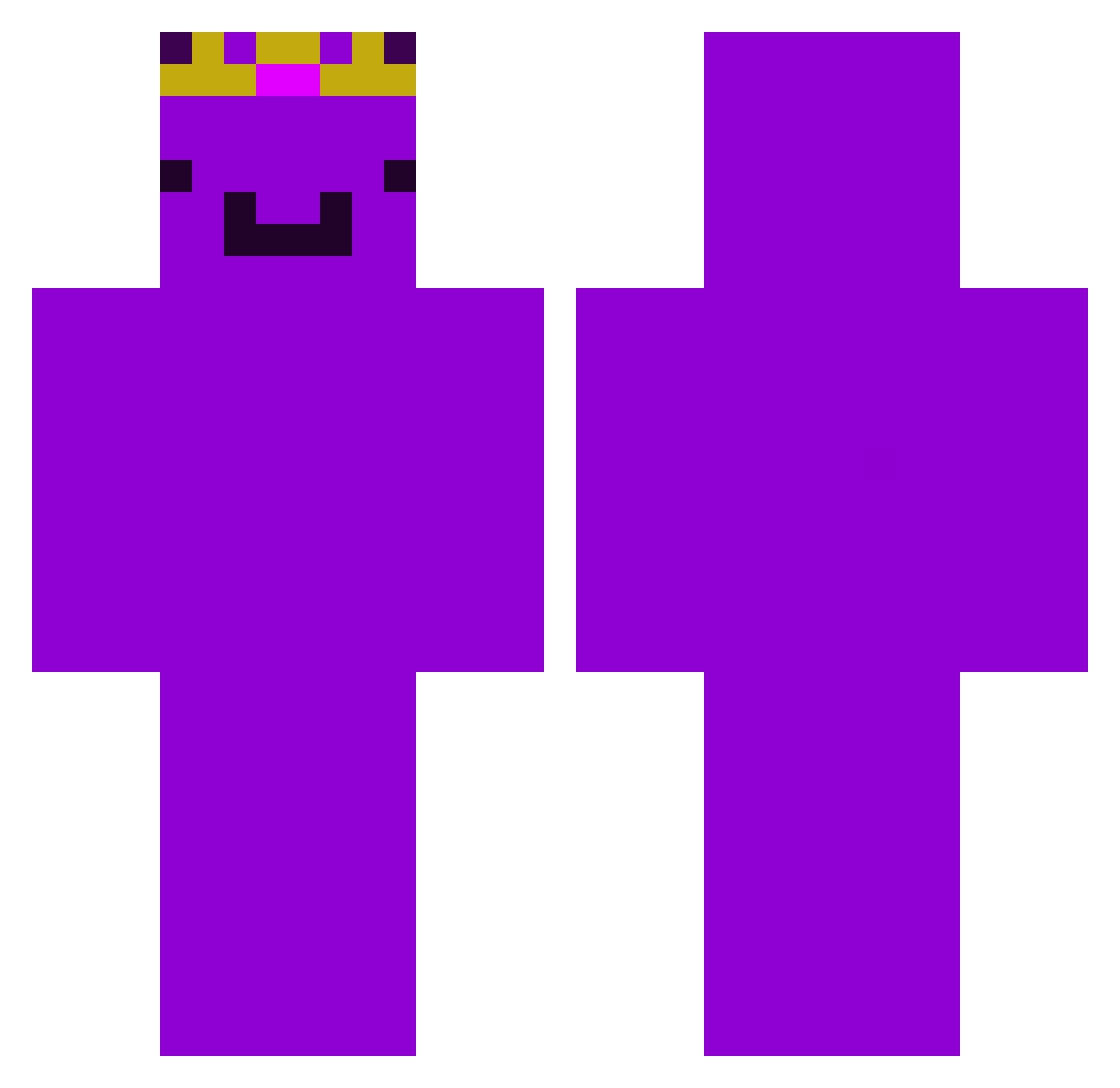
Current Minecraft skin of the player Krampvs, loaded from the official Mojang API. Rotate the 3D model with your mouse or finger, then download the skin as a PNG file and use it in Minecraft: Bedrock Edition or Java Edition for free. When Krampvs changes their skin, this page updates automatically and the old skin stays in the history below.
Other players with this skin (378)
Krampvs was the 72nd player we have seen with this skin, first spotted on 12.08.2026. The same skin was seen on these players. Open a nickname to see their current skin and skin history.
 NatanLCL madwomen3000
 __STAT1C__ Sammy9656 Biberbutzelma187 jaythatguy__ ElHegoX mkaganogu Dreamsmpxd1056 Titan555 Neexusss
 Mifuyuu Krayzox44 charlesfrancis UmutTR55 MosAndrei1
 RandomNickk yTzFall Albert_112 wwembu 364r xXsnakeXx27
 Jorik13 Sea_Gull
 SantiagoHBGamer Lz_demon gigibugabuga ENZ0___0 PeeaPia
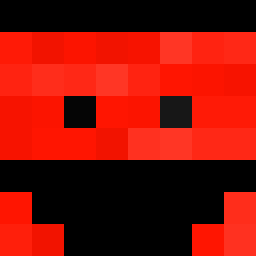 mxnsour16 BogdanShakal ivkew3e
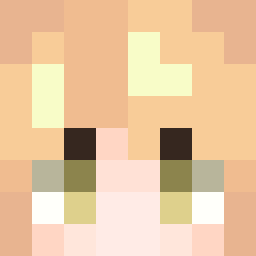 ItzDevii Auxics MakrelaRTS SamPourHajiKazem TheoComBaldBird ch0st KsaweryPL15 snow145
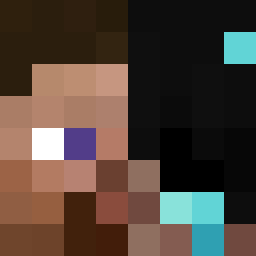 JOHNWICK78 BritishMan123 Ohio6288 Kyto0 OdensW Raptly
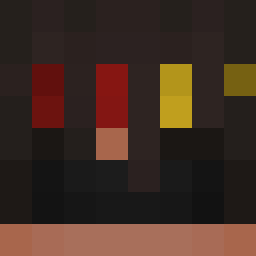 dimisoukou WeisBrot1 nondep _Ryatsu_
 Nyx798 Mogalts_5jgv0
 MarliG10 saiikaku Jiordano_ lil_genius1011 Oliver241212 Avi499
 nadavh
 RohitisLive
Previous skins of Krampvs
Skins that Krampvs wore before, newest first. Click a skin to open its page and download it.
More Crown Minecraft skins
How to install the Krampvs skin
- Press the Download button above to save the skin as a PNG file.
- Minecraft: Bedrock Edition (PE): open the Dressing Room from the main menu (or tap your character → Edit Character), go to Classic Skins → Owned, press the + (new skin) button, choose the downloaded PNG and pick the Classic (Steve) model. Works on PC and mobile; consoles cannot import custom skins.
- Minecraft: Java Edition: open the Minecraft Launcher, go to the Skins tab, click New Skin, load the PNG, pick the Classic (Steve) model and press Save & Use. You can also upload it at minecraft.net → Profile → Change Skin.
The skin does not show up after import - what should I do?
Restart Minecraft and open the Dressing Room again - imported skins sometimes appear only after a restart. Also make sure you selected the imported skin and picked the Classic (Steve) model.
Which model should I choose, Classic or Slim?
This skin is designed for the Classic (Steve) model. If you pick the wrong model, the arms of the skin will look stretched or squeezed.
Is the skin of Krampvs free to download?
Yes. Press Download, save the PNG file and use it in Minecraft: Bedrock Edition or Java Edition - no payment or registration needed. The skin also works on multiplayer servers and Realms.
More skins
Looking for more? Go back to all Minecraft skins and check the top skins of the week, month and all time, or find any player's skin by nickname.