
KingOfOldSkool - Minecraft Skins & Skin History
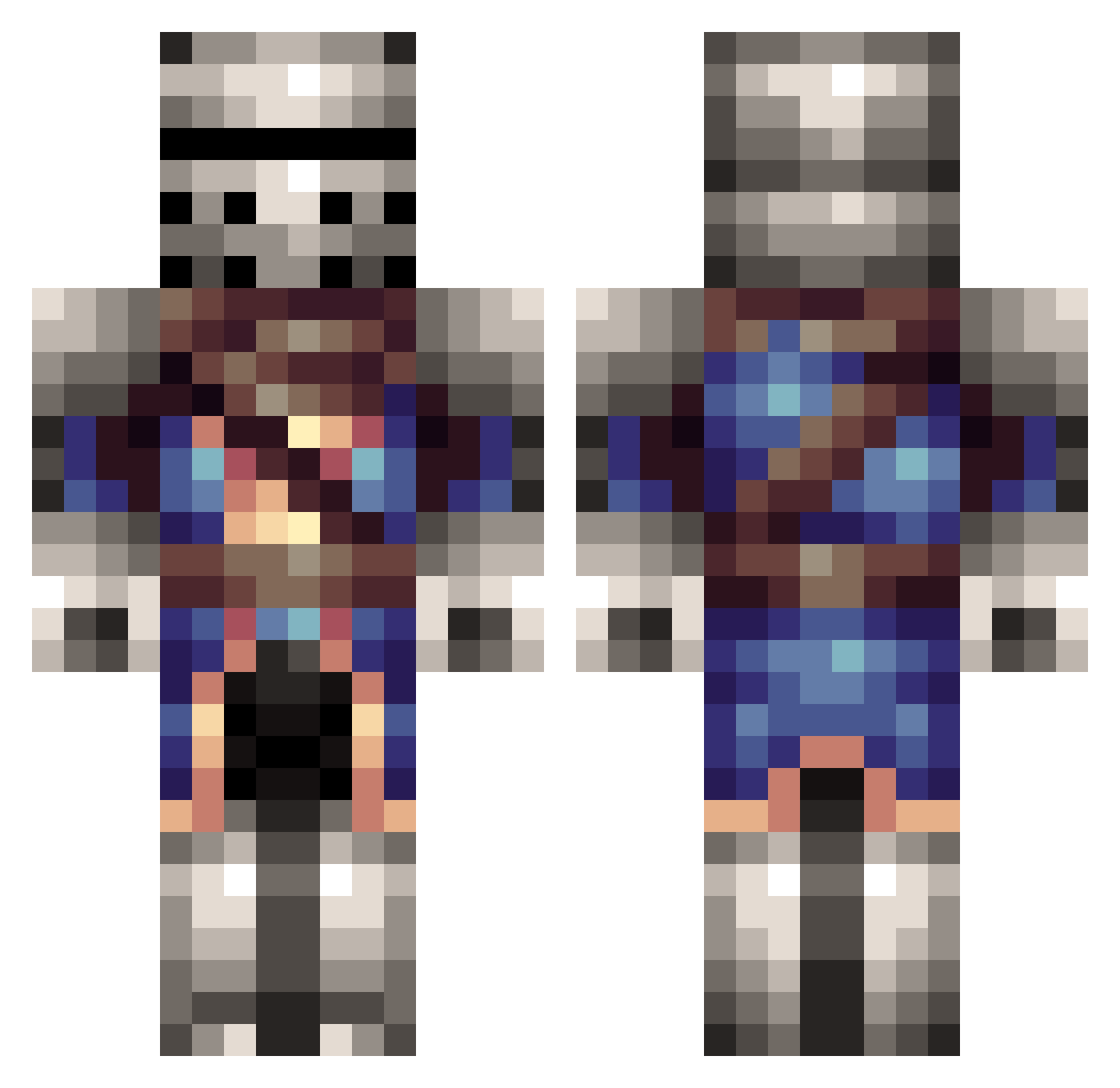
Current Minecraft skin of the player KingOfOldSkool, loaded from the official Mojang API. Rotate the 3D model with your mouse or finger, then download the skin as a PNG file and use it in Minecraft: Bedrock Edition or Java Edition for free. When KingOfOldSkool changes their skin, this page updates automatically and the old skin stays in the history below.
Other players with this skin (314)
KingOfOldSkool was the 13th player we have seen with this skin, first spotted on 28.07.2026. The same skin was seen on these players. Open a nickname to see their current skin and skin history.
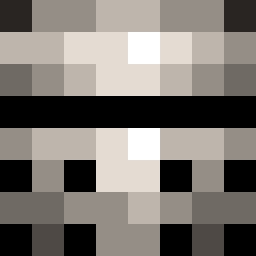 Dark_14 BlackCloud DukeSemperFi SirRolin Mark1261 UberSirPyro HarelV8 chrisw00 mscoma Ethreon GandalfHolmes DatJellyBean Z41F0N RedEyes2003 Ethelreddy undeadspy Ghosthawk96 Leporine Real_Sir_Knight Battra321 Rustedstring Jasonrt ivans097 RAYSTORM11 RootOfAllThings Riskeater Hadrian_D mtw224 HiHawx NonStopRobot Simgar thehunterofsouls mwiersma De_Creep PaladinPlays TheGreateHade GameBlackSmith TioGuya Too_ToXiiC xiEvoZI EthanRew hulken3d DrWarefare Crazybanana Wild_Cloud ColdKuts JaminPhamin LuisitoxGamer Rhawks Sbf1717 RicoC karl_2000 AyoYayo skizzlefrits TurkeyLeg136 Ancientrelic71 yato0130 cyclops2675 Drezzlek About5Ducks
More Medieval Minecraft skins
How to install the KingOfOldSkool skin
- Press the Download button above to save the skin as a PNG file.
- Minecraft: Bedrock Edition (PE): open the Dressing Room from the main menu (or tap your character → Edit Character), go to Classic Skins → Owned, press the + (new skin) button, choose the downloaded PNG and pick the Classic (Steve) model. Works on PC and mobile; consoles cannot import custom skins.
- Minecraft: Java Edition: open the Minecraft Launcher, go to the Skins tab, click New Skin, load the PNG, pick the Classic (Steve) model and press Save & Use. You can also upload it at minecraft.net → Profile → Change Skin.
The skin does not show up after import - what should I do?
Restart Minecraft and open the Dressing Room again - imported skins sometimes appear only after a restart. Also make sure you selected the imported skin and picked the Classic (Steve) model.
Which model should I choose, Classic or Slim?
This skin is designed for the Classic (Steve) model. If you pick the wrong model, the arms of the skin will look stretched or squeezed.
Is the skin of KingOfOldSkool free to download?
Yes. Press Download, save the PNG file and use it in Minecraft: Bedrock Edition or Java Edition - no payment or registration needed. The skin also works on multiplayer servers and Realms.
More skins
Looking for more? Go back to all Minecraft skins and check the top skins of the week, month and all time, or find any player's skin by nickname.