
KingGamer6769 - Minecraft Skins & Skin History
Current Minecraft skin of the player KingGamer6769, loaded from the official Mojang API. Rotate the 3D model with your mouse or finger, then download the skin as a PNG file and use it in Minecraft: Bedrock Edition or Java Edition for free. When KingGamer6769 changes their skin, this page updates automatically and the old skin stays in the history below.
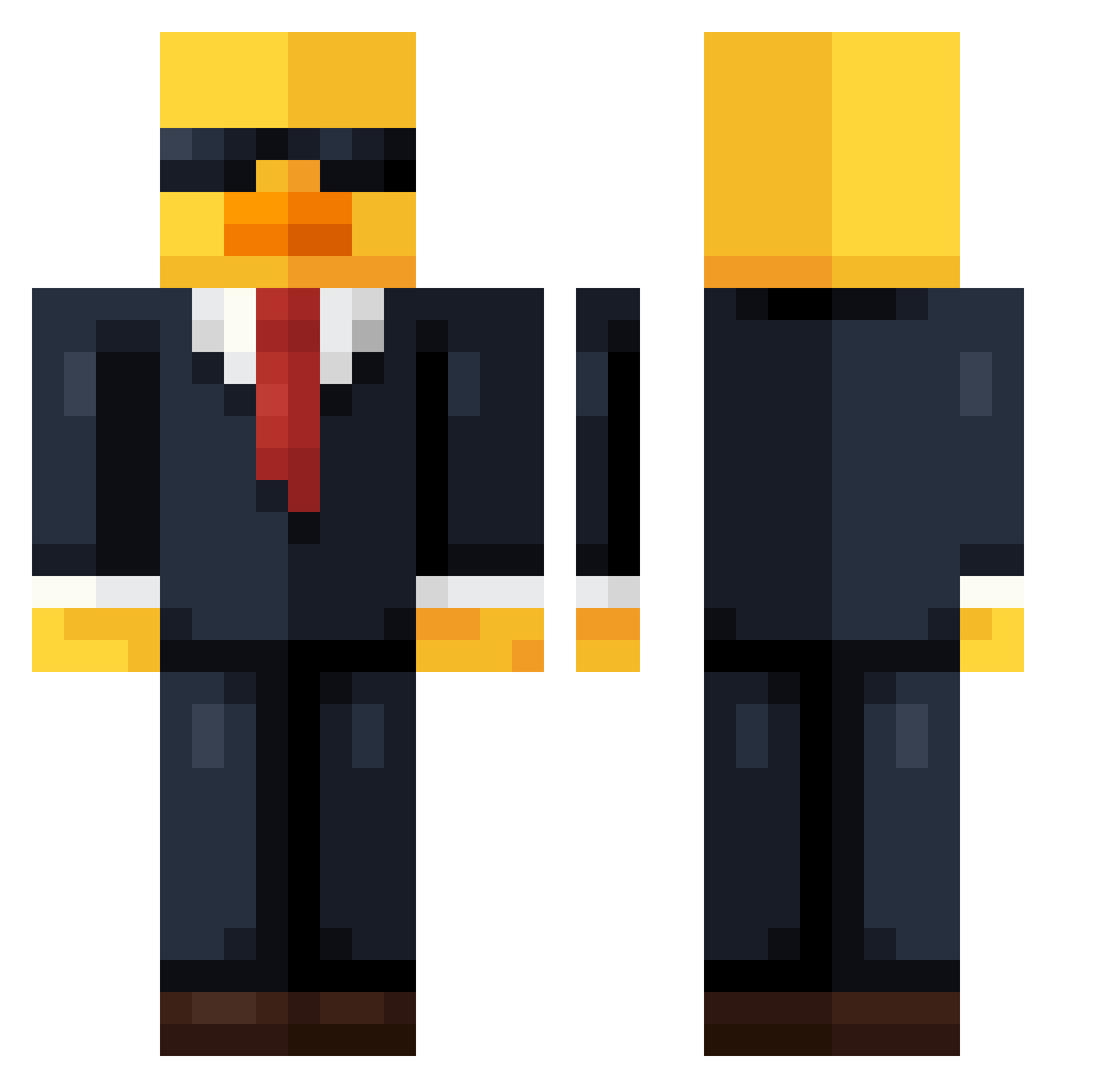
Other players with this skin (737)
KingGamer6769 was the 522nd player we have seen with this skin, first spotted on 09.10.2026. The same skin was seen on these players. Open a nickname to see their current skin and skin history.
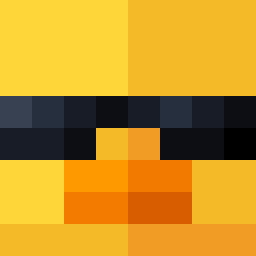 LBB14 LUK4U ImKayDea Ghubod FlyingDtchMan13 Egofirar Minicraft_ MajuDj ThunderTW BicMACGHG kaiden2424 Piasekwojtek EgeArda Oichigo_101 TheSalamander Crispyatom JungleLarry Hell_worker MrbyLegit guilherme27727 Boibo23 blueberryshorts Fujiwara_TofuYa Zxynix_12 GranMarti KrautWagon Alberto_Mapache Andre25silva Legendary175 WujuPlays Cavis_0 BarbaRosa_ ROAD_ROLLAA_DAA Maxx0_0 Jablko21Enjoyer duckyonpotato nesqu1ks HornZ420 Karmamusen Chaosgamer_XD upidapi jeaxx_ PSMDN Nozty EggsMcWaffles CheesyPanda42 Bludoges 22darnell WALESBABA Agocool2025 ThierryF38 xHub1 Leenlover trix3789 ZombieR33 MelonMobster SeniorCarlos vitc14a vLoReen santiialo
More Duck Minecraft skins
How to install the KingGamer6769 skin
- Press the Download button above to save the skin as a PNG file.
- Minecraft: Bedrock Edition (PE): open the Dressing Room from the main menu (or tap your character → Edit Character), go to Classic Skins → Owned, press the + (new skin) button, choose the downloaded PNG and pick the Classic (Steve) model. Works on PC and mobile; consoles cannot import custom skins.
- Minecraft: Java Edition: open the Minecraft Launcher, go to the Skins tab, click New Skin, load the PNG, pick the Classic (Steve) model and press Save & Use. You can also upload it at minecraft.net → Profile → Change Skin.
The skin does not show up after import - what should I do?
Restart Minecraft and open the Dressing Room again - imported skins sometimes appear only after a restart. Also make sure you selected the imported skin and picked the Classic (Steve) model.
Which model should I choose, Classic or Slim?
This skin is designed for the Classic (Steve) model. If you pick the wrong model, the arms of the skin will look stretched or squeezed.
Is the skin of KingGamer6769 free to download?
Yes. Press Download, save the PNG file and use it in Minecraft: Bedrock Edition or Java Edition - no payment or registration needed. The skin also works on multiplayer servers and Realms.
More skins
Looking for more? Go back to all Minecraft skins and check the top skins of the week, month and all time, or find any player's skin by nickname.