
KeldMC - Minecraft Skins & Skin History
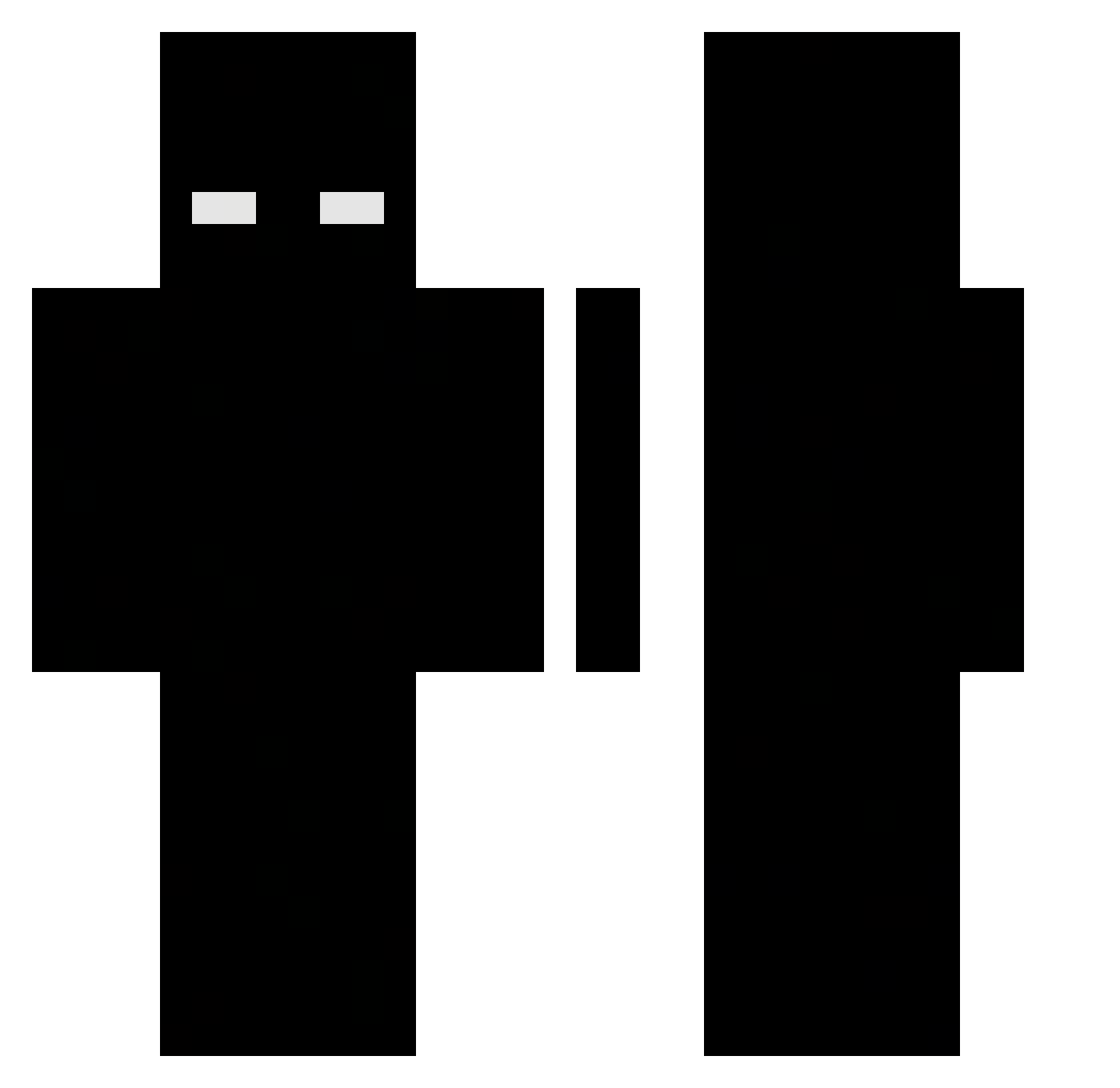
Current Minecraft skin of the player KeldMC, loaded from the official Mojang API. Rotate the 3D model with your mouse or finger, then download the skin as a PNG file and use it in Minecraft: Bedrock Edition or Java Edition for free. When KeldMC changes their skin, this page updates automatically and the old skin stays in the history below.
Other players with this skin (474)
KeldMC was the 201st player we have seen with this skin, first spotted on 10.09.2026. The same skin was seen on these players. Open a nickname to see their current skin and skin history.
 Timber_Wolf_O Orange6960 Bastien175 TwinMartinz 2h1tmay_e apadhalott heyitsdiddy dizzzor atilla_931 KuzeySilvaa IM_TeKay XXRosihyXX blackkgodd 123123aweqhwyda hqcmi rzq4 IndianaJones_121 kaxper453 RangeShow Vyirsss Juanshw INotSkill kx__123 Biduu_ shadwman10 balalitalha ChiChiGambler Aust1nfinalboss Nav_ex Natalc1a YourEz kaszalocik11 BIGGIESTONE LUKbreeeekk DeadlyKaczka Yiuxd HaikArtem uncontainablere lucazin66 qFHp ReChaxq HoRy4z0nT_ LucaBeams Lyric764 Apadanaa Jannis2209 Yugisheon CadenVp Twitch_Jxrey11 FendeRR019 Biraoo DrerivanSk wipppsoft therealevasi0nnn VanThanh_1802 blgglga GhostXess _lees muhahan LimpBizkit690
More Herobrine Minecraft skins
How to install the KeldMC skin
- Press the Download button above to save the skin as a PNG file.
- Minecraft: Bedrock Edition (PE): open the Dressing Room from the main menu (or tap your character → Edit Character), go to Classic Skins → Owned, press the + (new skin) button, choose the downloaded PNG and pick the Classic (Steve) model. Works on PC and mobile; consoles cannot import custom skins.
- Minecraft: Java Edition: open the Minecraft Launcher, go to the Skins tab, click New Skin, load the PNG, pick the Classic (Steve) model and press Save & Use. You can also upload it at minecraft.net → Profile → Change Skin.
The skin does not show up after import - what should I do?
Restart Minecraft and open the Dressing Room again - imported skins sometimes appear only after a restart. Also make sure you selected the imported skin and picked the Classic (Steve) model.
Which model should I choose, Classic or Slim?
This skin is designed for the Classic (Steve) model. If you pick the wrong model, the arms of the skin will look stretched or squeezed.
Is the skin of KeldMC free to download?
Yes. Press Download, save the PNG file and use it in Minecraft: Bedrock Edition or Java Edition - no payment or registration needed. The skin also works on multiplayer servers and Realms.
More skins
Looking for more? Go back to all Minecraft skins and check the top skins of the week, month and all time, or find any player's skin by nickname.