
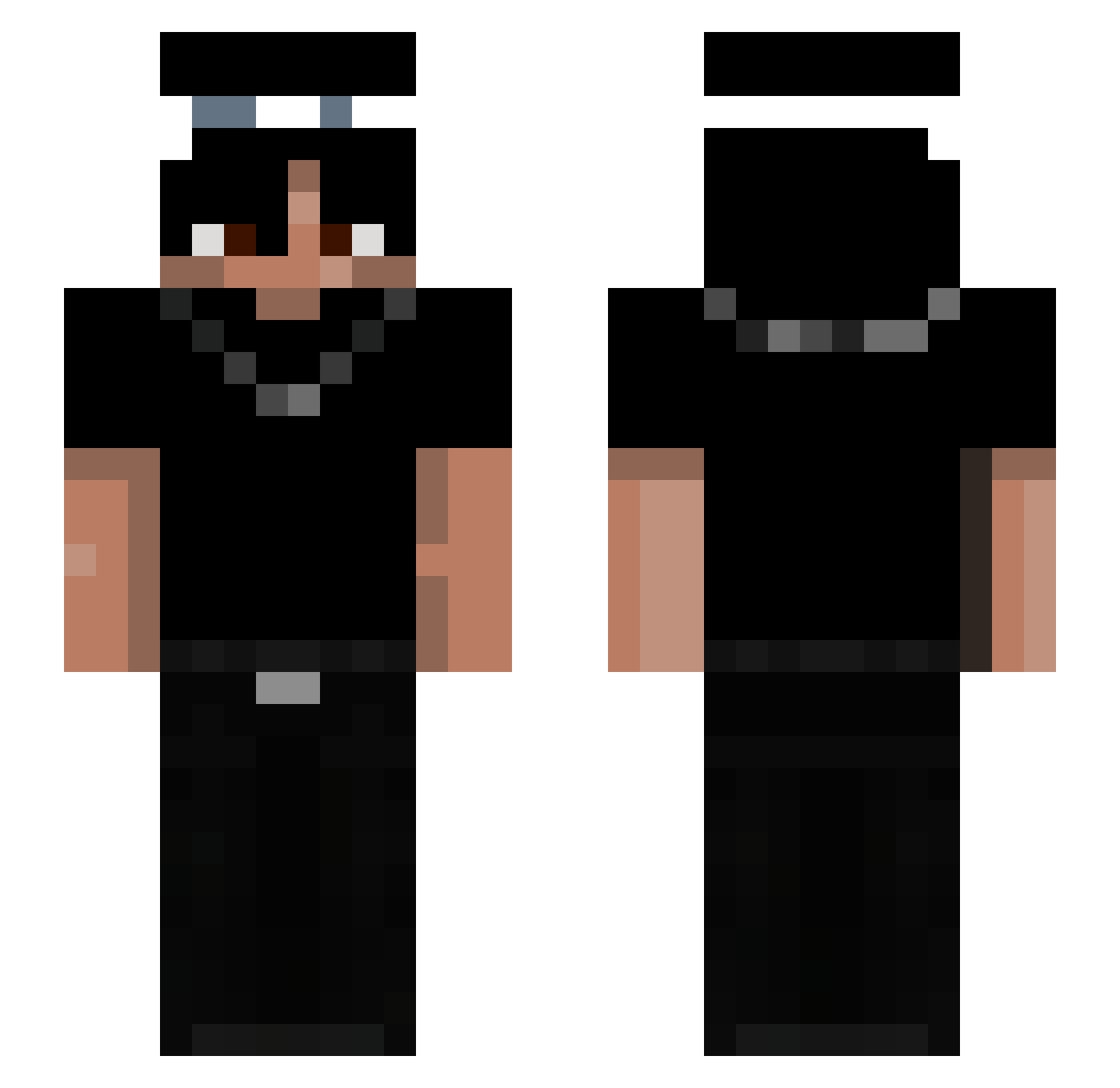
Current Minecraft skin of the player Keano0King, loaded from the official Mojang API. Rotate the 3D model with your mouse or finger, then download the skin as a PNG file and use it in Minecraft: Bedrock Edition or Java Edition for free. When Keano0King changes their skin, this page updates automatically and the old skin stays in the history below.
Other players with this skin (121)
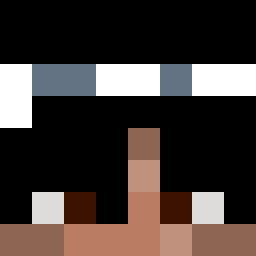
Keano0King was the 90th player we have seen with this skin, first spotted on 24.09.2026. The same skin was seen on these players. Open a nickname to see their current skin and skin history.
 Sk4llyy Subzero34 Jka229 MHM_Slayer skylats SimiX2516 zero0071 WhitLi Peruzin Natanlined babyOcean_ TBugui SNOPPER112 calledsus G4warrr Khyan187 Daisik999 szonlover1 Heimaaaa Pedrotouchedme _44s cartierv00 brud_noo h8te_ cripro04 Mejkis Yvngkeef siema3874 mikiarbuz BrickR1cc Jxxion BloodTeaa JusstVelocity Icey_Mo MonkeyKJ preza_m Renardlink kalt18 gakx4_ Hiraethzx Tyyxoxo junior140 4ZRAZ TT_Srax420 Phantomkng2134 0Czubaka0 JonnyJonhs Ruincata Biscuit4573 Ocabli hrstw Requiem15 itzvornalna MiguteGamer_HD jayysolit drainist Julon21 BamBoozled46 TenZ_1 Zenki1JZ
More Necklace Minecraft skins
How to install the Keano0King skin
- Press the Download button above to save the skin as a PNG file.
- Minecraft: Bedrock Edition (PE): open the Dressing Room from the main menu (or tap your character → Edit Character), go to Classic Skins → Owned, press the + (new skin) button, choose the downloaded PNG and pick the Slim (Alex) model. Works on PC and mobile; consoles cannot import custom skins.
- Minecraft: Java Edition: open the Minecraft Launcher, go to the Skins tab, click New Skin, load the PNG, pick the Slim (Alex) model and press Save & Use. You can also upload it at minecraft.net → Profile → Change Skin.
The skin does not show up after import - what should I do?
Restart Minecraft and open the Dressing Room again - imported skins sometimes appear only after a restart. Also make sure you selected the imported skin and picked the Slim (Alex) model.
Which model should I choose, Classic or Slim?
This skin is designed for the Slim (Alex) model. If you pick the wrong model, the arms of the skin will look stretched or squeezed.
Is the skin of Keano0King free to download?
Yes. Press Download, save the PNG file and use it in Minecraft: Bedrock Edition or Java Edition - no payment or registration needed. The skin also works on multiplayer servers and Realms.
More skins
Looking for more? Go back to all Minecraft skins and check the top skins of the week, month and all time, or find any player's skin by nickname.