
Kapi_GG - Minecraft Skins & Skin History
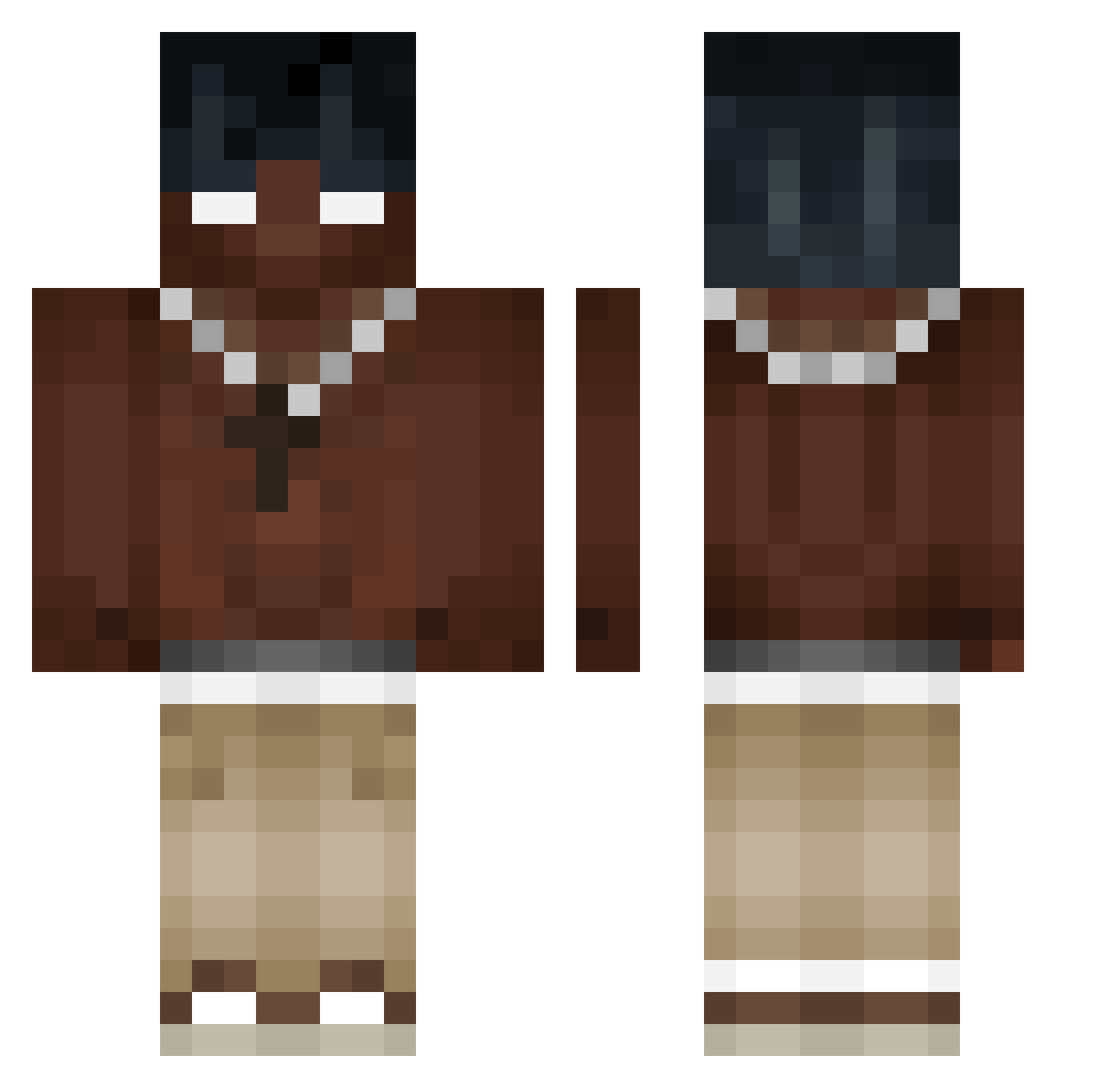
Current Minecraft skin of the player Kapi_GG, loaded from the official Mojang API. Rotate the 3D model with your mouse or finger, then download the skin as a PNG file and use it in Minecraft: Bedrock Edition or Java Edition for free. When Kapi_GG changes their skin, this page updates automatically and the old skin stays in the history below.
Other players with this skin (378)
Kapi_GG was the 220th player we have seen with this skin, first spotted on 09.09.2026. The same skin was seen on these players. Open a nickname to see their current skin and skin history.
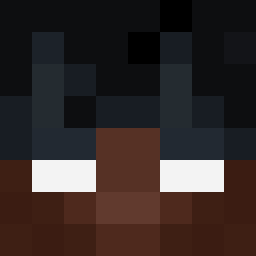 sand123d septy22 Sayjo_ sercantall papoiA UnBreatheable Yukiro_Kadami Gold4566 Canette_2_Coca JocelynSz Xter1 XDash_74 KMYNN SadExistancee Wolie05 arkw_kt Bolt5285 jamesssss203 xZlayss covid141 Sovietfan tsla3500 BayBlooBoi __falex__ ZENzer_ pimpelek kirikou5454 Liamtel MikeCSS Desk48 Juanchito_ Misstyy27 Zyras5 Prexzyyy StrafeKits Eren1907Ka lucailpiubello mixizks Jim8x8 Swith2321 Juxnp1 Roeyy1 ZEZIN67 Travisek_77 Pacho_San JT91318 IceWolf759 NicoGod07 Deon0042 gondolaaxx ImD3m0n JapoNegro_ 444krw Jaazuya cogecagurosrico KennethC117 Marangiolo14 LACASH13 gentiii21 jake_s27
More Necklace Minecraft skins
How to install the Kapi_GG skin
- Press the Download button above to save the skin as a PNG file.
- Minecraft: Bedrock Edition (PE): open the Dressing Room from the main menu (or tap your character → Edit Character), go to Classic Skins → Owned, press the + (new skin) button, choose the downloaded PNG and pick the Classic (Steve) model. Works on PC and mobile; consoles cannot import custom skins.
- Minecraft: Java Edition: open the Minecraft Launcher, go to the Skins tab, click New Skin, load the PNG, pick the Classic (Steve) model and press Save & Use. You can also upload it at minecraft.net → Profile → Change Skin.
The skin does not show up after import - what should I do?
Restart Minecraft and open the Dressing Room again - imported skins sometimes appear only after a restart. Also make sure you selected the imported skin and picked the Classic (Steve) model.
Which model should I choose, Classic or Slim?
This skin is designed for the Classic (Steve) model. If you pick the wrong model, the arms of the skin will look stretched or squeezed.
Is the skin of Kapi_GG free to download?
Yes. Press Download, save the PNG file and use it in Minecraft: Bedrock Edition or Java Edition - no payment or registration needed. The skin also works on multiplayer servers and Realms.
More skins
Looking for more? Go back to all Minecraft skins and check the top skins of the week, month and all time, or find any player's skin by nickname.