
K1TTIIES - Minecraft Skins & Skin History
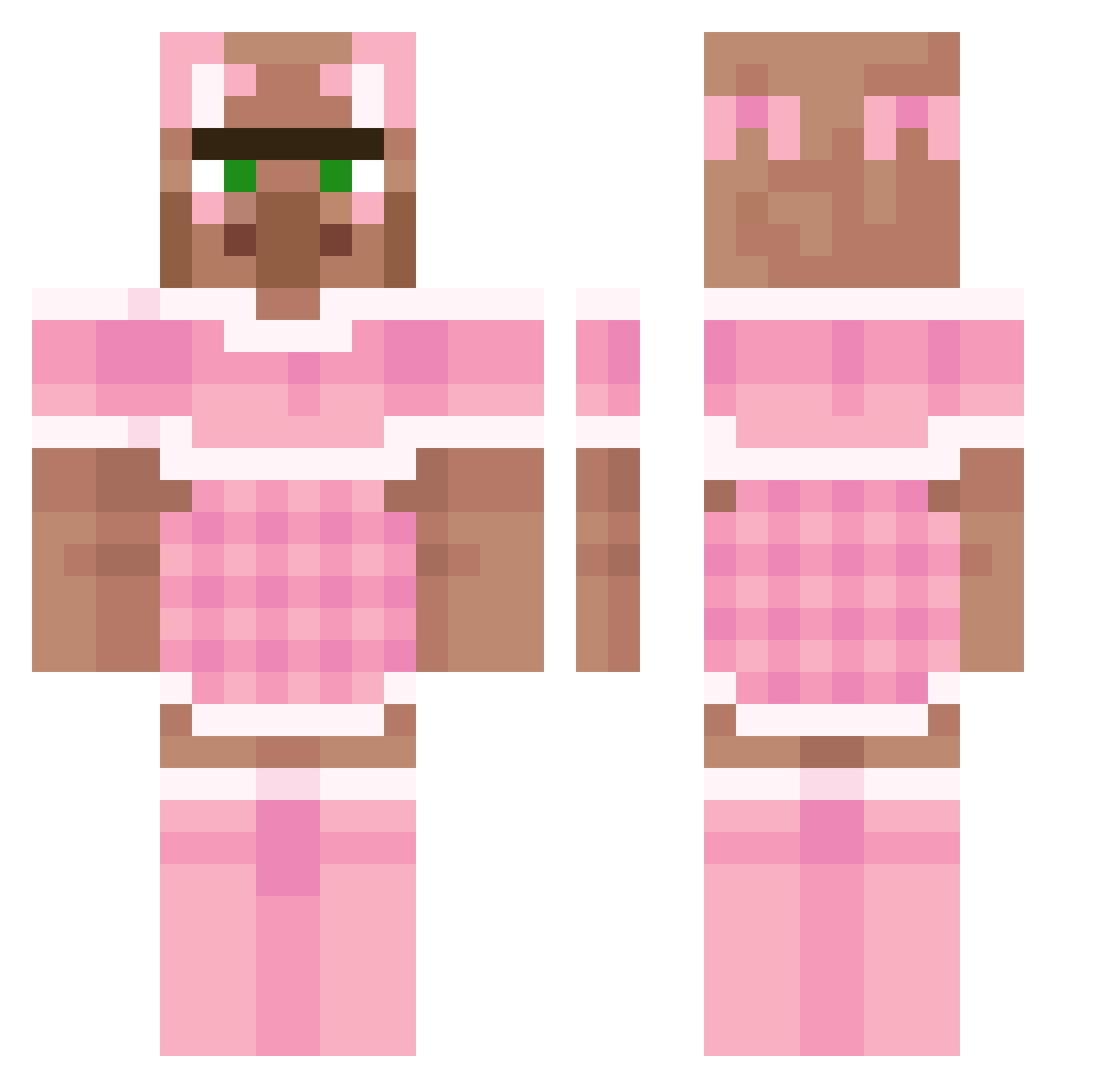
Current Minecraft skin of the player K1TTIIES, loaded from the official Mojang API. Rotate the 3D model with your mouse or finger, then download the skin as a PNG file and use it in Minecraft: Bedrock Edition or Java Edition for free. When K1TTIIES changes their skin, this page updates automatically and the old skin stays in the history below.
Other players with this skin (193)
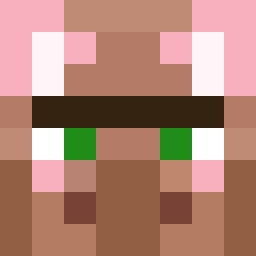
K1TTIIES was the 109th player we have seen with this skin, first spotted on 18.09.2026. The same skin was seen on these players. Open a nickname to see their current skin and skin history.
 Pokapii LittleNightar lakresxd VoteCrate Hyperboi9 RipRonpe Kirk_inator GUPPY31 monkeybombruns2 Prime197 Caroo_xd Kok_NL TTV_ReeceDevil I_dont_have_F12 Norf1x Dodo148 skt10310 DelOrang_e 911driver69 BJ_Khaled mdolzy TheFluteMan123 Laquedem Notsogoofer Belbesu Mees05 daylqn David_666_ DAVEblat12 PortofeleBELGIA petitechaise CausedElm276482 RandaleRoland motoruwa Milka001 LulisVP T0xic1nk Sytonal Aztera angeloinfuocato2 DisinfectantWipe DabraHD Humanistycznie aznfireboy J2al4xx Lasyaan Comrade_Davoll strawberrymilk2 Laen szambonurkaa Alissa802 Milwou Li_Senya Yakuzalover HeySnuske1 DarthDoug SirAtreus Trumpetboi42069 tayjf Tokachips
More Villager Minecraft skins
How to install the K1TTIIES skin
- Press the Download button above to save the skin as a PNG file.
- Minecraft: Bedrock Edition (PE): open the Dressing Room from the main menu (or tap your character → Edit Character), go to Classic Skins → Owned, press the + (new skin) button, choose the downloaded PNG and pick the Classic (Steve) model. Works on PC and mobile; consoles cannot import custom skins.
- Minecraft: Java Edition: open the Minecraft Launcher, go to the Skins tab, click New Skin, load the PNG, pick the Classic (Steve) model and press Save & Use. You can also upload it at minecraft.net → Profile → Change Skin.
The skin does not show up after import - what should I do?
Restart Minecraft and open the Dressing Room again - imported skins sometimes appear only after a restart. Also make sure you selected the imported skin and picked the Classic (Steve) model.
Which model should I choose, Classic or Slim?
This skin is designed for the Classic (Steve) model. If you pick the wrong model, the arms of the skin will look stretched or squeezed.
Is the skin of K1TTIIES free to download?
Yes. Press Download, save the PNG file and use it in Minecraft: Bedrock Edition or Java Edition - no payment or registration needed. The skin also works on multiplayer servers and Realms.
More skins
Looking for more? Go back to all Minecraft skins and check the top skins of the week, month and all time, or find any player's skin by nickname.